Saving evidence
A page can change or vanish, so you may need a record of what it showed and when. Save Evidence captures a page in the Sandboxed Browser as a bundle in your project, protected from edits, with a hash of every file.
1. Open the page
Open the page in the Sandboxed Browser, then press the Save Evidence tab in the project. It lists the open tabs.
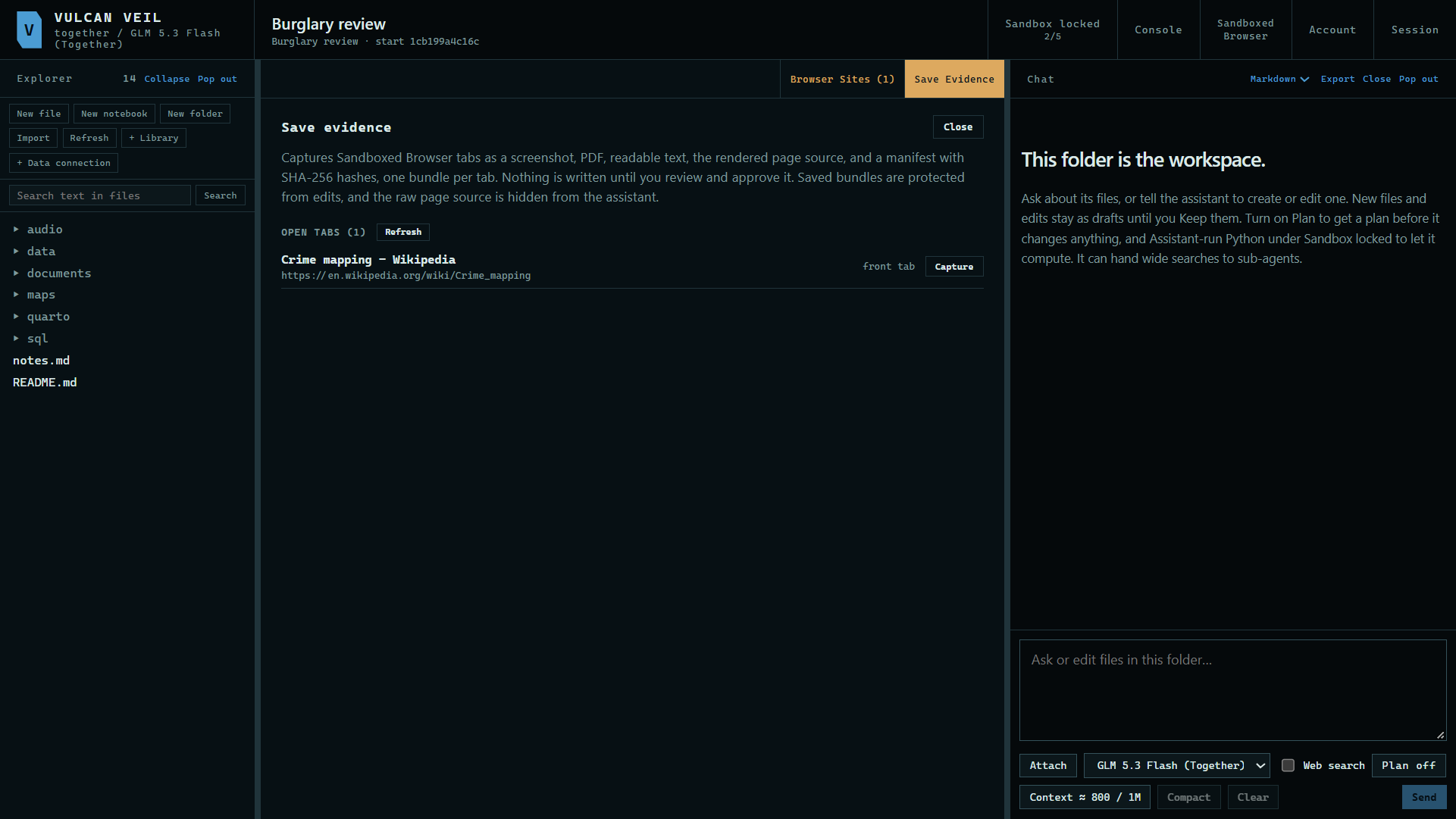 Expand
2. Capture it
Press Capture beside a tab, or capture them all. The preview shows the address, the time in UTC, a screenshot, and each file with its hash.
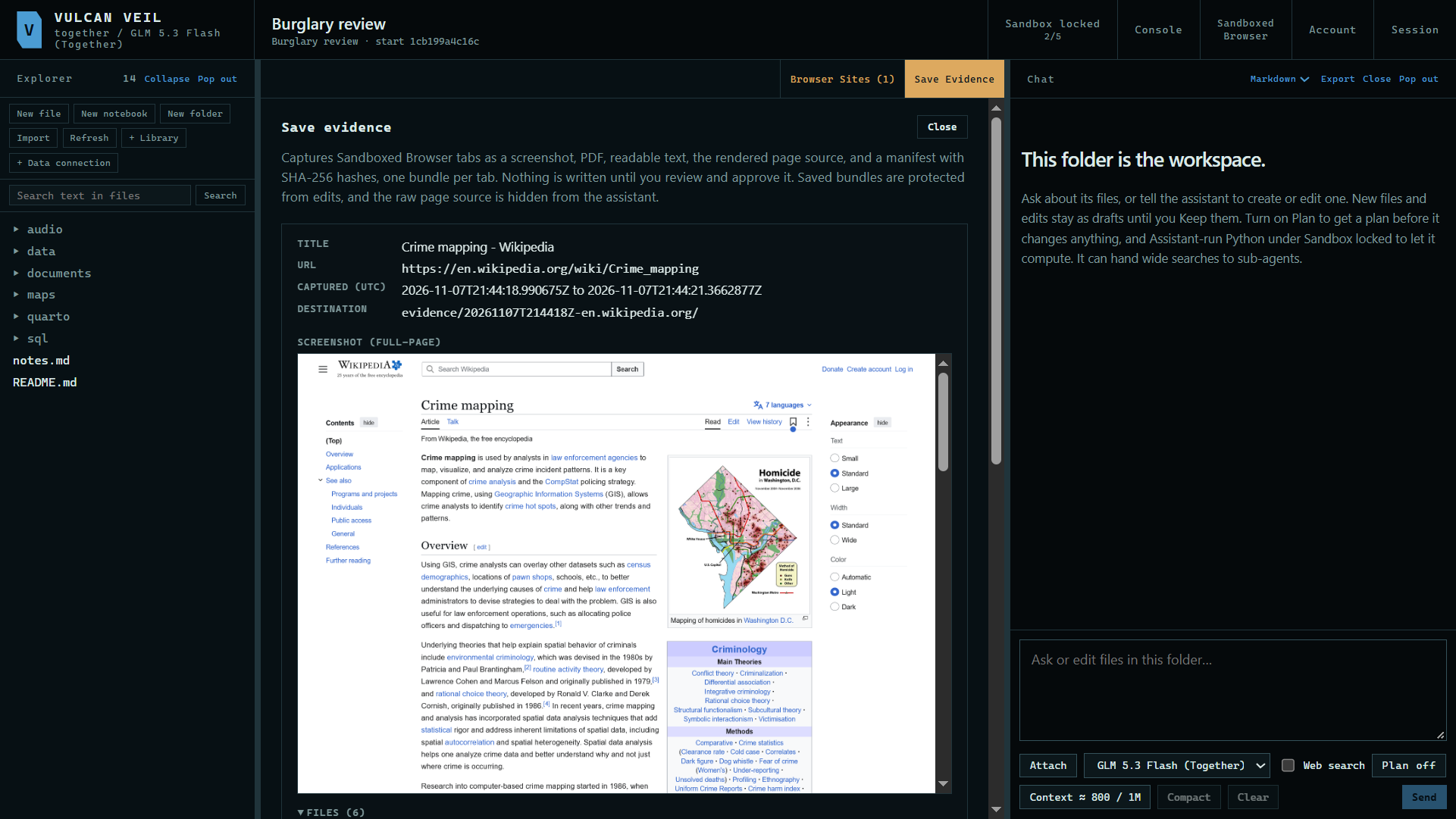 Expand
3. Save it to the project
Press Save to project. The bundle goes under evidence/ and is protected from edits, and its page source is hidden from the agent.
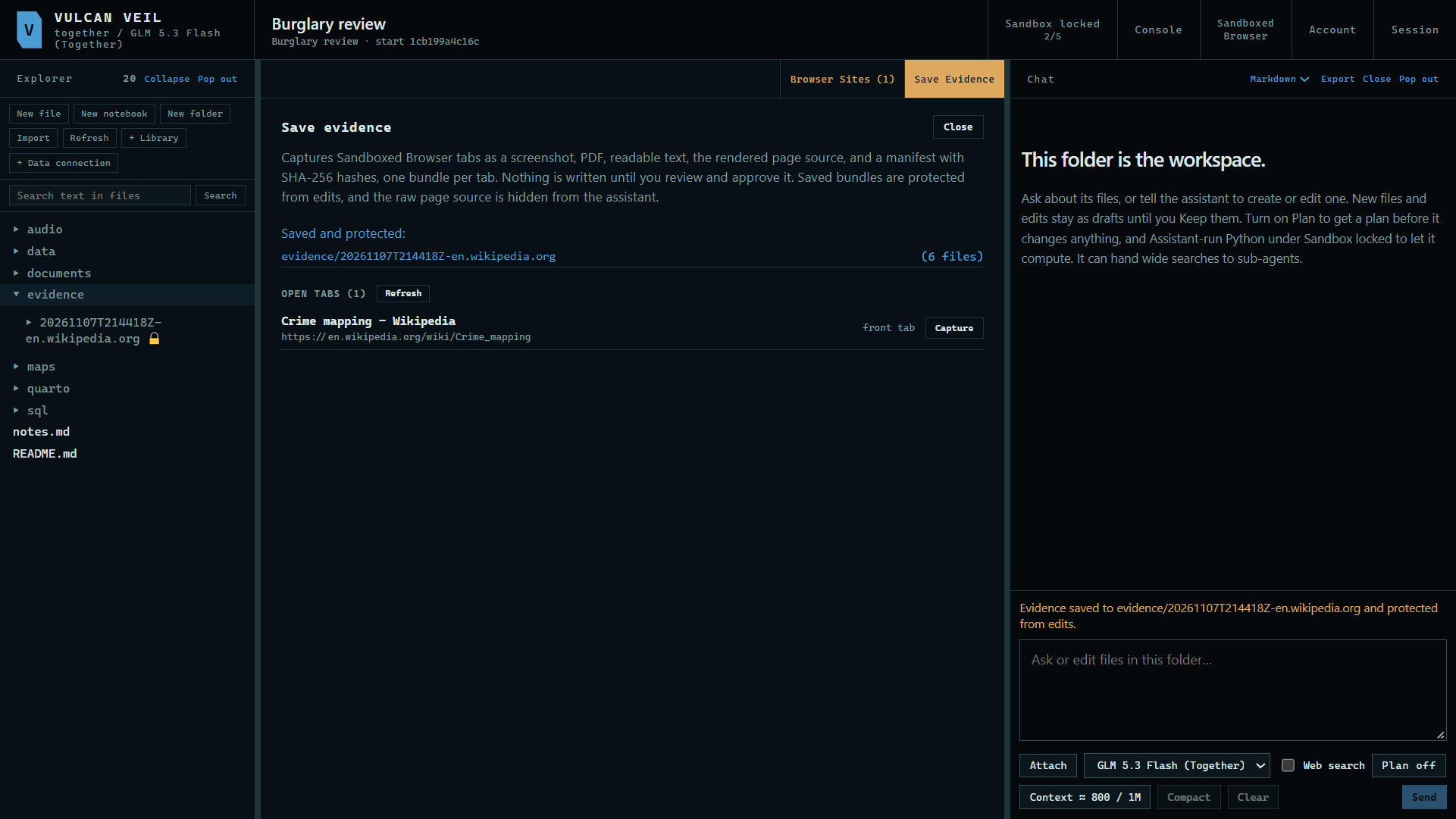 Expand
Good to know
- Each bundle holds a screenshot, a PDF, the page's text and source, a manifest, and
SHA256SUMS.txt. - Nothing is saved until you press Save to project, and Discard throws the capture away.