Saving and copying chats
A chat is not kept unless you save it. Saved chats go in your vault, encrypted in your browser, so they follow you to any computer you sign in on.
1. Save it
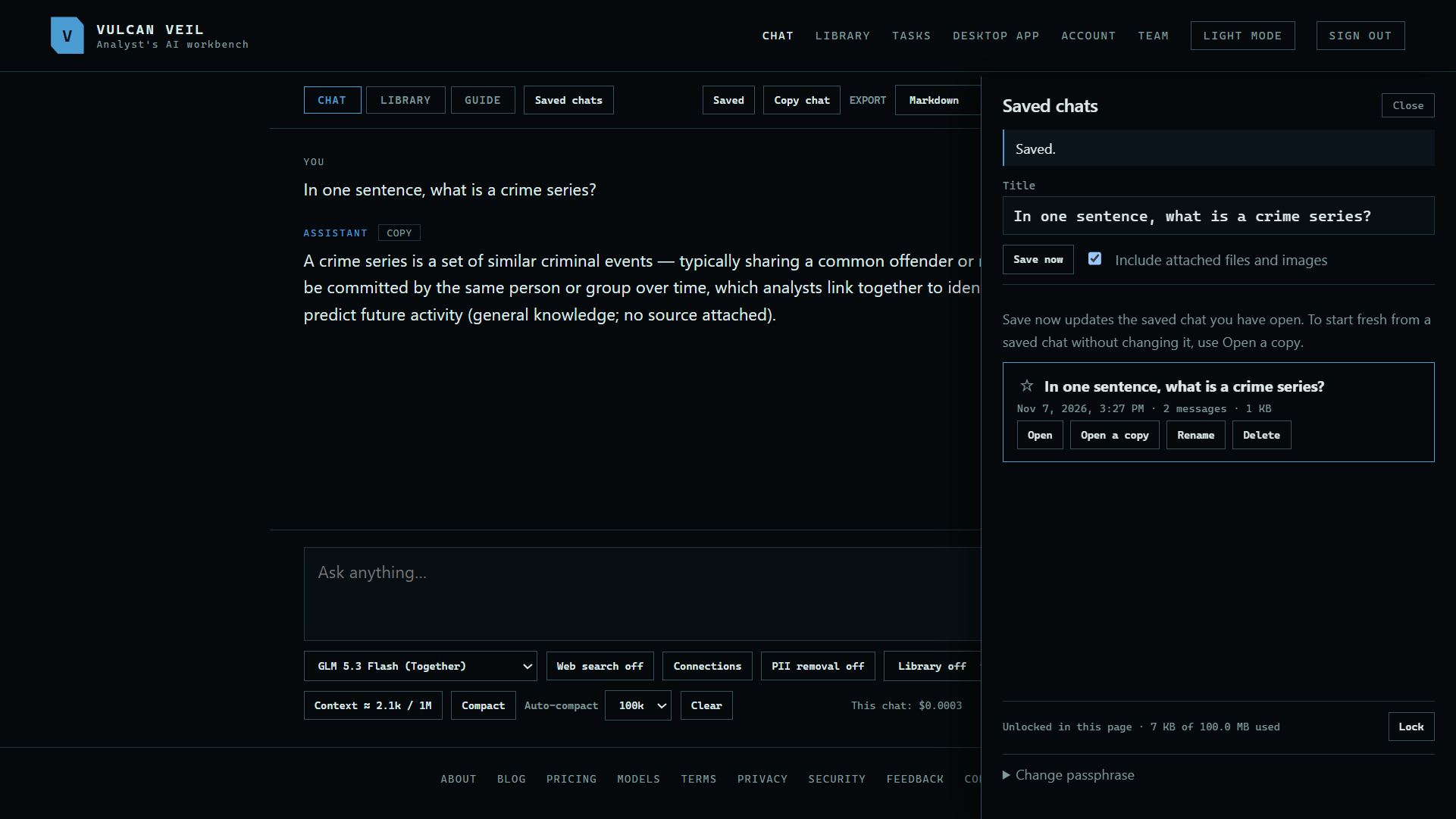
Press Save chat at the top of the chat. If your vault is locked, it asks for your passphrase and saves the chat as soon as it opens.
 Expand
2. Open it again
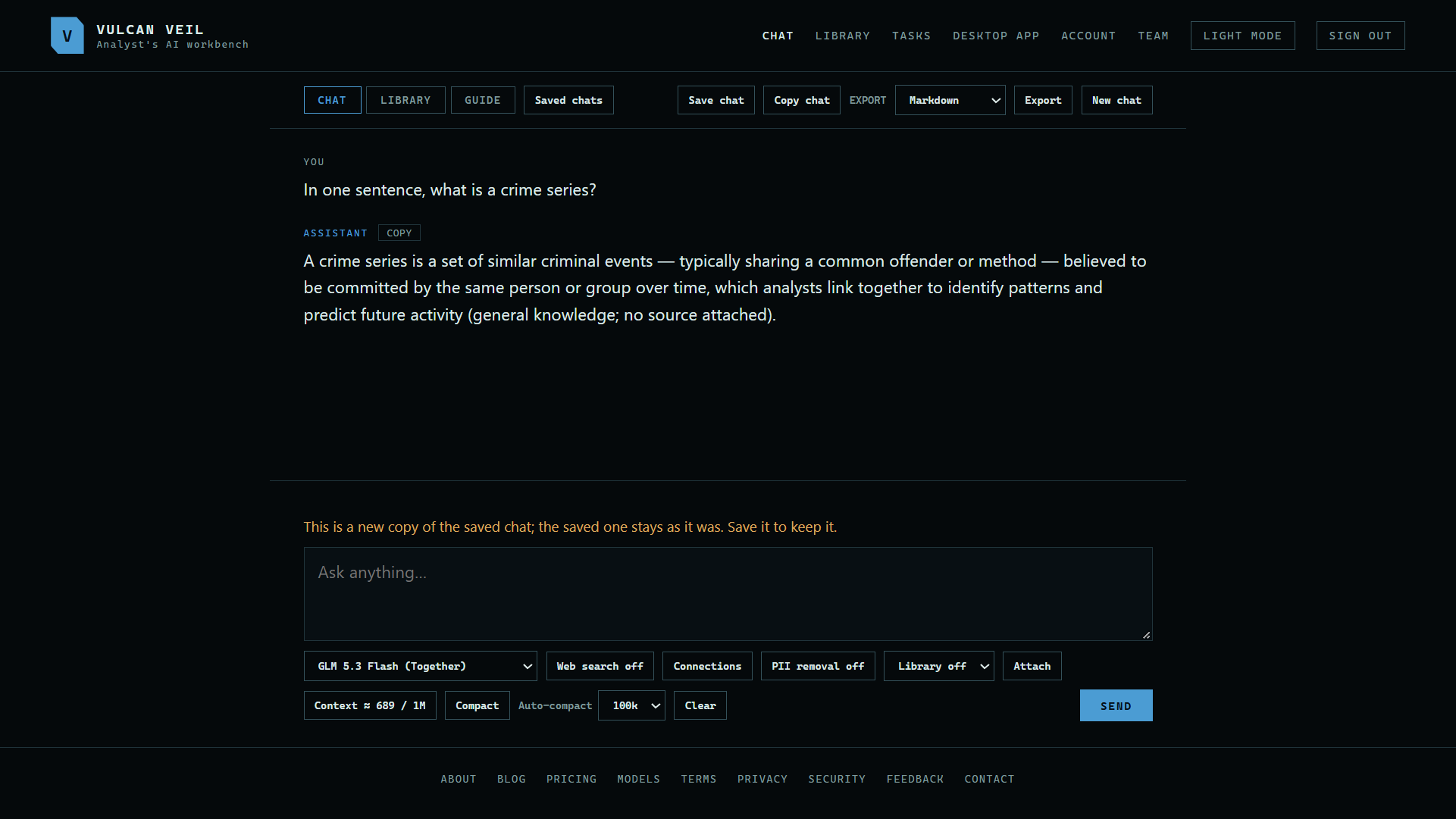
Press Saved chats and then Open. Open a copy starts a new chat from it and leaves the saved one as it was.
 Expand
3. Copy chat
Press Copy chat at the top of a chat to branch it, so you can try something else without changing the first one.
Good to know
- Tick Include attached files and images to keep them with the chat.
- A saved chat's connections, tokens included, are saved with it and encrypted.
- A video goes only with its message, so it is not stored in a saved chat.