Using a library in a project
A project can include any library, read-only. Its chat reads the library with no extra steps, and a citation opens the document inside the project. This page uses a public Raleigh police directive.
Follow along: download RaleighSearchSeizure.pdf (581 KB) and add it to a library.
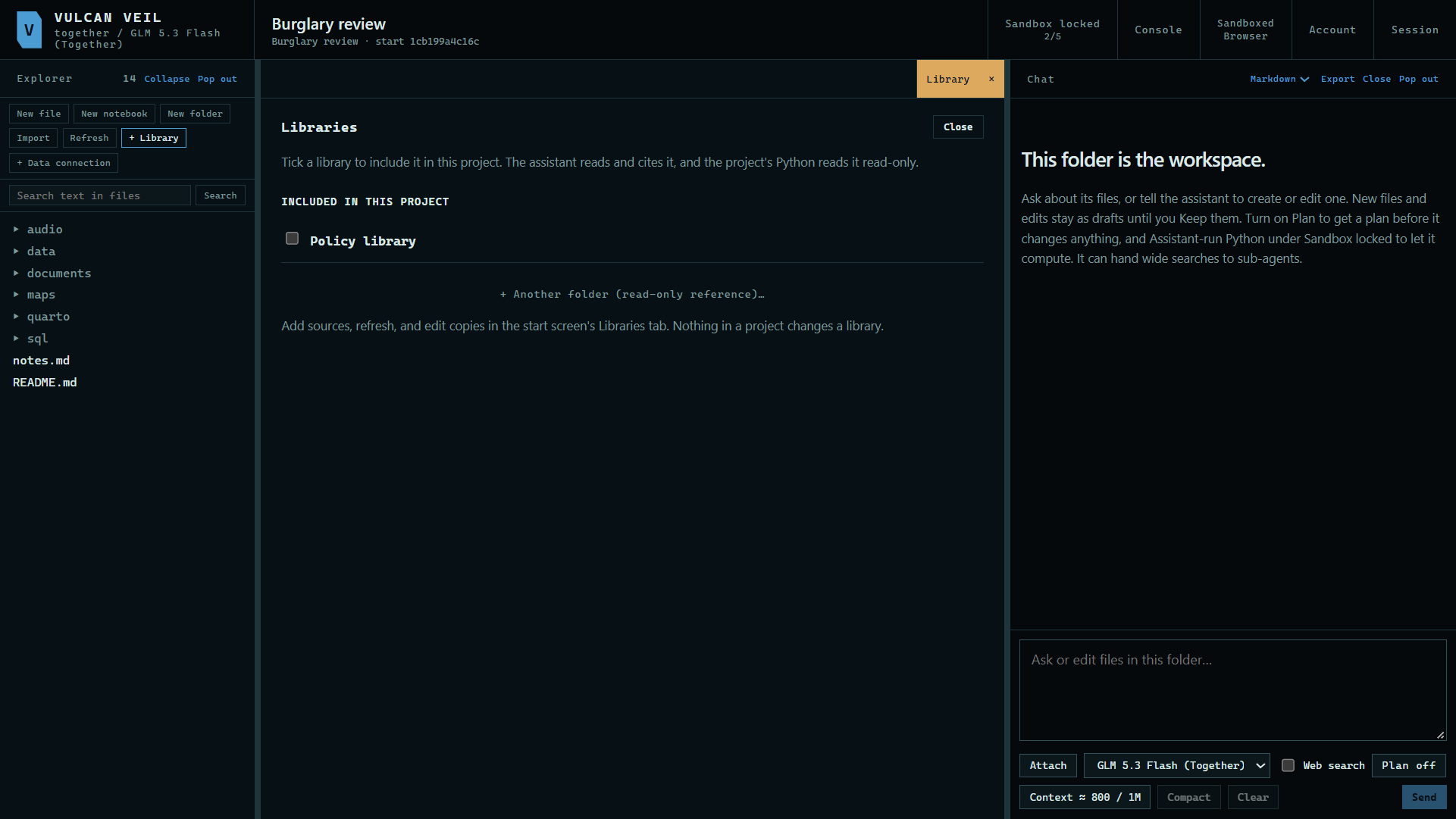
1. Open the Library pane
In the project's Explorer, press + Library.
 Expand
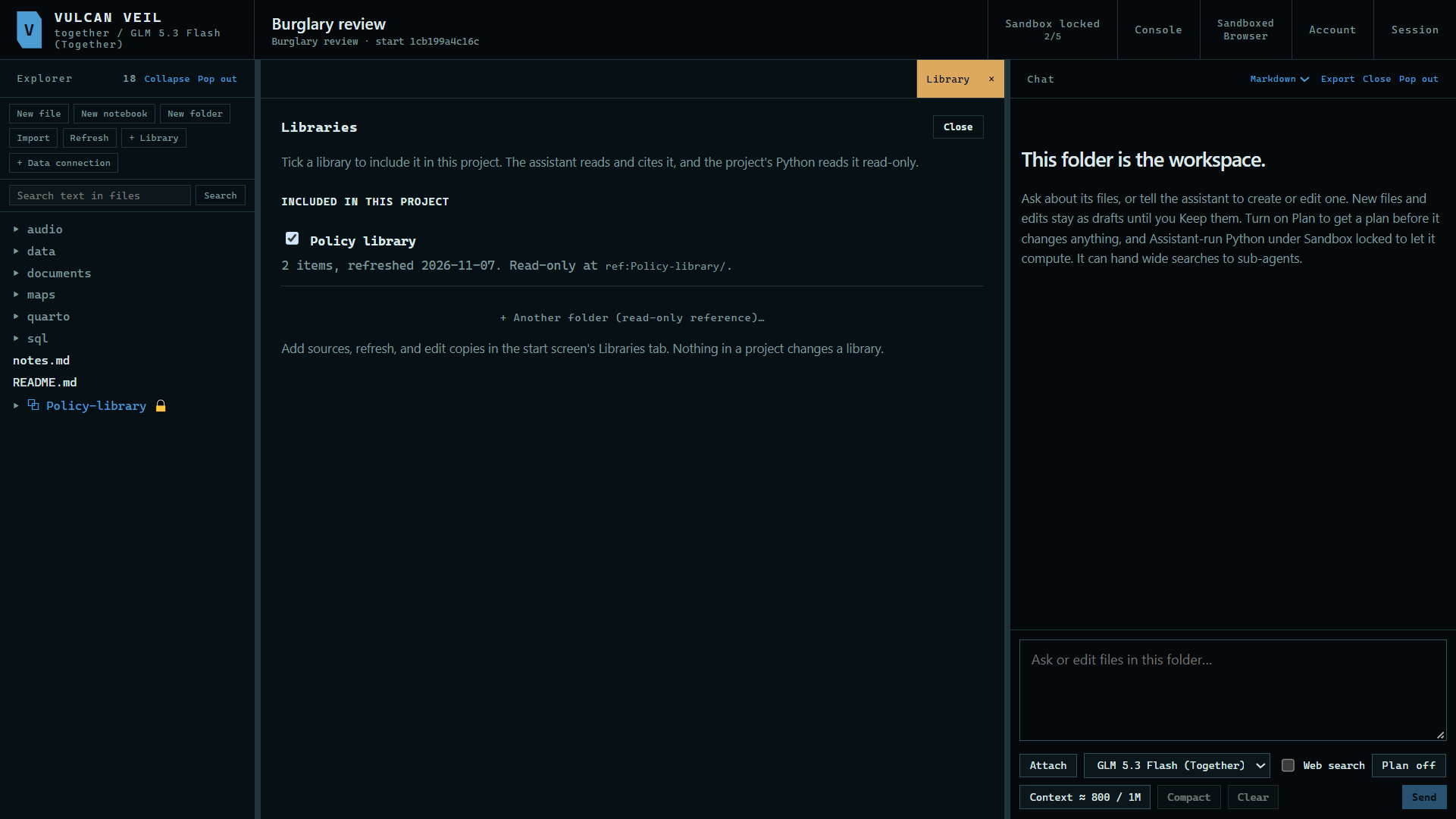
2. Include a library
Tick the library. It joins the project read-only, and it shows in the Explorer.
 Expand
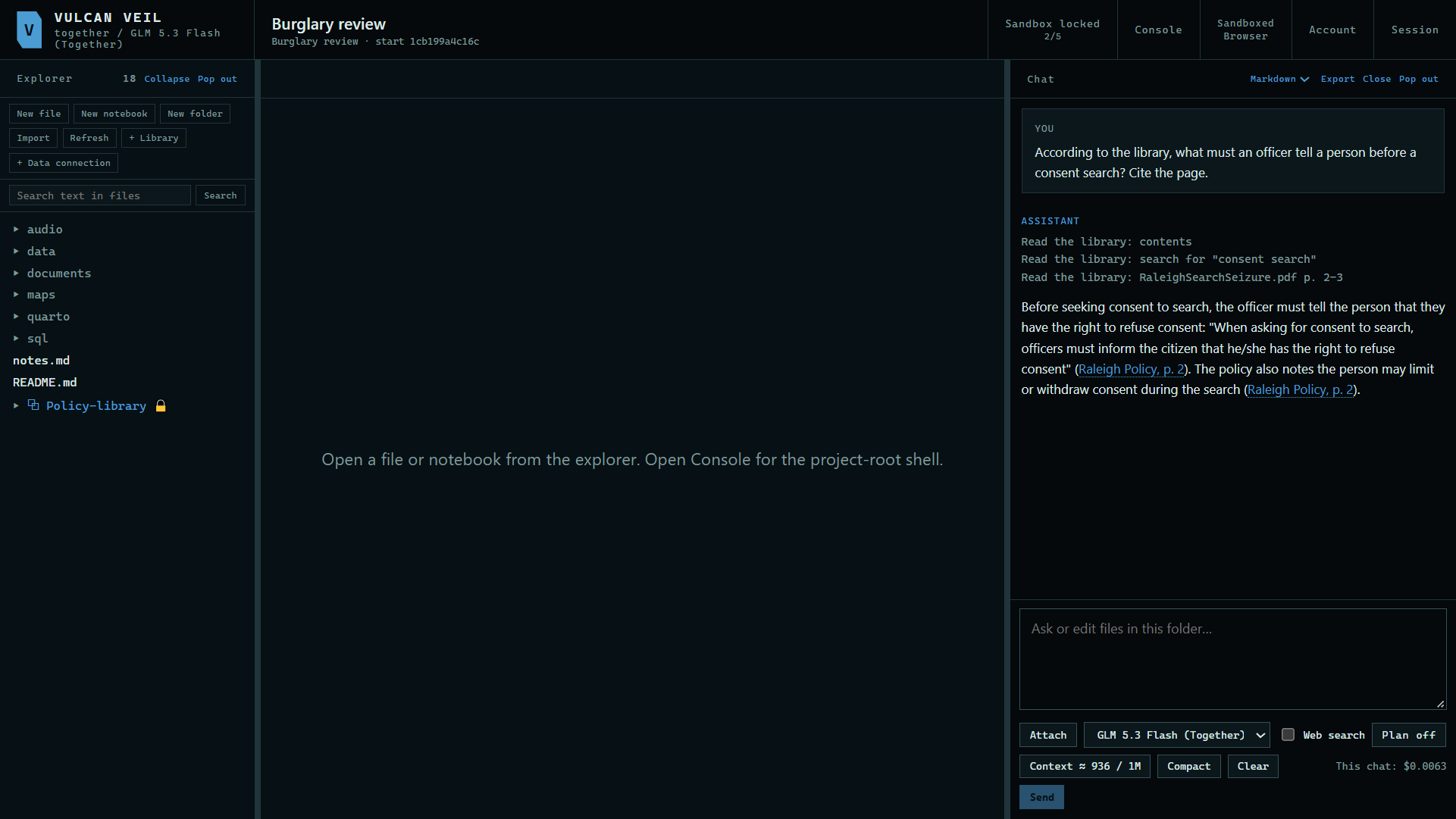
3. Ask about it
Ask in the project's chat. Here: "According to the library, what must an officer tell a person before a consent search? Cite the page." The answer cites the document and page.
 Expand
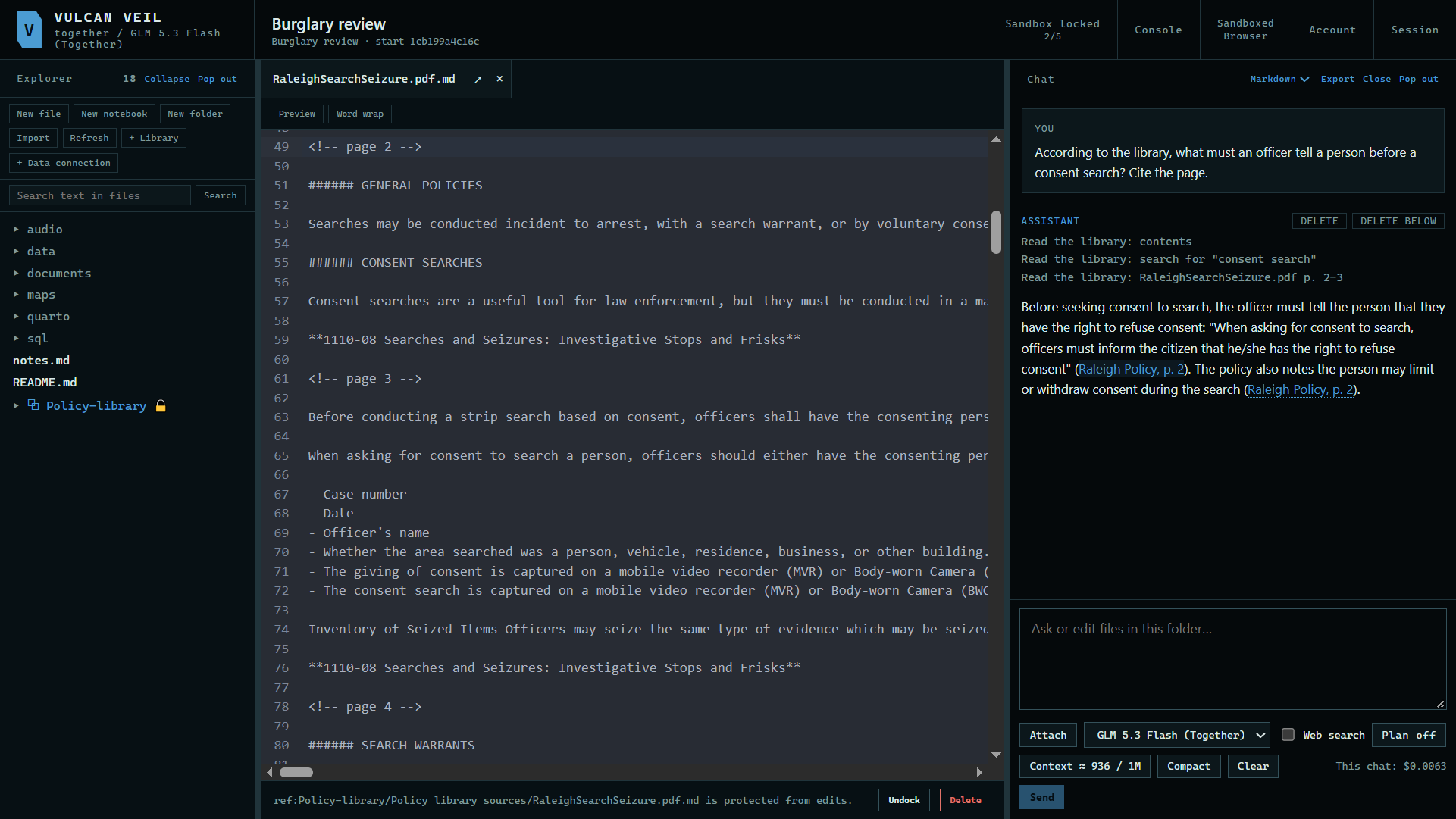
4. Open the citation
Press the citation to open the document's copy in a tab, at the cited page.
 Expand
Good to know
- The project cannot change a library. Build and update it in the Libraries tab.
- The + Library pane can also add any other folder as a read-only reference.
- Python in the project can read the library's
data.duckdb, read-only.