Adding Word, PDF, and CSV files
One folder can hold all sorts of files. Documents become Markdown with their headings and page numbers, and data files become tables. This page uses a made-up Word file, a public Raleigh police directive, and public Dallas police incidents.
Follow along: download burglary-series.docx (1 KB) and RaleighSearchSeizure.pdf (581 KB) and NearbyPark1500ft.csv (413 KB) and add them to a folder. It is a trimmed copy of public police incident records from the Dallas open data site.
1. Add your files
Press Add documents and choose them, or drop them on the page. Make sets whether each document also gets a summary.
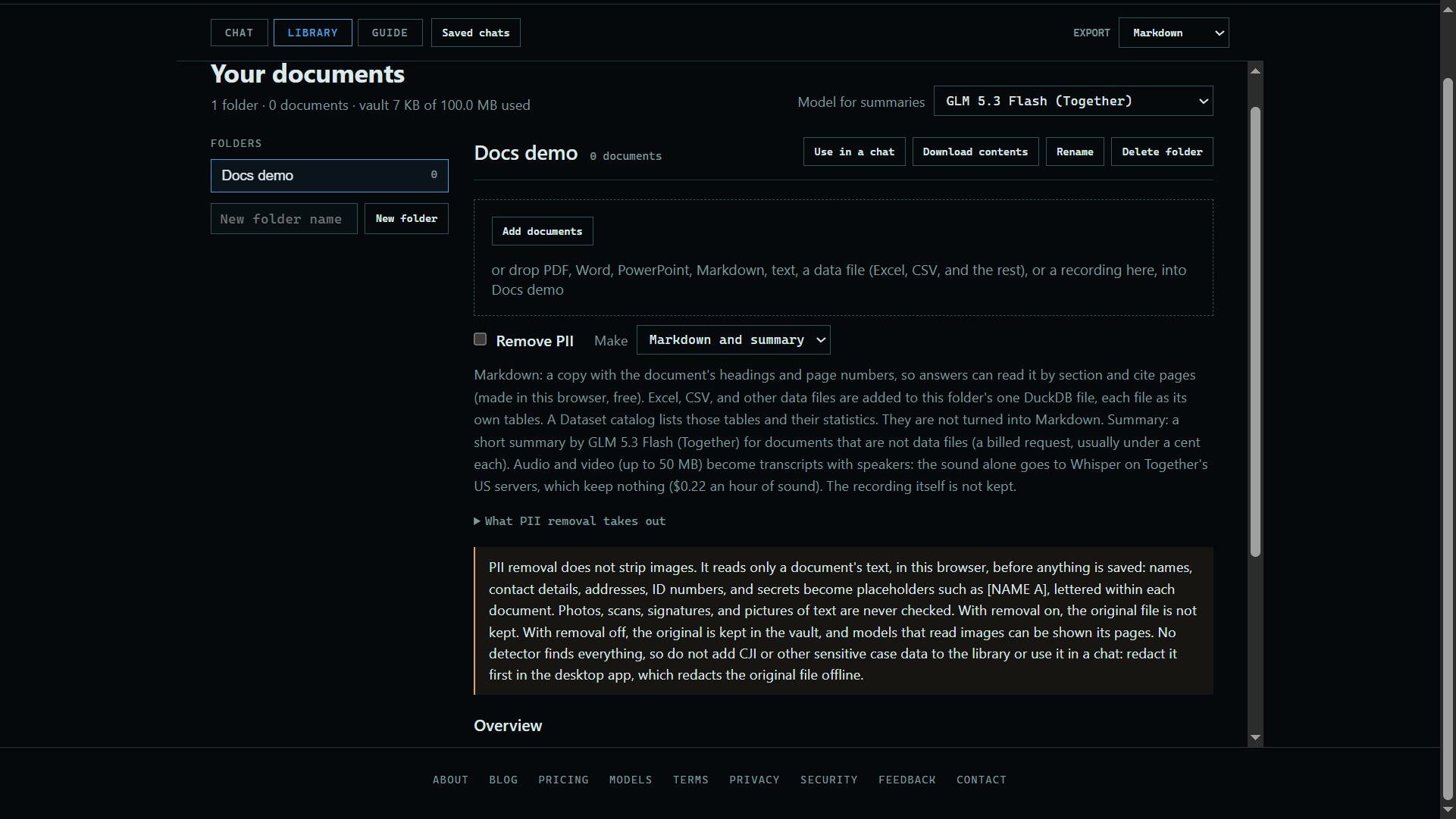 Expand
2. See what came in
Each document gets a card with its type and summary. Data files are listed together in a Dataset catalog.
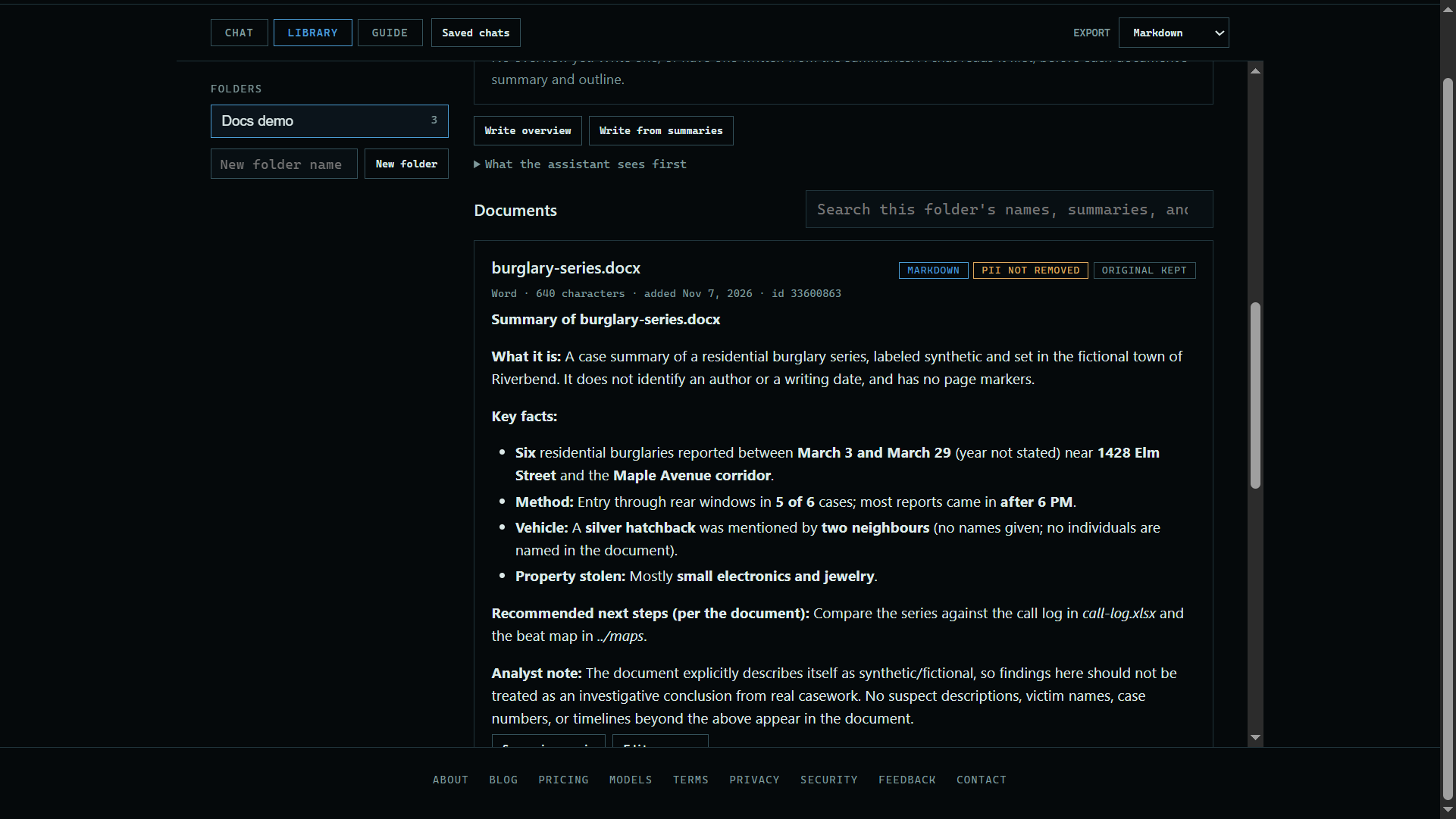 Expand
3. Read a copy
Press View to read a document, with its outline and page numbers. If the original is a PDF, you can see its pages too.
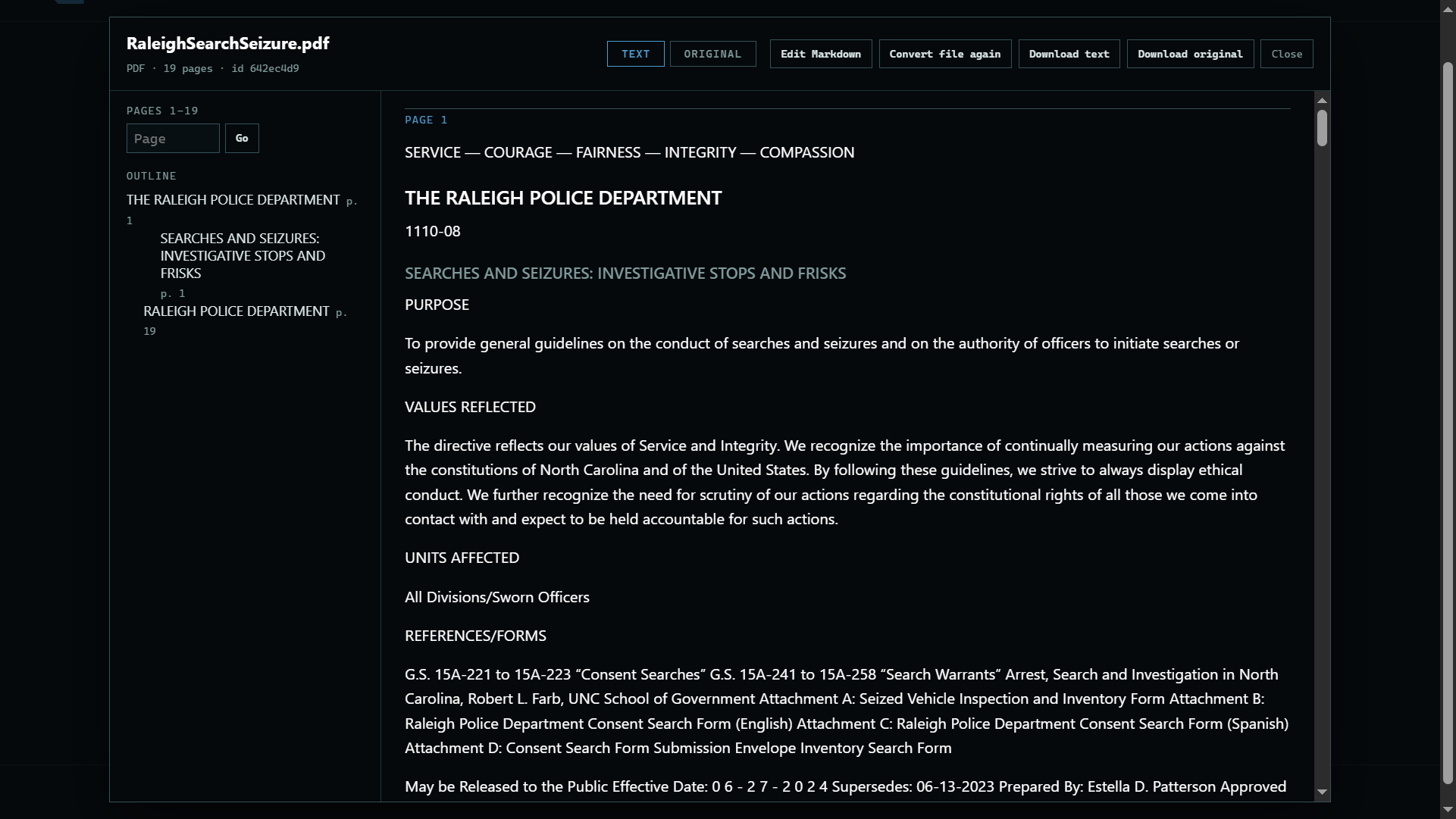 Expand
Good to know
- Files are read in your browser. Only the encrypted result is stored.
- A summary is a billed request, usually under a cent a document.