Appearance
You can make the app easier on your eyes. Choose a dark or light theme, an accent color, and a text size, and the change applies right away to every window.
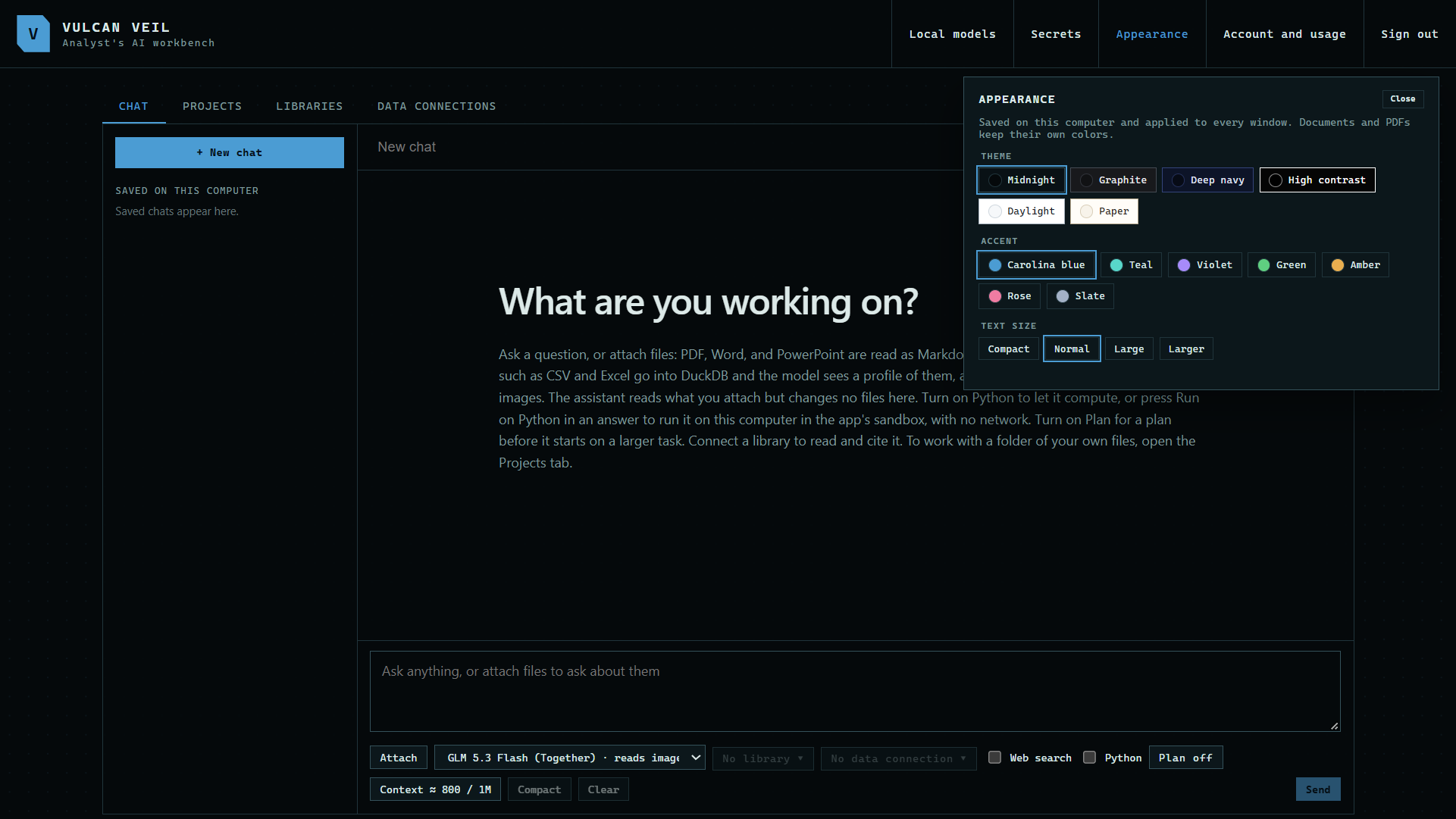
1. Open Appearance
Press Appearance at the top of the app.
 Expand
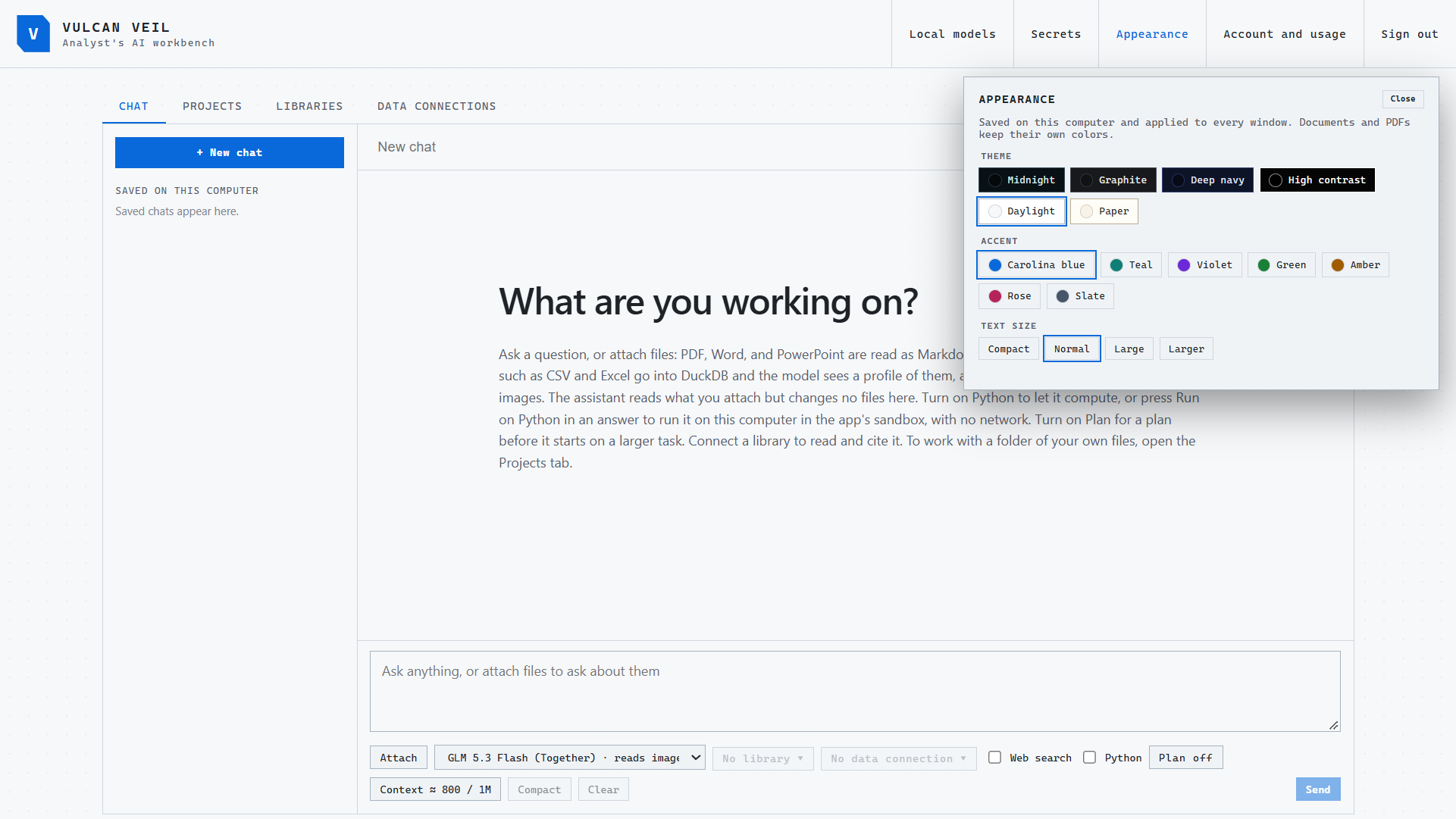
2. Choose a theme
There are dark and light themes, including a high-contrast one.
 Expand
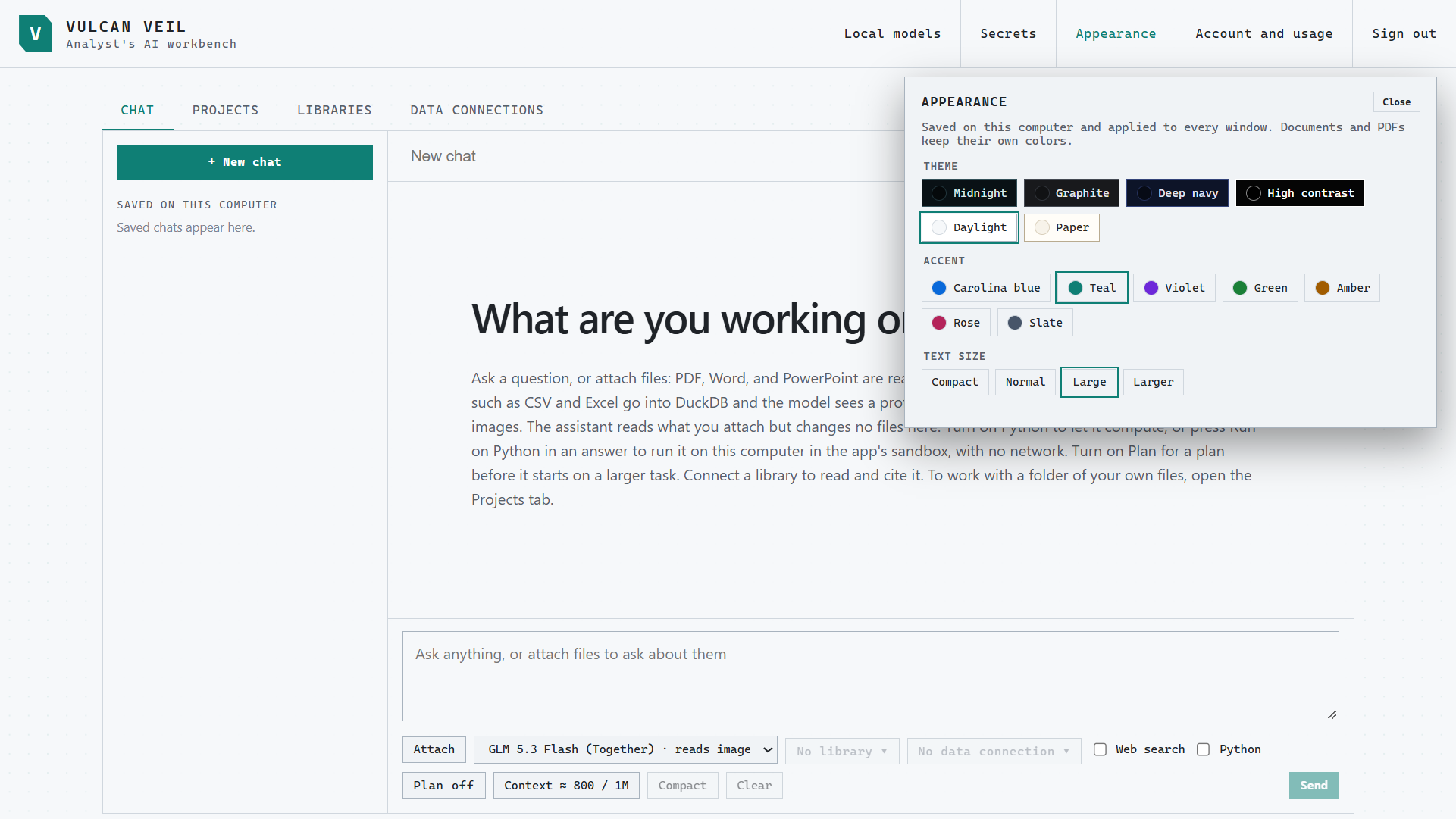
3. Choose an accent and a text size
The accent colors the buttons and highlights. Text size changes the whole app.
 Expand
Good to know
- Documents and PDFs keep their own colors.