The Console and Python packages
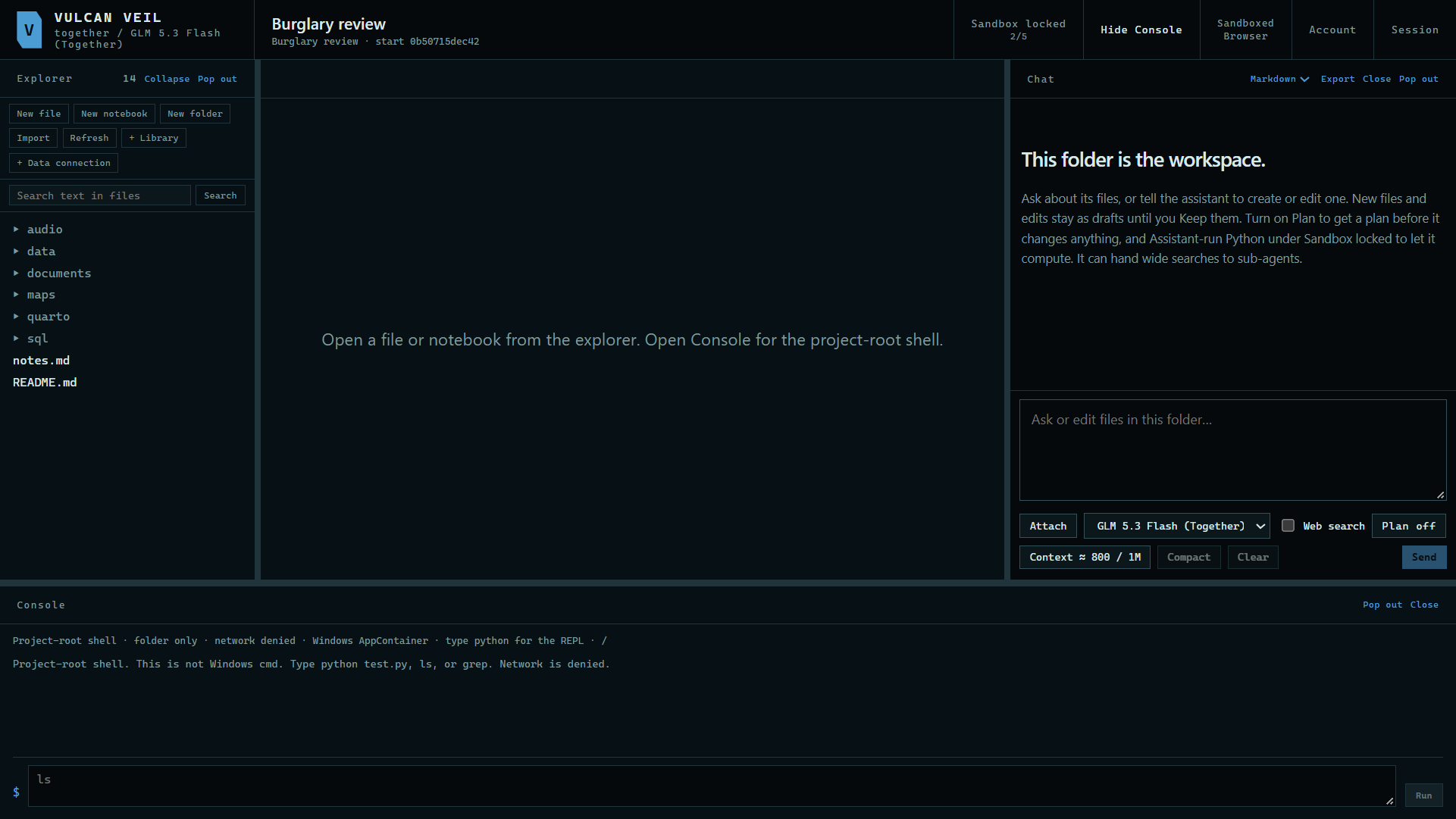
The Console is a command line for your project. It runs in the same sandbox as your notebooks: it sees only the project's folder, and it has no network.
1. Open the Console
Press Console at the top of the project. It opens at the bottom of the window, and Pop out gives it a window of its own.
 Expand
2. Run a command
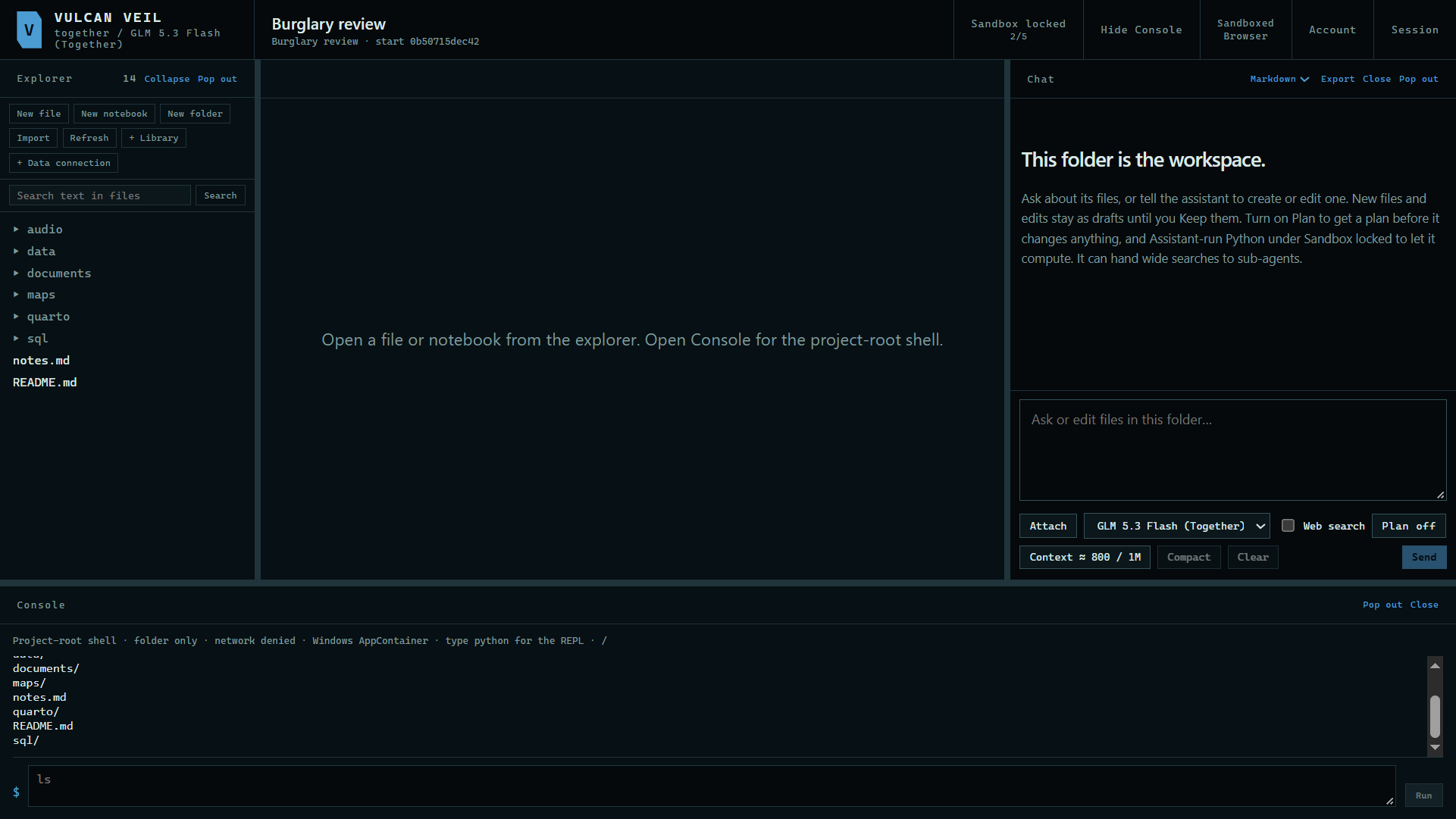
Type ls to list the folder, grep to search it, or python file.py to run a script.
 Expand
3. Use Python
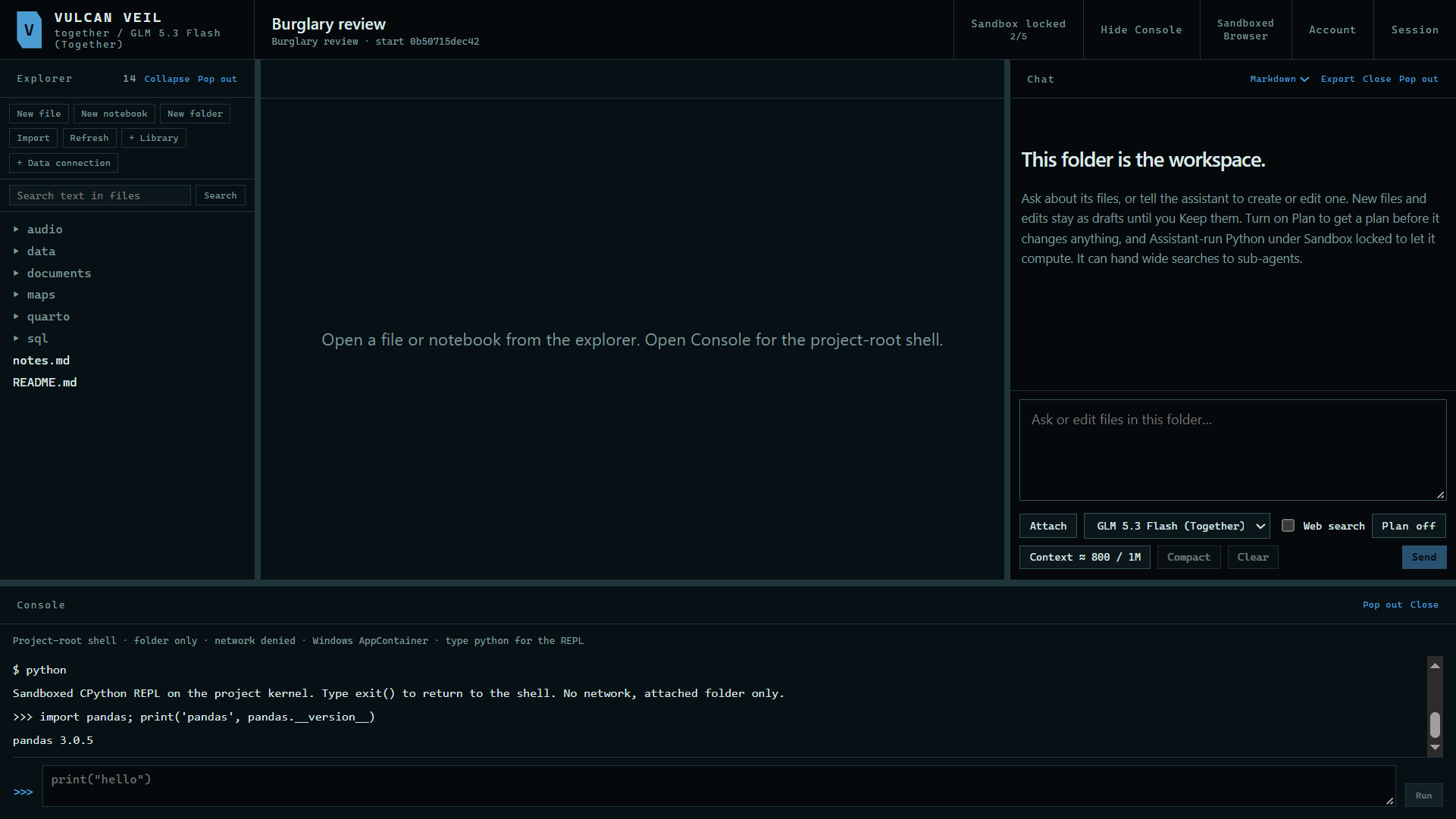
Type python to get a Python prompt, attached to the same Python as your notebooks.
 Expand
4. See your packages
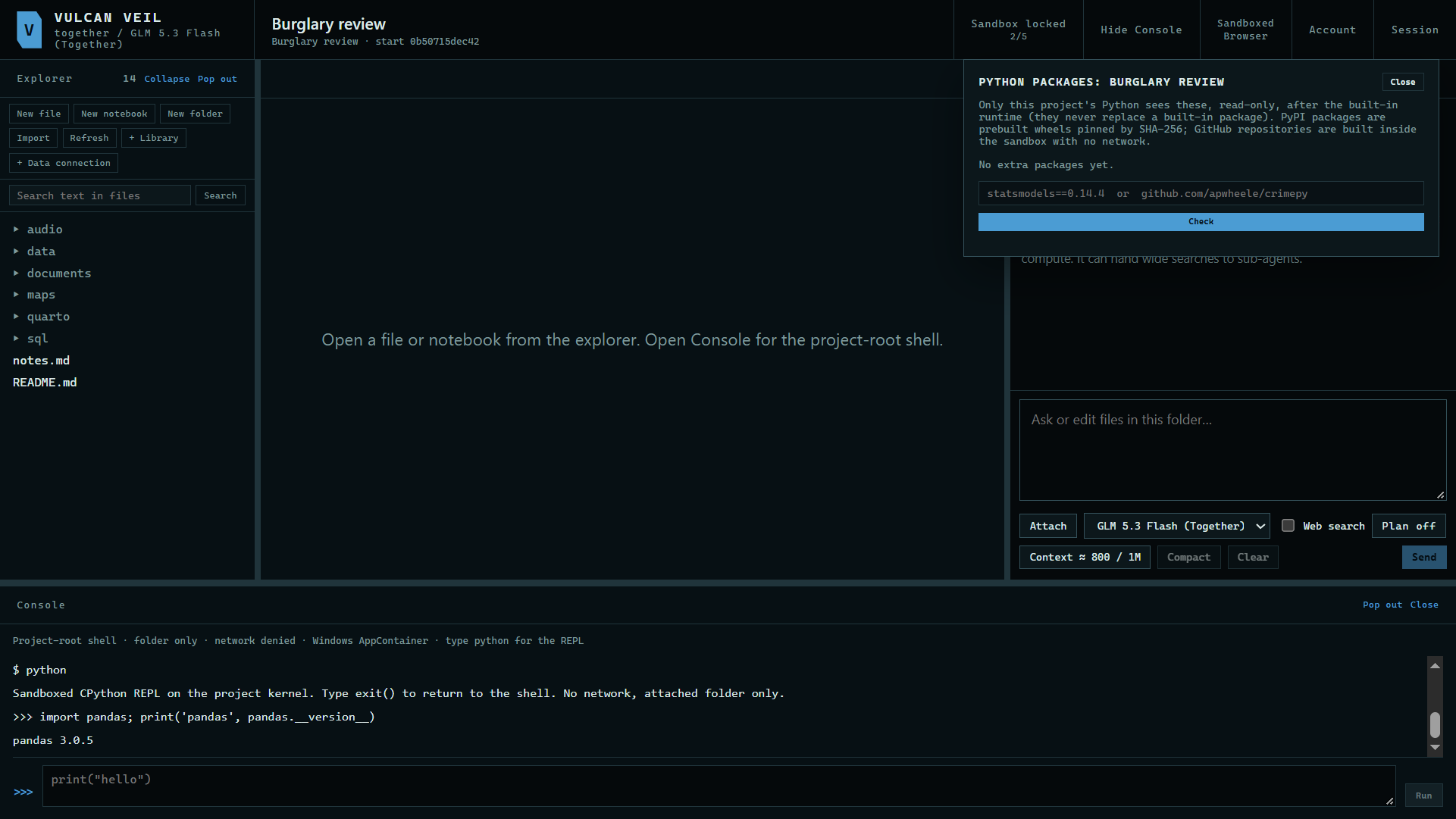
Press Session, then Python packages. It lists the extra packages this project has, on top of the ones built in. Adding one shows you what would be installed before you approve it.
 Expand
Good to know
- This is not the Windows command line. It offers a short list of commands, and nothing else on your computer is in reach.
- Python in the app cannot reach the network, so packages are only added through this panel.