Local models
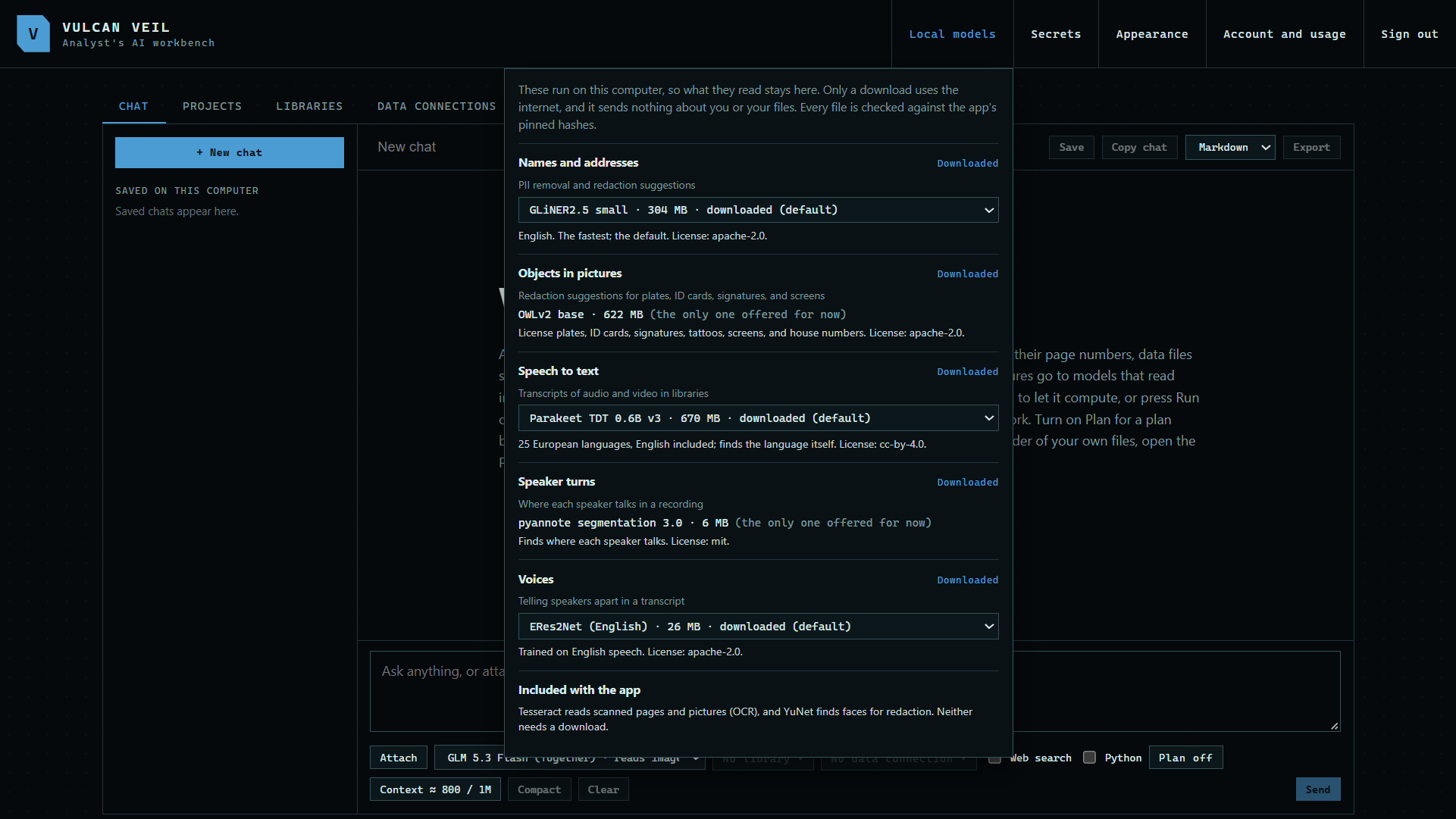
Some jobs run on your own computer rather than on a model server, such as finding personal details and making transcripts. Local models shows each job, whether its model is downloaded, and any other models you can choose for it.
1. Open Local models
Press Local models at the top of the app. A number on the button means some models are not downloaded yet.
 Expand
2. Check each job
Each job says whether its model is downloaded. Where a job offers more than one model, choose the one you want from its list.
Good to know
- These models run on your computer. Only the download uses the internet, and it sends nothing about you or your files.
- Every file is checked against the app's pinned hashes before it is used.
- Reading scanned pages and finding faces for redaction come with the app, so they need no download.