Allowing networks
You can have your account work only from your office or agency network. Anyone signing in from anywhere else is refused, even with the right password. The address on this page is an example.
1. List your networks
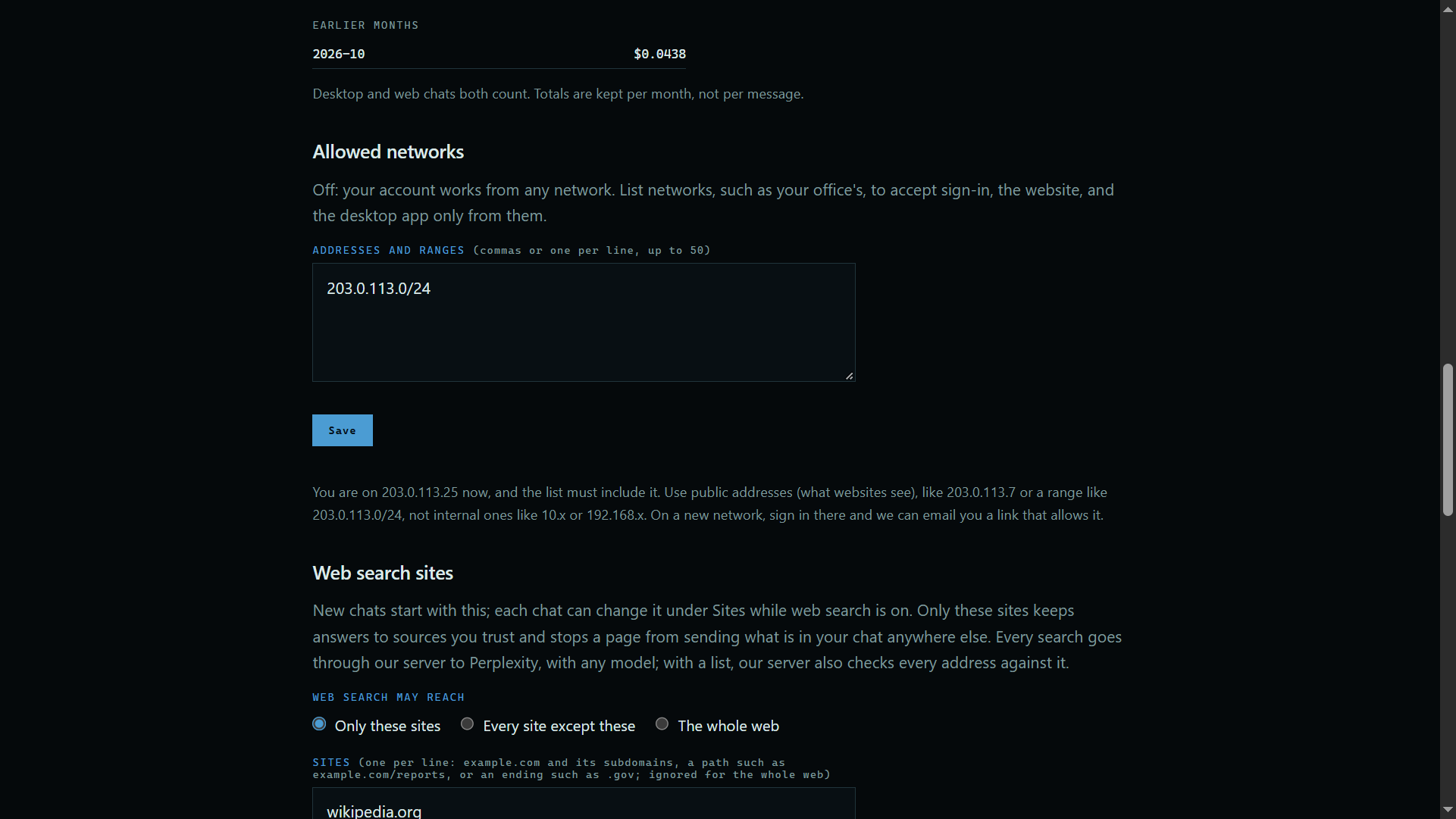
Open Account at the top of the site, then scroll to Allowed networks. Type addresses or ranges, one per line.
 Expand
2. Save it
Press Save. The list must include the address you are on, so you cannot lock yourself out.
Good to know
- This applies to the website and the desktop app.
- If you are refused on a network you control, the sign-in page can email you a link that allows it.
- On a team, the owner can set a list for everyone.