Allowing sites
The Sandboxed Browser starts with Wikipedia on its list of allowed sites, and anything else is refused before a connection is made. When a page you need is blocked, you add it in the project.
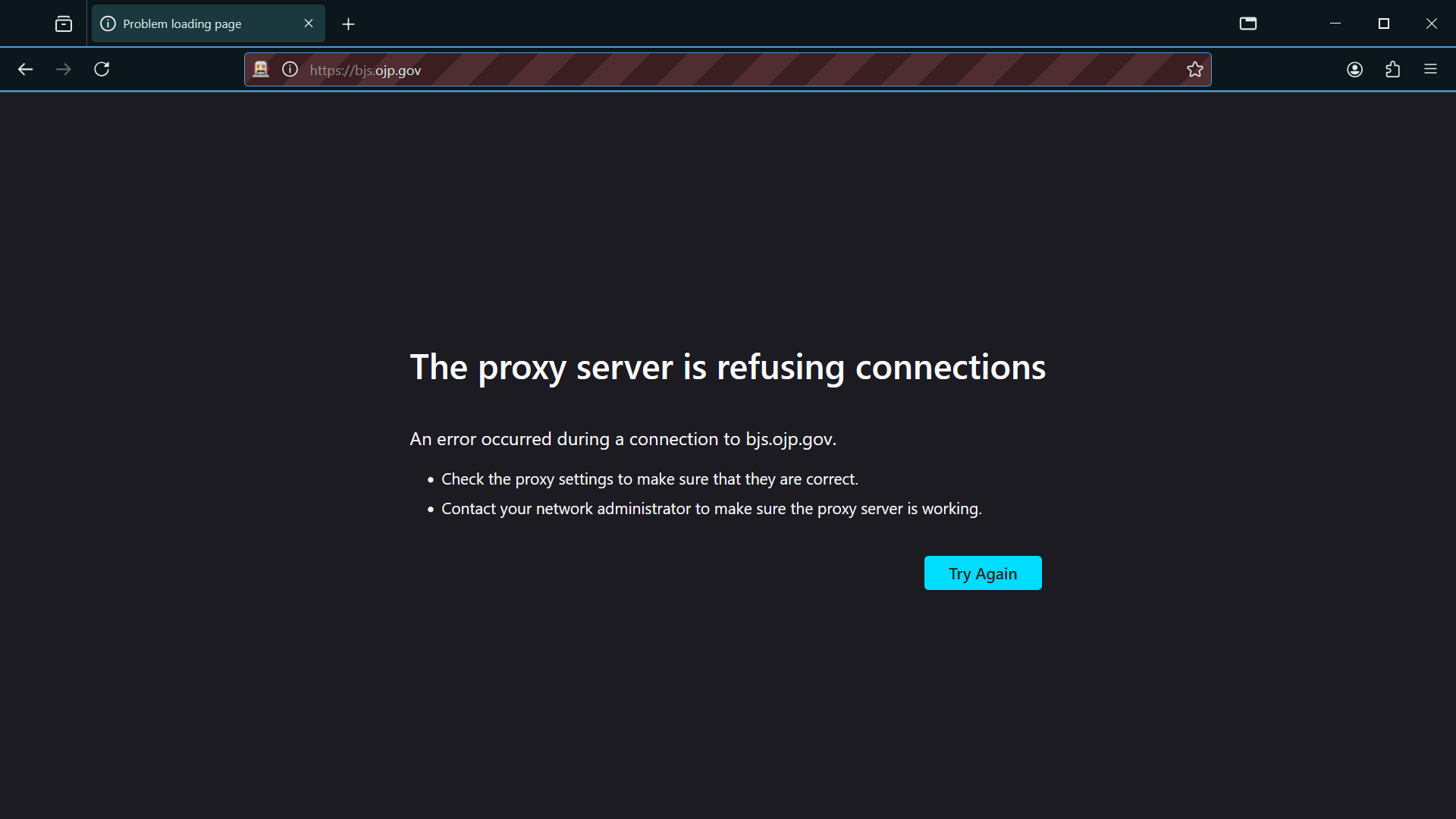
1. Try a site that is not allowed
The browser cannot connect, because the proxy refused the request.
 Expand
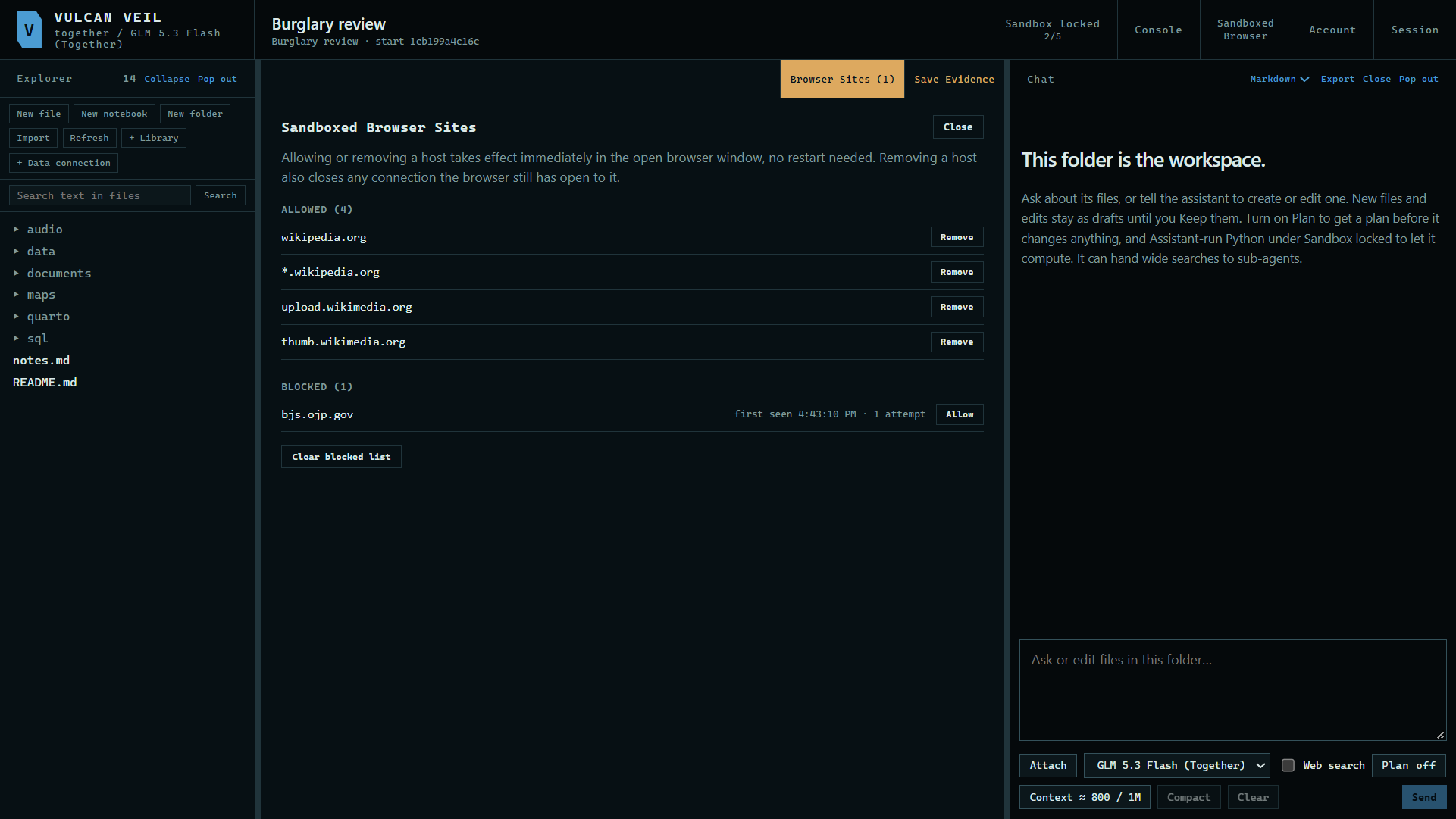
2. Open Browser Sites
Press the Browser Sites tab in the project. It lists the sites you allow, and each blocked site with how many times it was tried.
 Expand
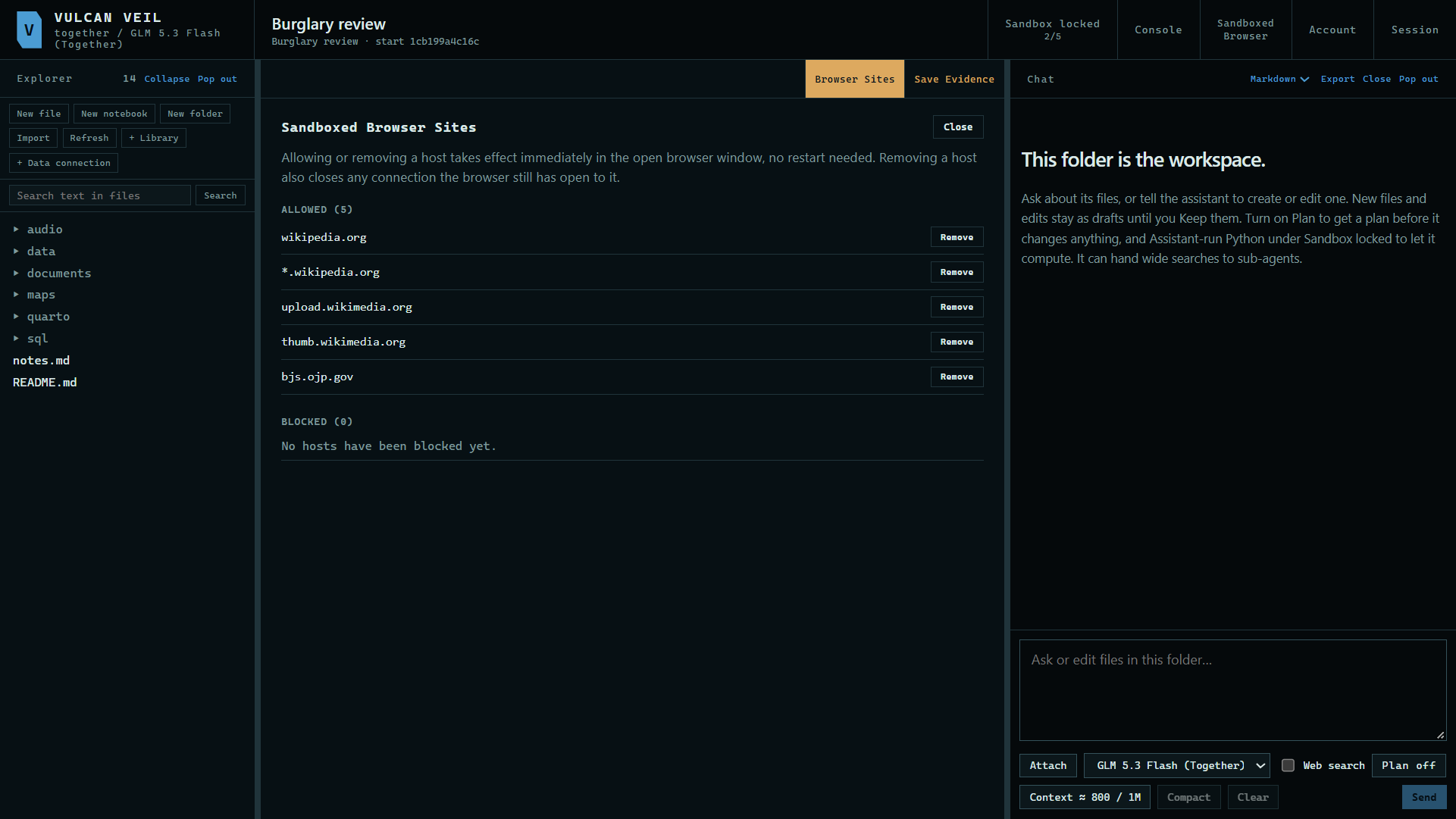
3. Allow it
Press Allow beside the site. The change takes effect at once in the open window, with no restart.
 Expand
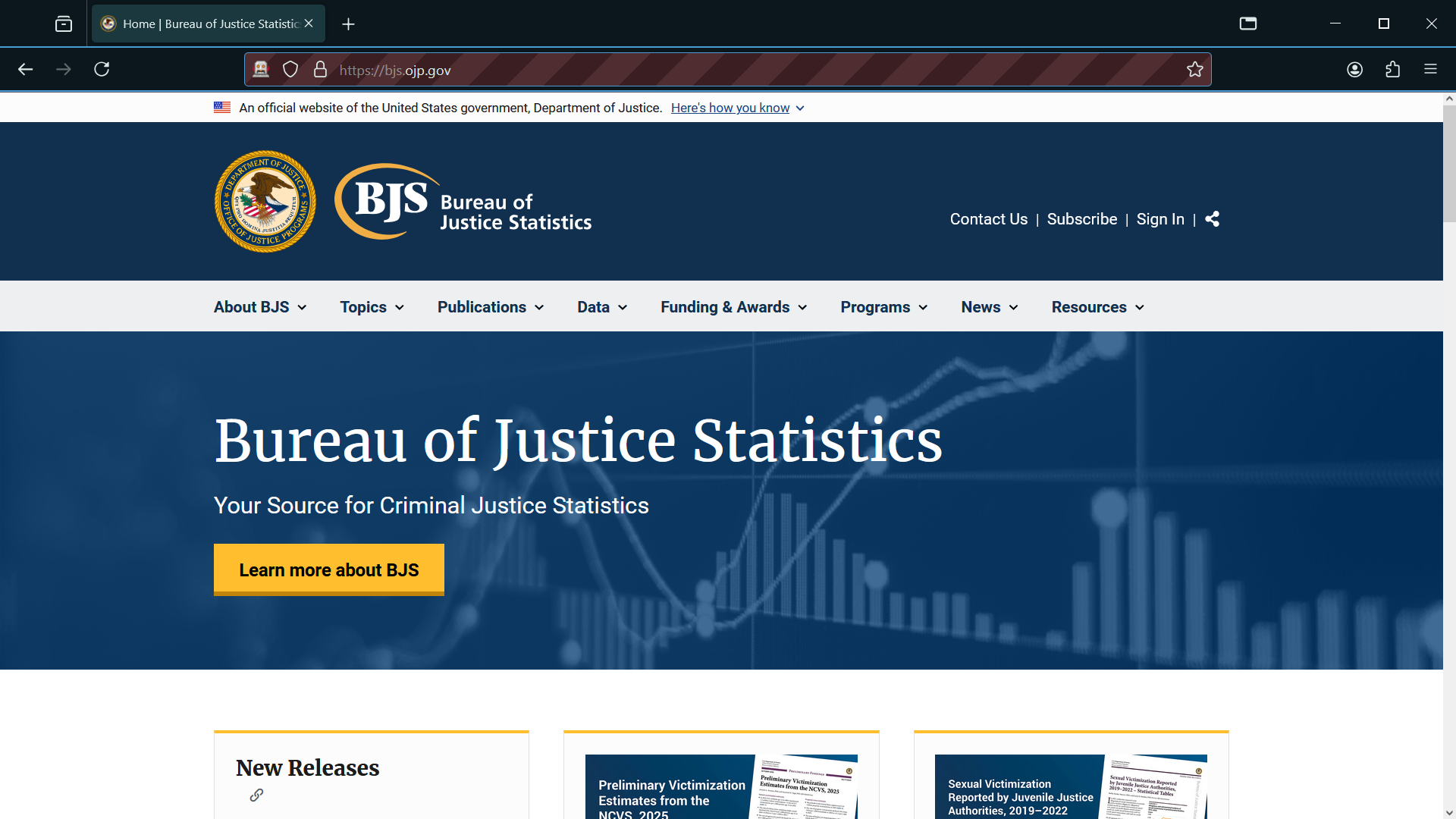
4. Load the page
Go back to the browser and load the page again.
 Expand
Good to know
- A page often loads pictures and scripts from other sites. Those show up as blocked too, and you only need to allow the ones the page cannot do without.
- Remove beside an allowed site blocks it again, and closes any connection the open window still holds to it.
- Your list is kept on this computer, and it applies to every project.