Reading a page with the agent
You can look at a page yourself, then hand it to the assistant. It reads the page you have open, and nothing else. Scripts, styles, and hidden content are stripped out first, so a page has less chance to smuggle in instructions.
1. Turn it on
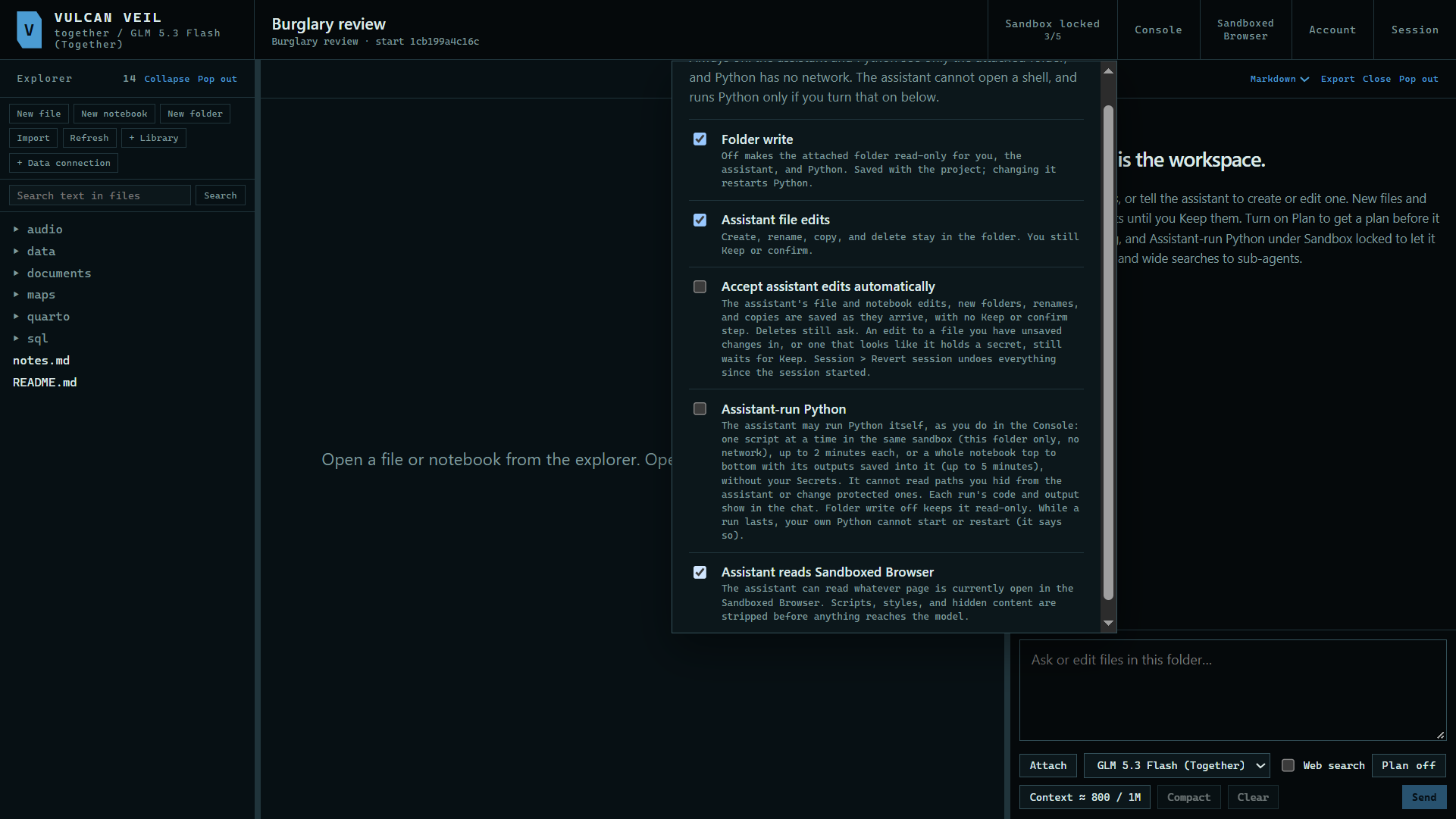
Press Sandbox locked at the top of the project and tick Assistant reads Sandboxed Browser. It is off until you do.
 Expand
2. Ask about the page
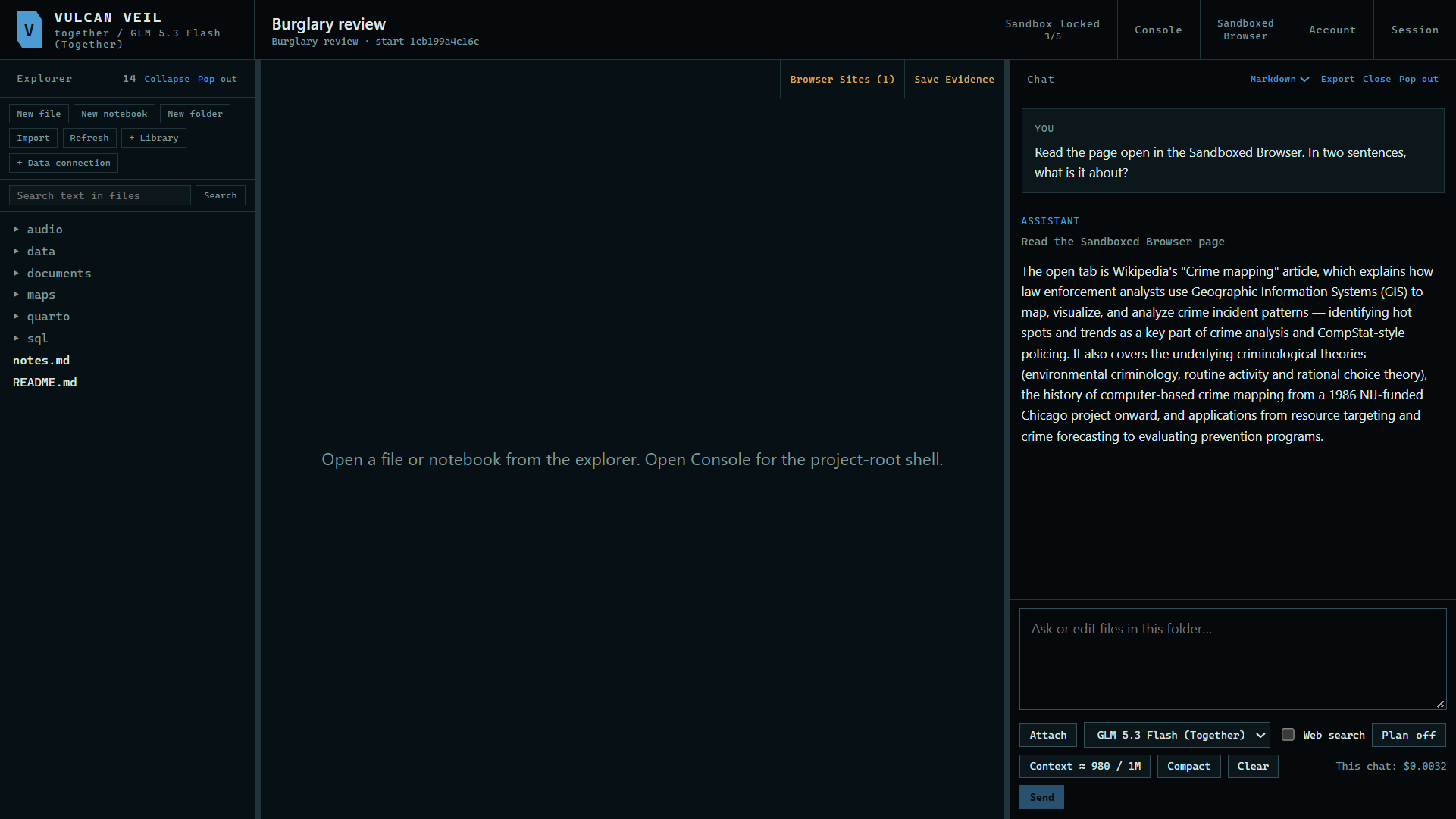
Open the page in the Sandboxed Browser, then ask in the project's chat. Here: "Read the page open in the Sandboxed Browser. In two sentences, what is it about?"
 Expand
Good to know
- What the assistant reads is sent to the model with your message, like an attached file.
- Page text is marked as untrusted, so the assistant treats it as something to read rather than instructions to follow.