Summarizing video
A video has more in it than its sound. A library can send the picture to a model that reads video, and keep a written description beside any speech. This page uses a short demo video of someone signing up for a website.
1. Turn on video descriptions
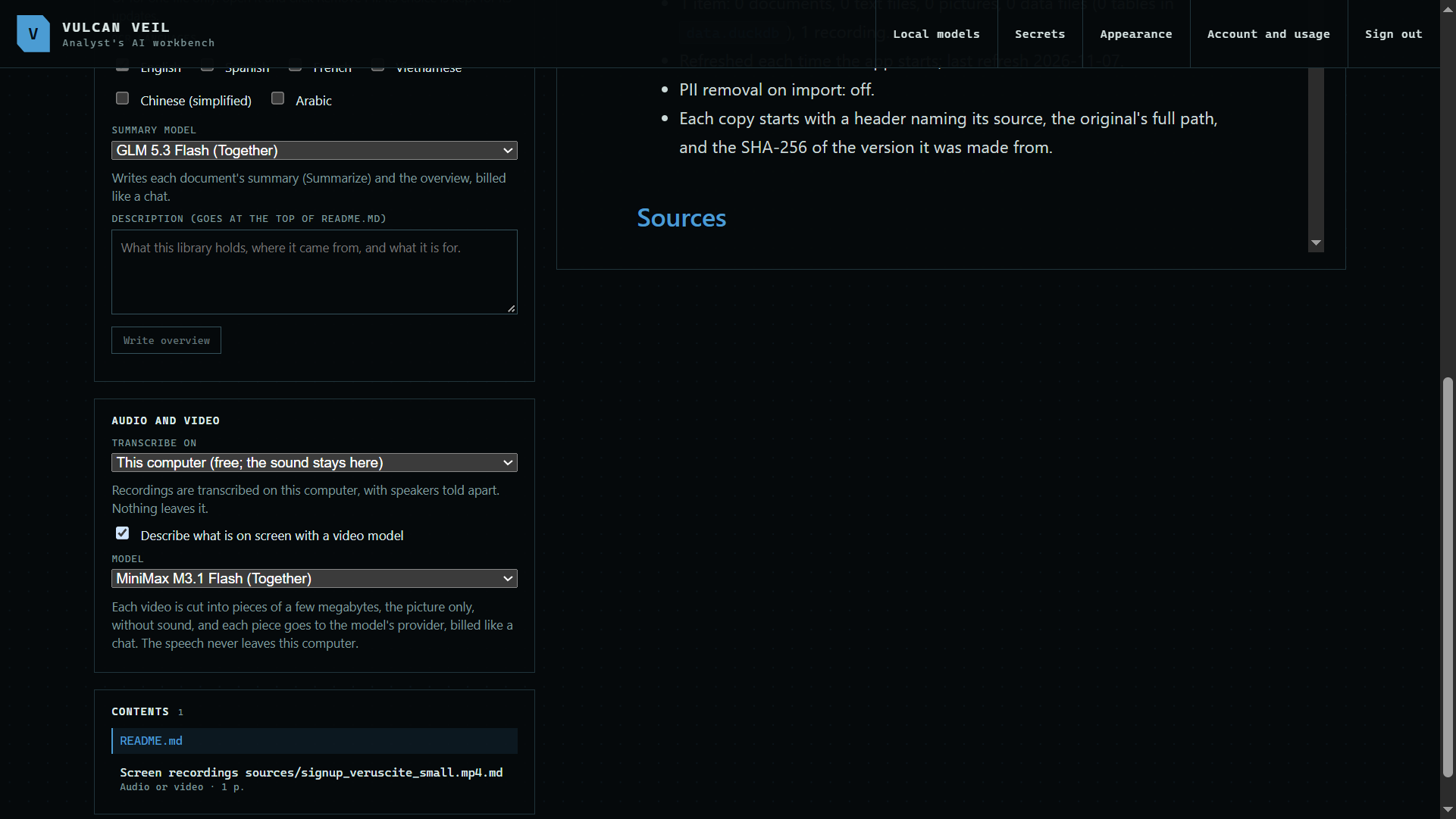
Under Audio and video in a library's settings, tick Describe what is on screen with a video model, and choose a model.
 Expand
2. Convert the video
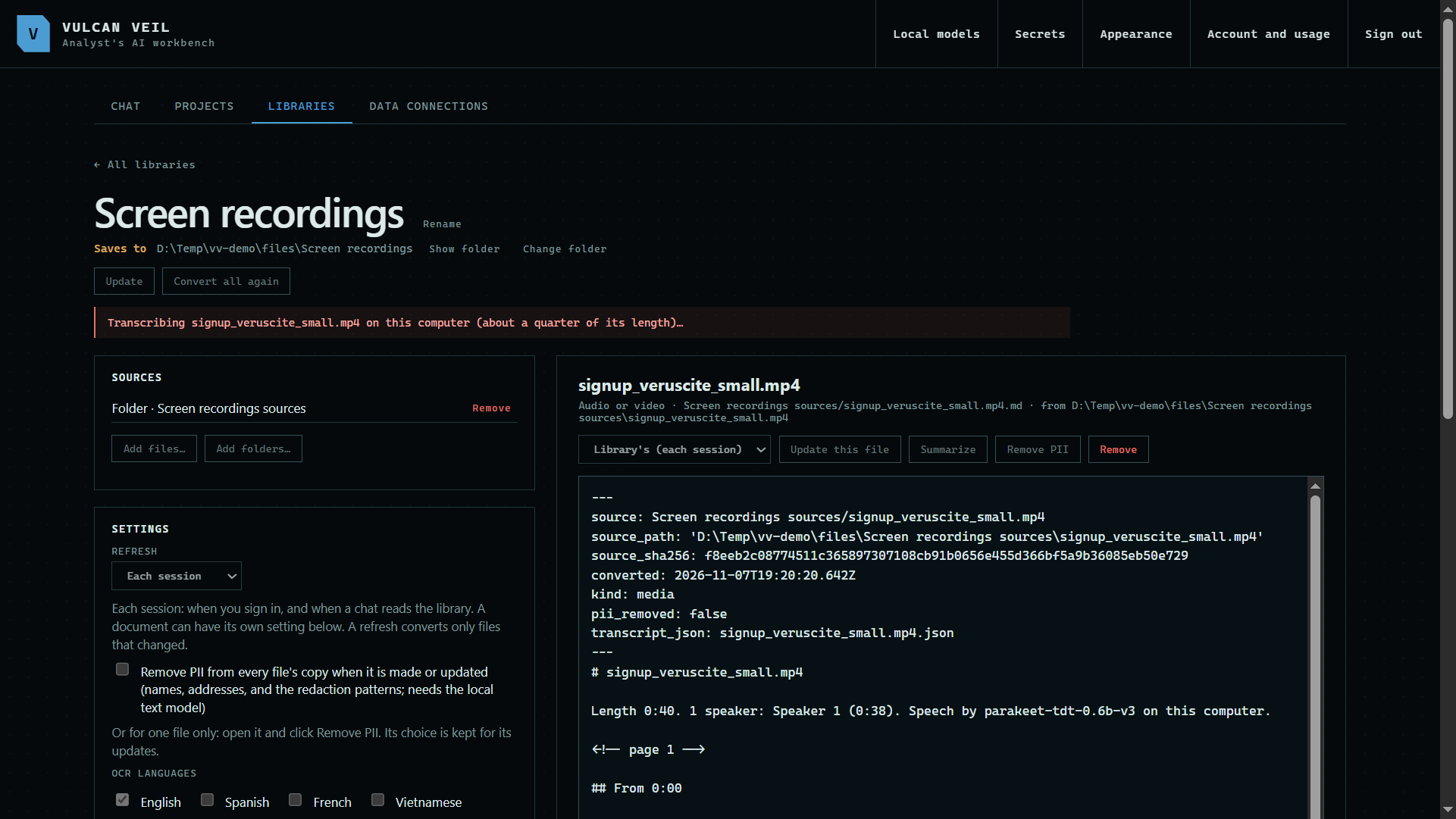
Add the video under Sources, or press Update this file on one you already have. The picture goes to the model in small pieces, so a long video takes a while.
 Expand
3. Read the description
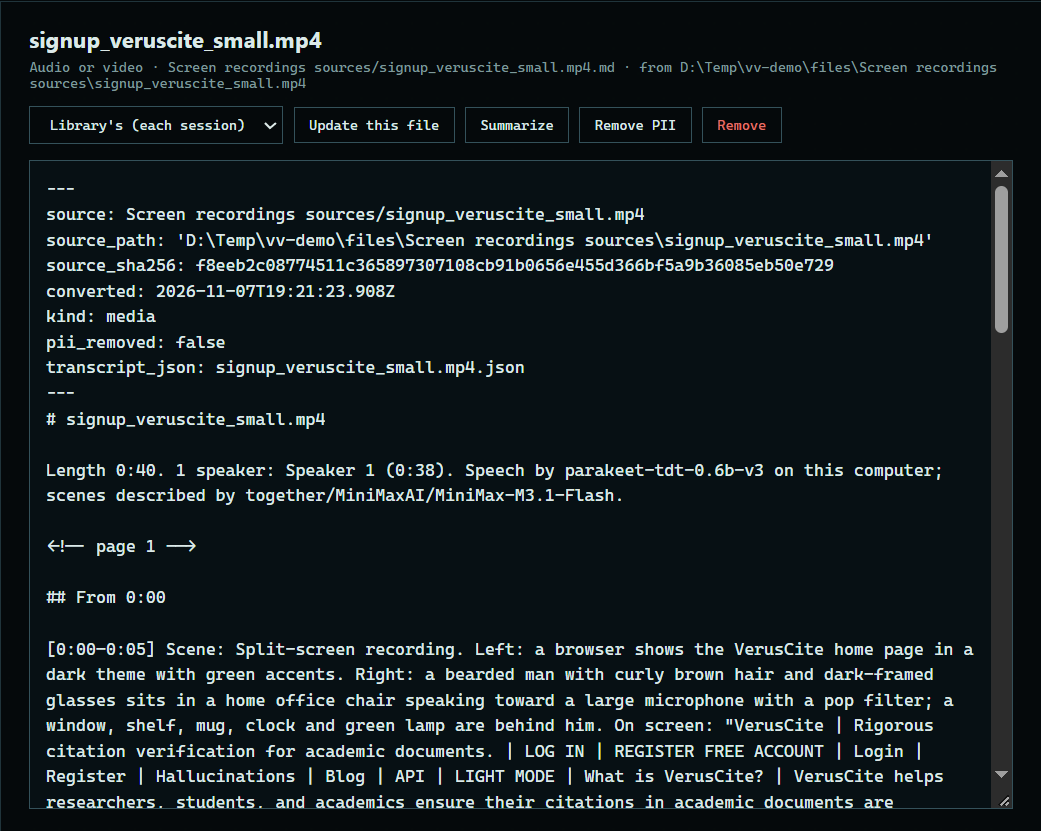
Press it under Contents. The copy describes what happens on screen, with its times.
 Expand
Good to know
- Only the picture goes to the model's provider, with no sound. It is billed like a chat.
- Speech is transcribed on your computer, as for a recording.
- Use this only for videos you are allowed to send to the model's provider.