Updates
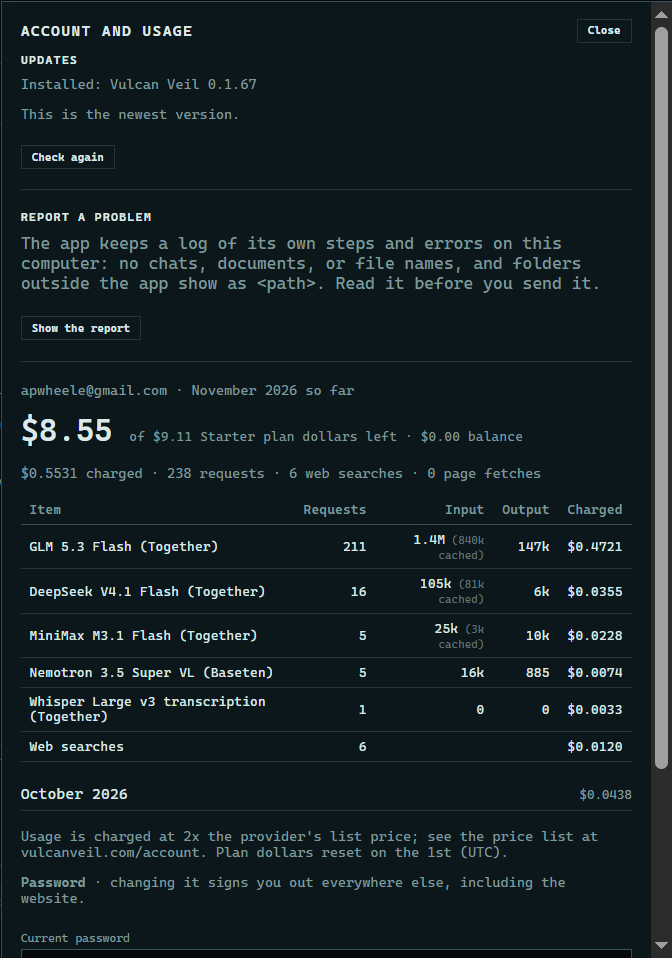
Account and usage shows the version you have and whether a newer one is out. Updating keeps your projects where they are.
1. Open Account and usage
Press Account and usage at the top of the app. Updates is the first section, and it shows the version you have.
 Expand
2. Check for a new version
Press Check again. When there is a new version, it shows here with its size and an Update and restart button.
Good to know
- Save your work before you update: the app closes, and the new version opens when it is done.
- Windows may ask for administrator rights.