Showing the basics of web chat
The web chat needs nothing installed. Your files are read in your browser, and Python runs in your browser too, so it never runs on our server. Nothing is kept unless you save the chat.
Follow along: download NearbyPark1500ft.csv (413 KB) and attach it to a new chat. It is a trimmed copy of public police incident records from the Dallas open data site.
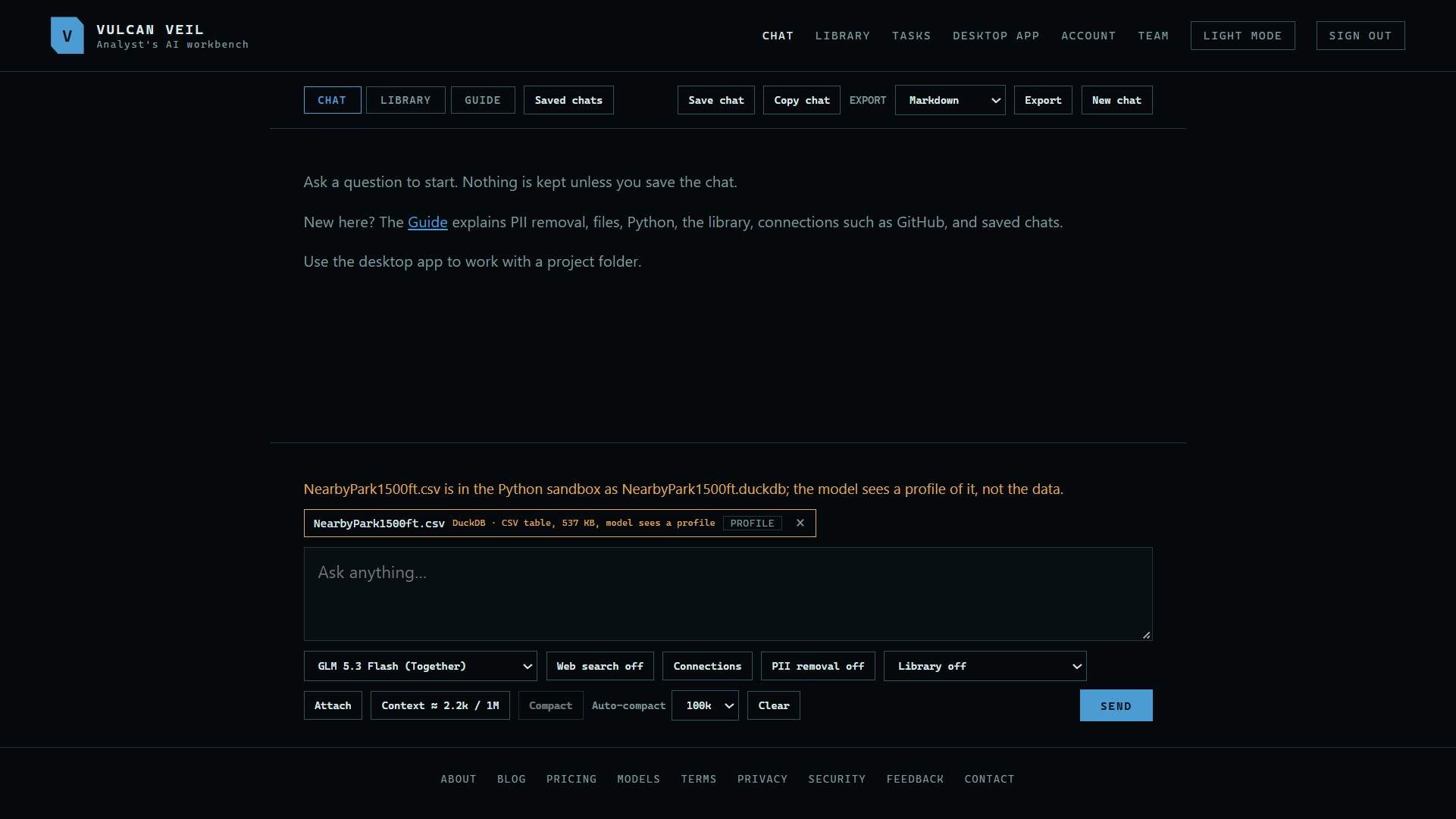
1. Attach a file
Press Attach and choose a file, or drag it onto the page. A data file goes into Python in your browser, and the model sees a profile of it, not the rows.
 Expand
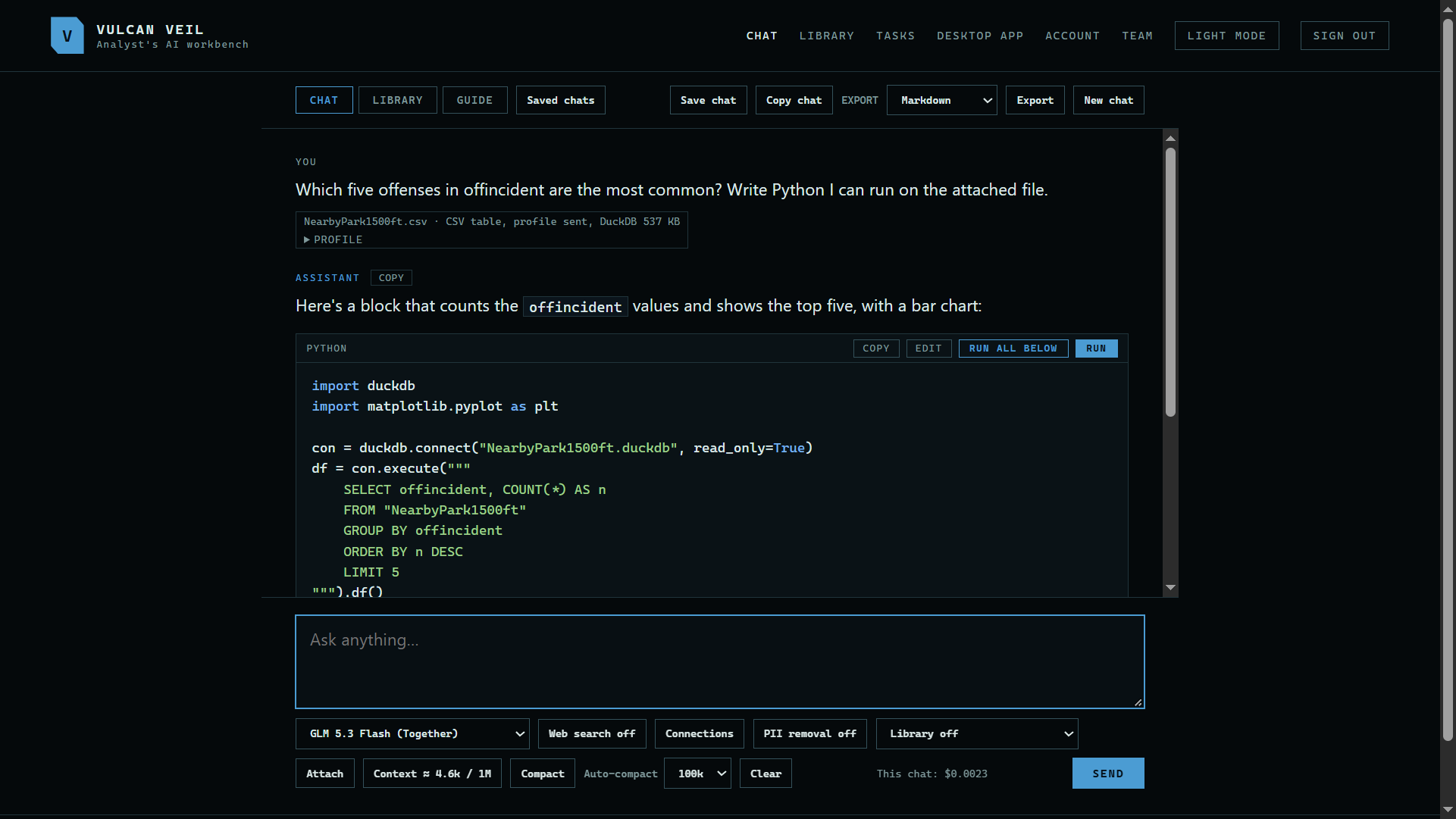
2. Ask your question
Type your question and press Send. Here: "Which five offenses in offincident are the most common? Write Python I can run on the attached file."
 Expand
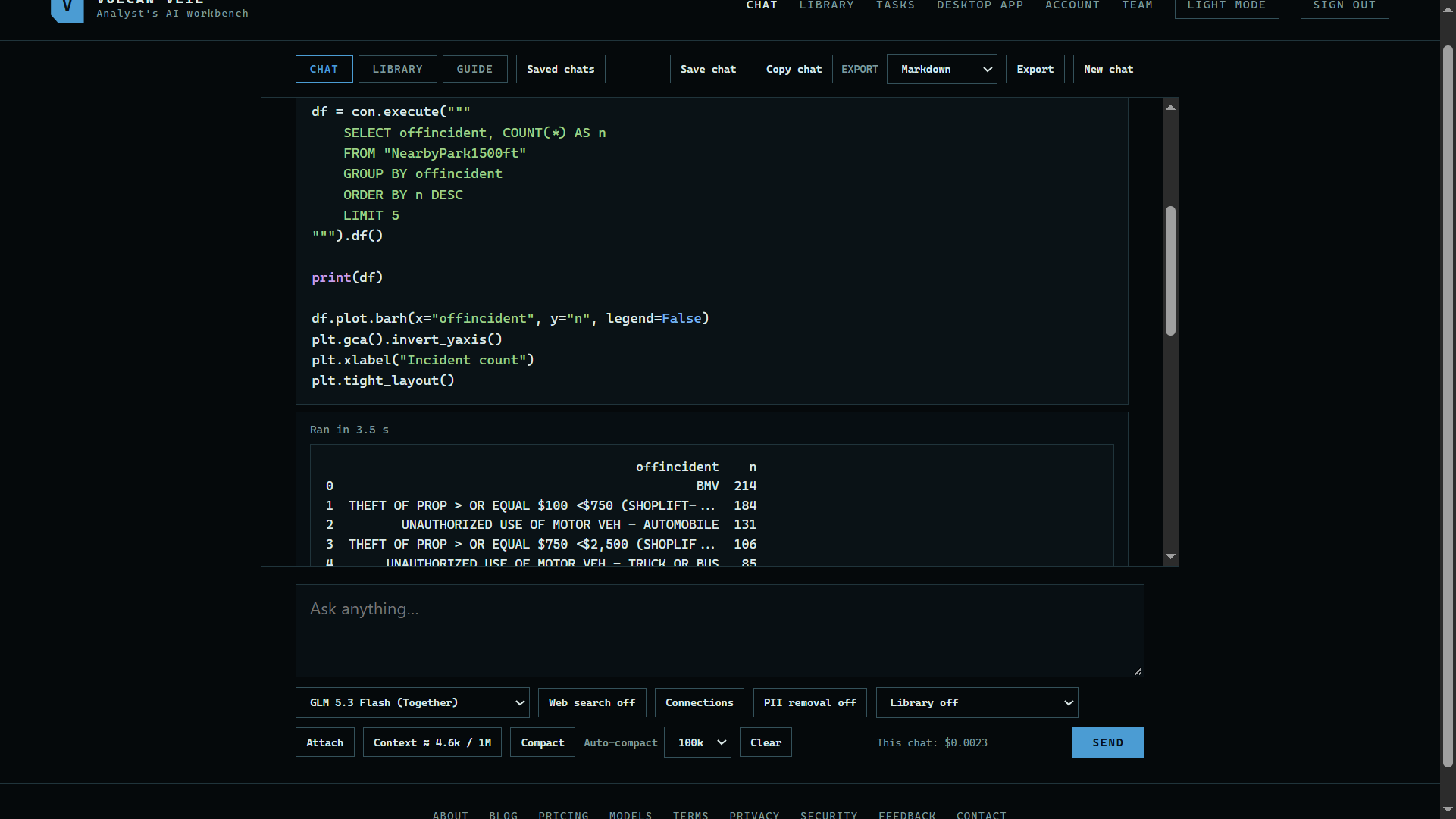
3. Run the Python
Press Run on the block. The first run in a page loads Python, which takes a moment. The output shows under the block.
 Expand
Good to know
- Python here has no access to your account or to the network.
- Use the desktop app to work with a folder of your own files.