Planning, checklists, and sub-agents
For a bigger task, it helps to see the assistant's plan before it does anything. With Plan on, it only reads and writes a plan and a checklist. You can change the plan, and nothing happens until you press Run plan.
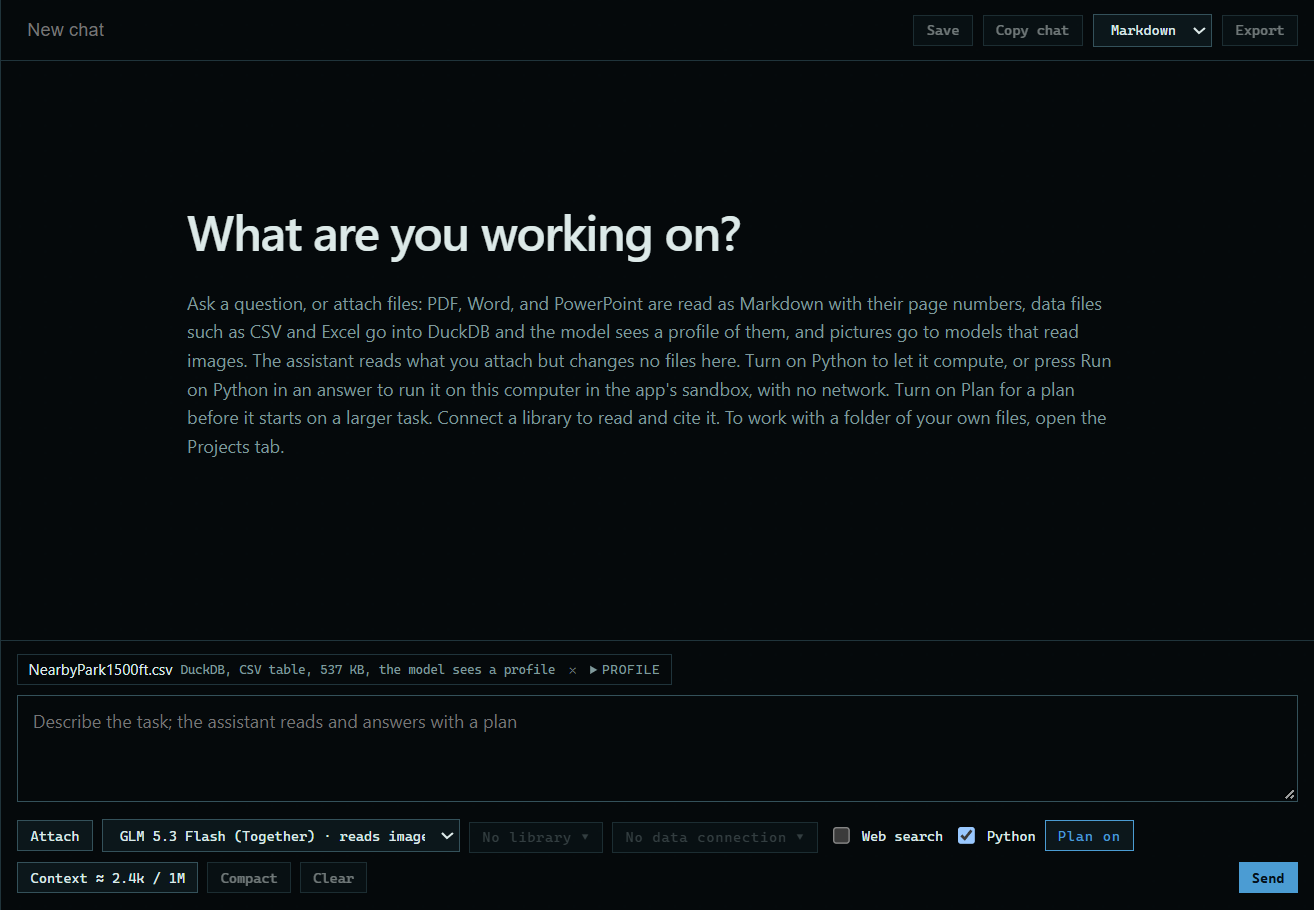
Follow along: download NearbyPark1500ft.csv (413 KB) and attach it to a new chat. It is a trimmed copy of public police incident records from the Dallas open data site.
1. Turn Plan on
Press Plan off under the message box, so it reads Plan on. Here Python is ticked too, so the assistant can run code when it carries out the plan.
 Expand
2. Describe the task
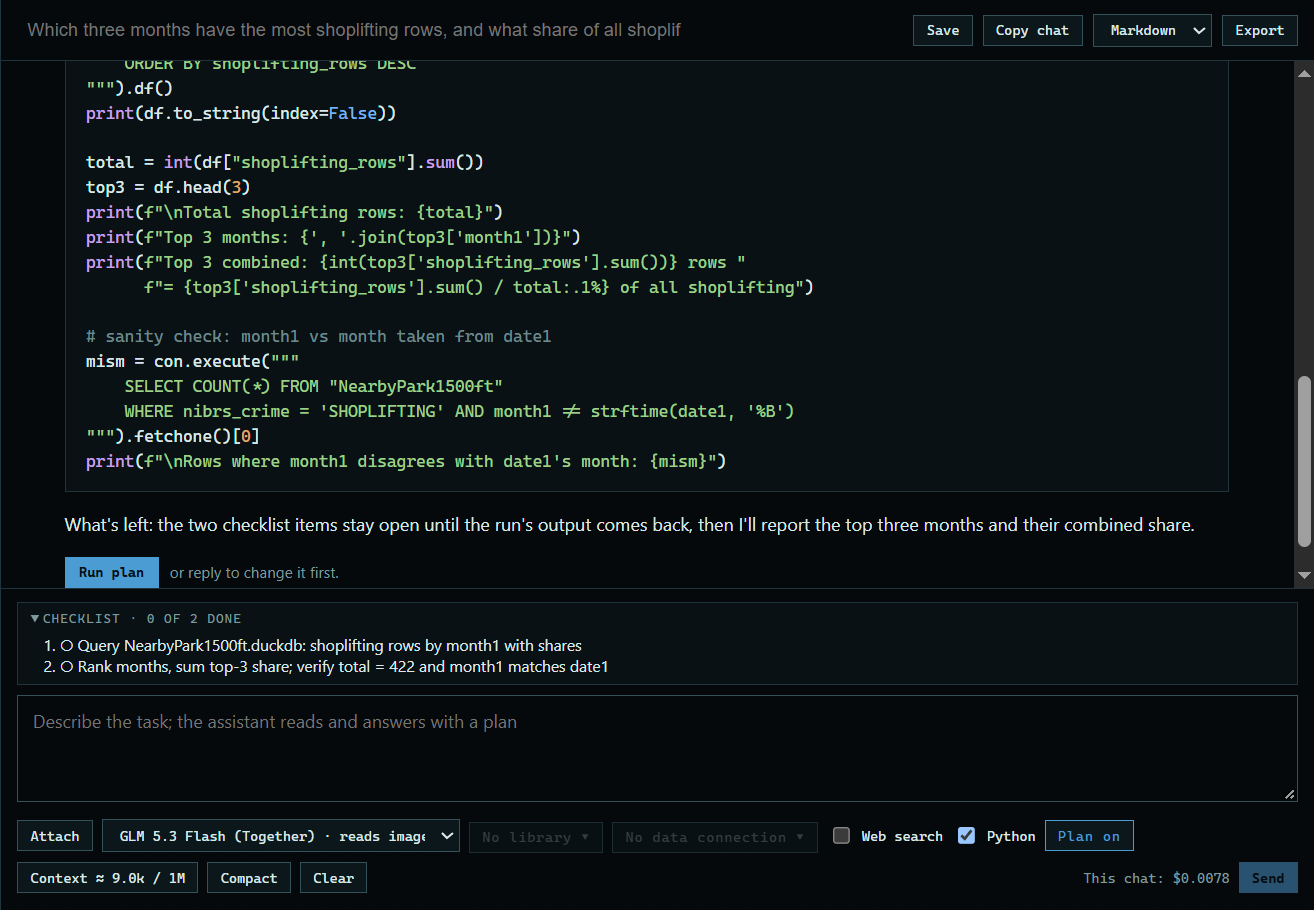
Type the task and press Send. Here: "Which three months have the most shoplifting rows, and what share of all shoplifting are they? Check it with Python." The assistant reads and answers with a plan. It makes no edits and runs no code.
 Expand
3. Press Run plan
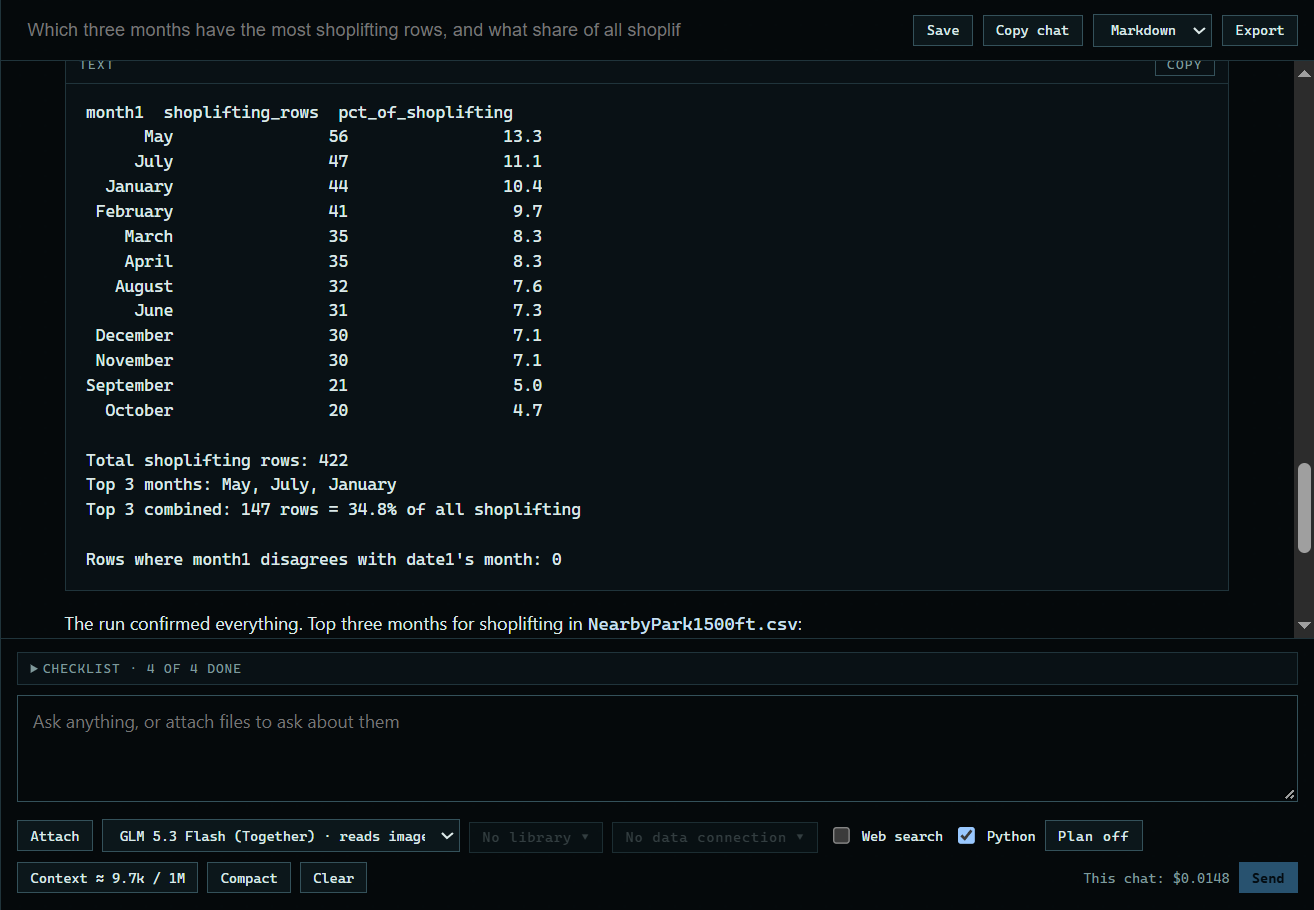
To change the plan first, reply instead. Run plan turns plan mode off, and the assistant carries the plan out.
 Expand
Good to know
- The assistant keeps a checklist above the message box for a long task, or when you ask for one.
- If you ask for a sub-agent, the assistant hands a reading task to a separate, read-only conversation and gets back only its report. It never calls one unless you ask.