Removing PII
A library copy is what the assistant reads, so you can take the personal details out of it. A model on your computer finds them and replaces each with a placeholder. Your original file does not change. The statement on this page is made up.
Follow along: download witness-statement.docx (36 KB) and add it to a library.
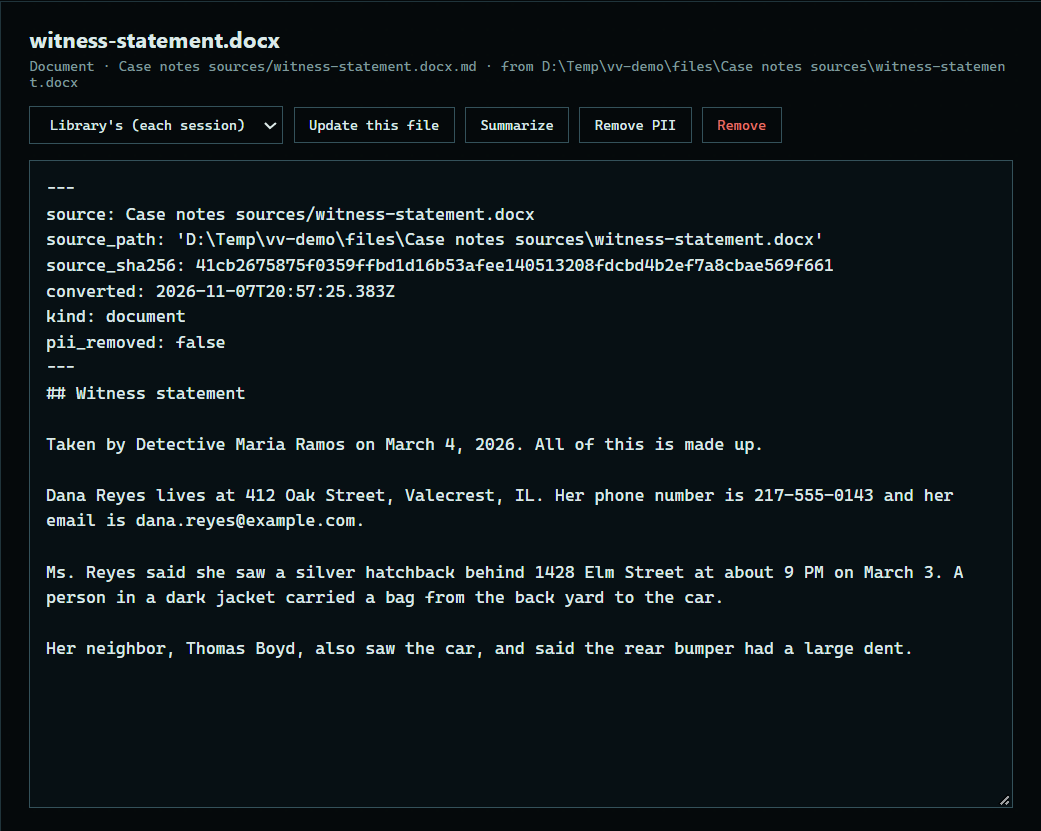
1. Open the document
Open a library and press a document under Contents to read its copy.
 Expand
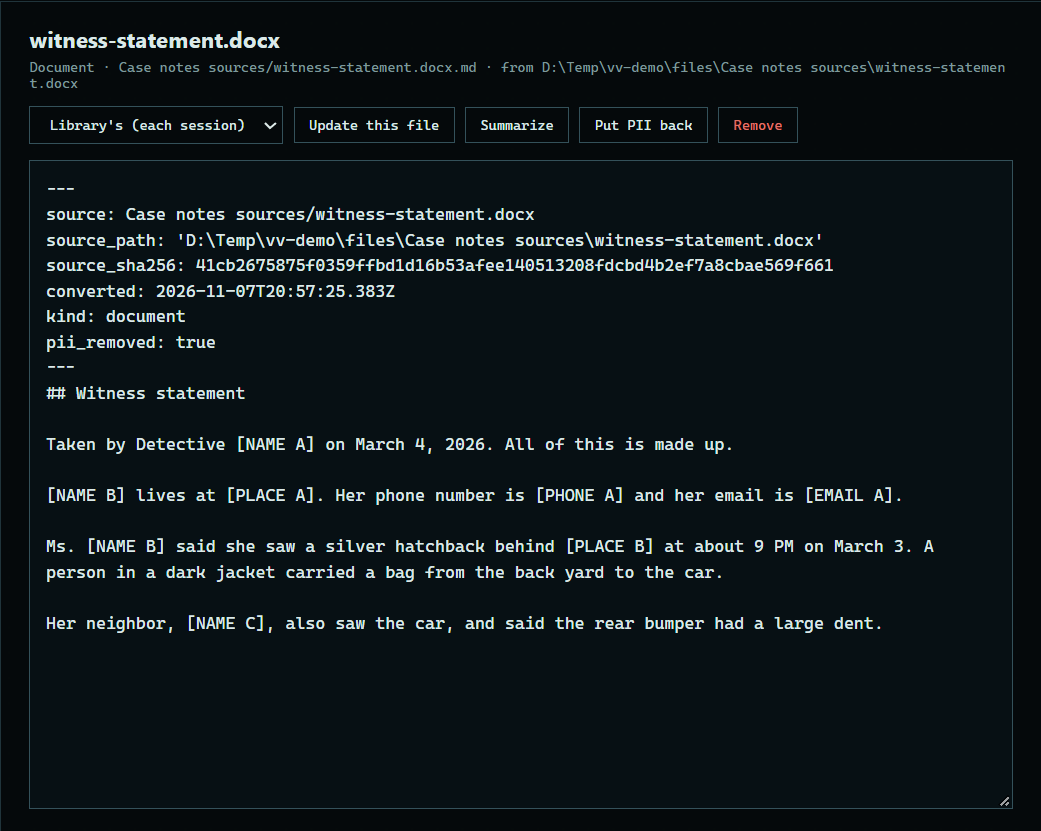
2. Remove the PII
Press Remove PII. Each name, address, and contact detail becomes a placeholder such as [NAME A], and the same person keeps the same letter all through the document.
 Expand
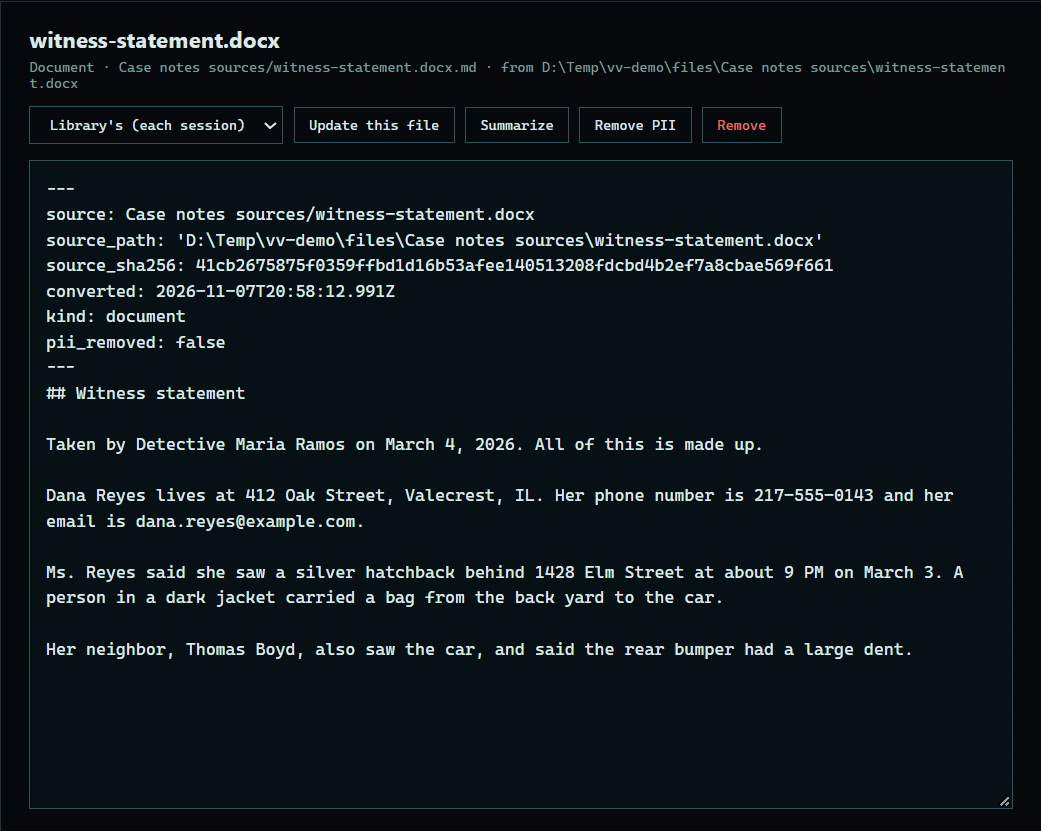
3. Put it back
Press Put back to make the copy again from your original, with its details.
 Expand
Good to know
- To remove PII from every file in a library, tick Remove PII under Settings.
- This runs on your computer, and the original file is never changed.
- Placeholders are not proof that a document is de-identified, so read the copy before you rely on it.