Changing your email and recovery code
Your email is how you sign in, so changing it asks for your password and a confirmation sent to the new address. The recovery code is what gets you back in if you lose access.
1. Change your email
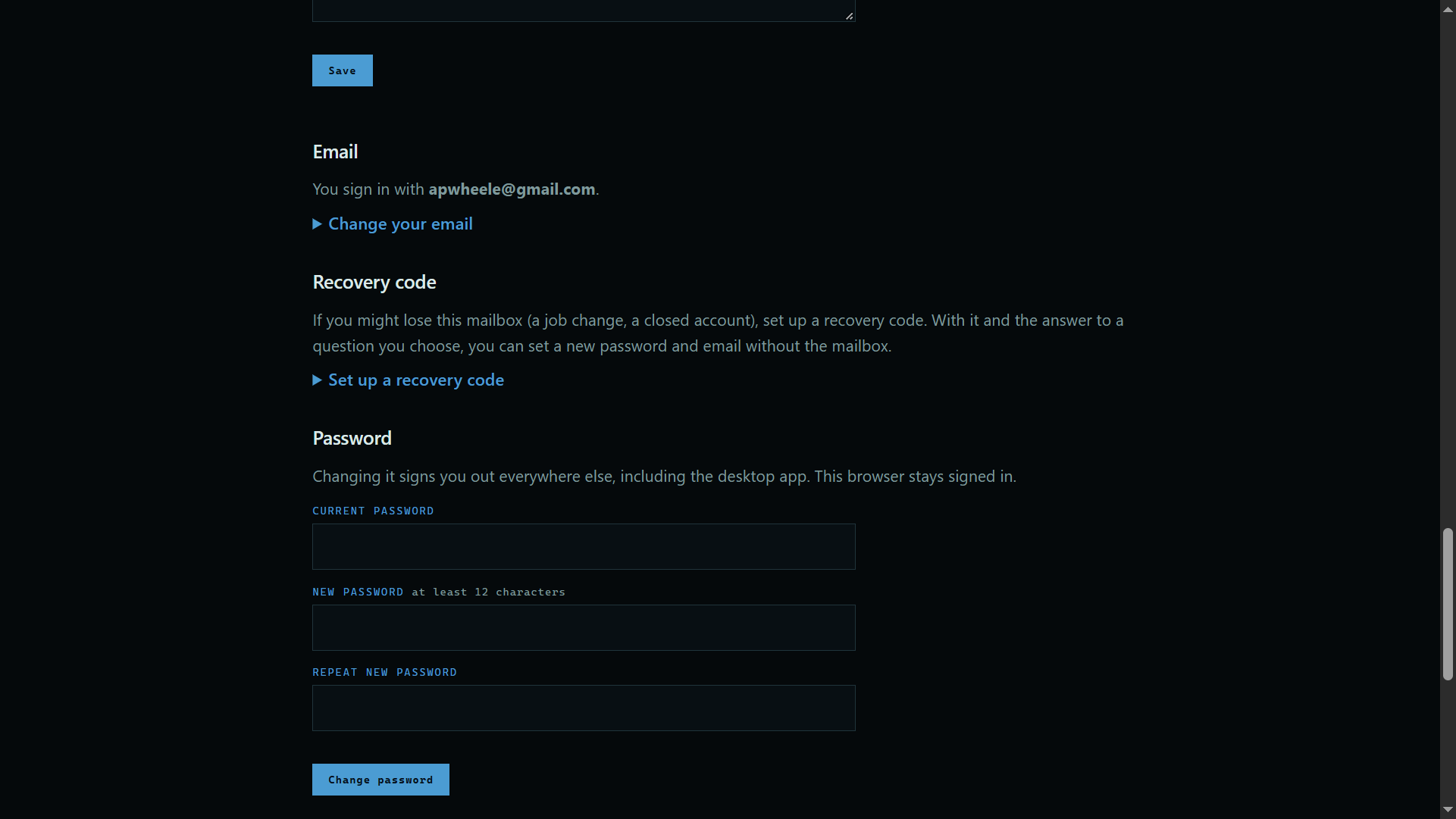
Open Account at the top of the site, scroll to Email, and press Change your email. Type the new address and your password, and confirm from the email we send.
 Expand
2. Set your recovery code
Press Set up a recovery code, just below it. With the code and the answer to a question you choose, you can get back in without your mailbox.
Good to know
- This recovery code is for your account. Your vault has its own.