Changing your password
You can change your password at any time. Doing so signs you out everywhere else, which is also what to do if you think someone else has it.
1. Change it
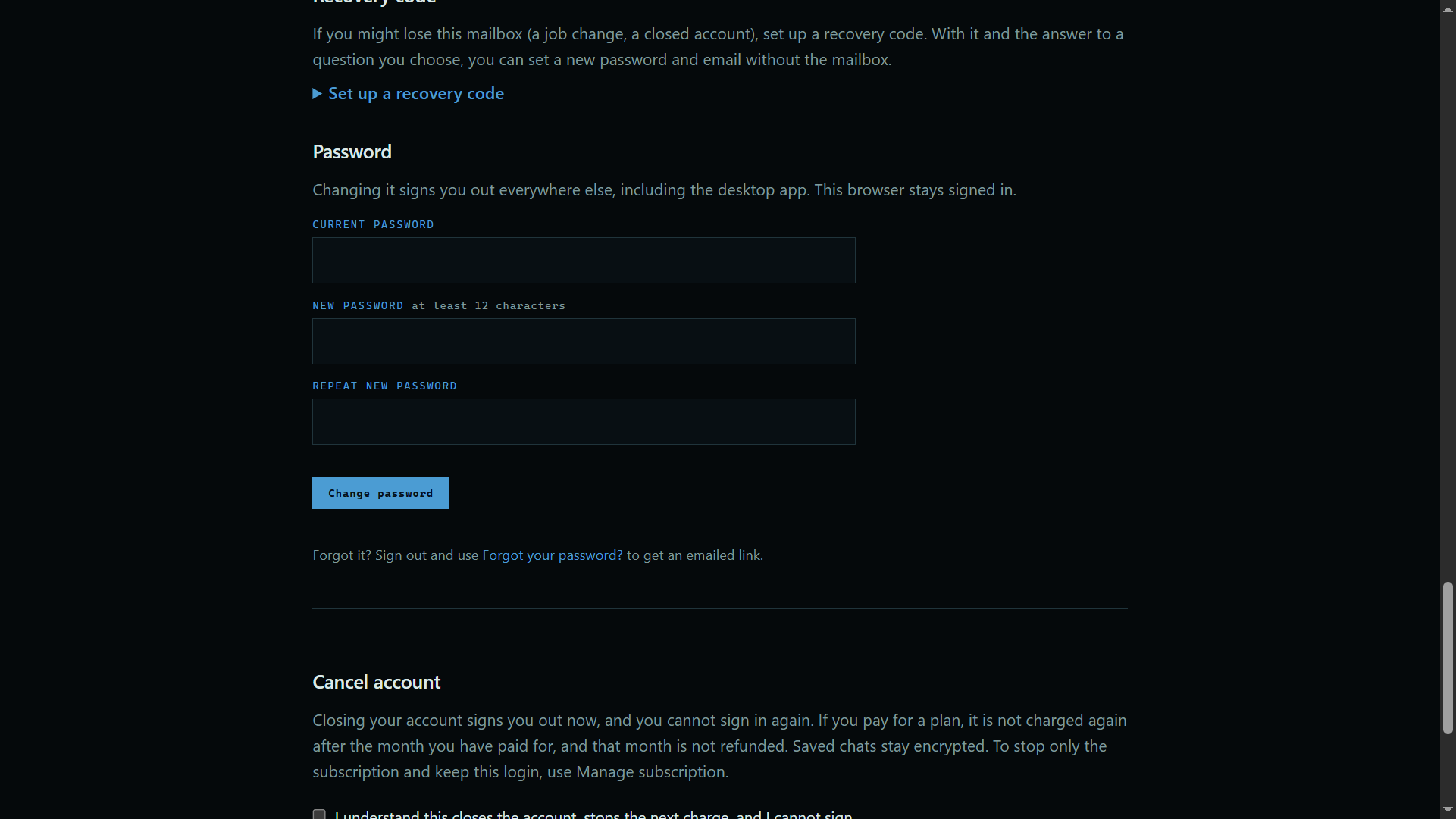
Open Account at the top of the site, then scroll to Password. Type your current password, then your new one twice, and press the button.
 Expand
Good to know
- Forgot it? Use the link on the sign-in page, and we email you a one-time link.
- Your vault passphrase is separate, and this does not change it.