Setting up a task
A task runs a prompt for you while you are away: every few hours, daily, weekly, or once. It can search the web, remember what it found last time, and email you only when something changes.
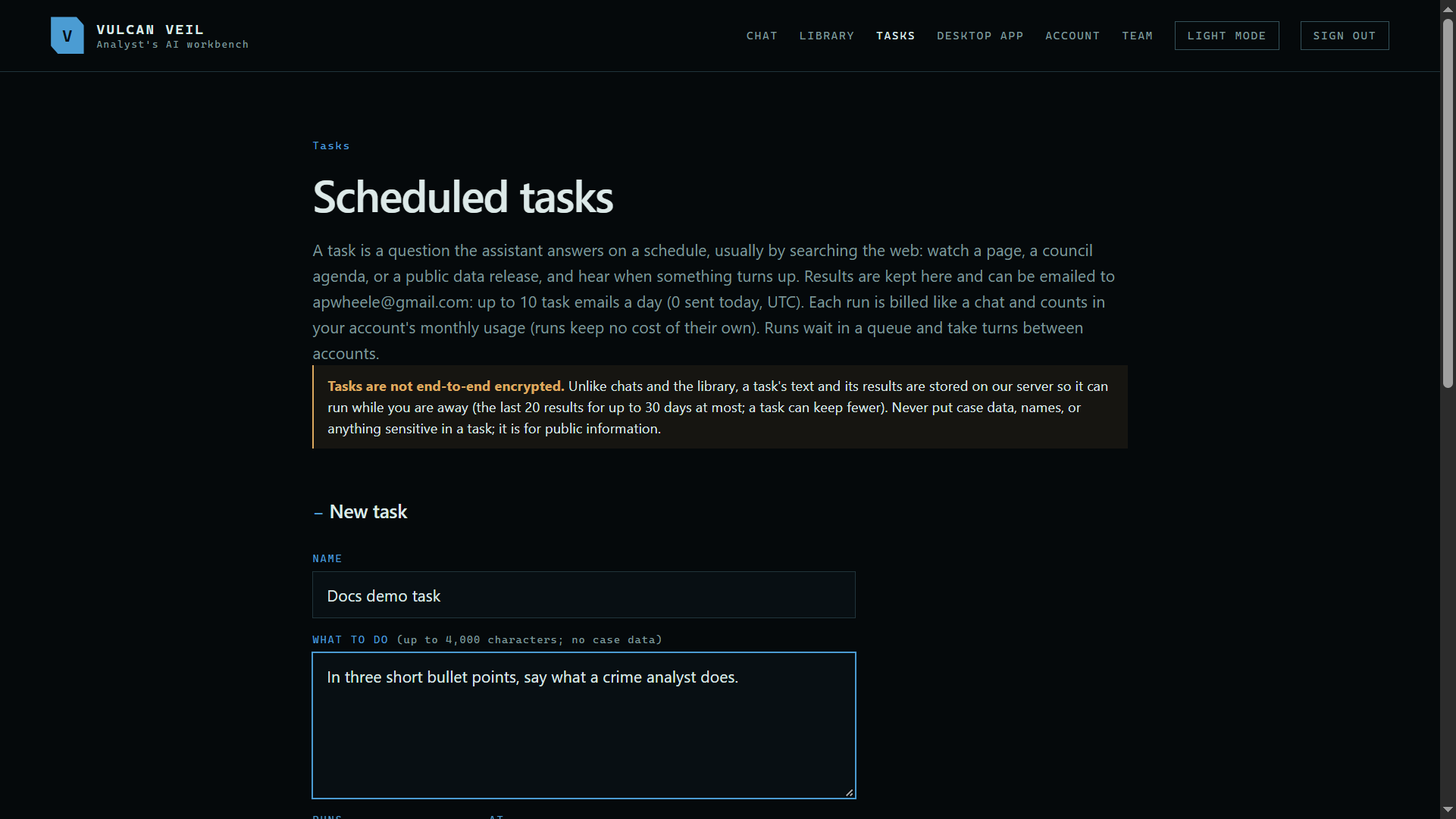
1. Name it and say what to do
Open Tasks, give the task a name, and write what it should do, up to 4,000 characters.
 Expand
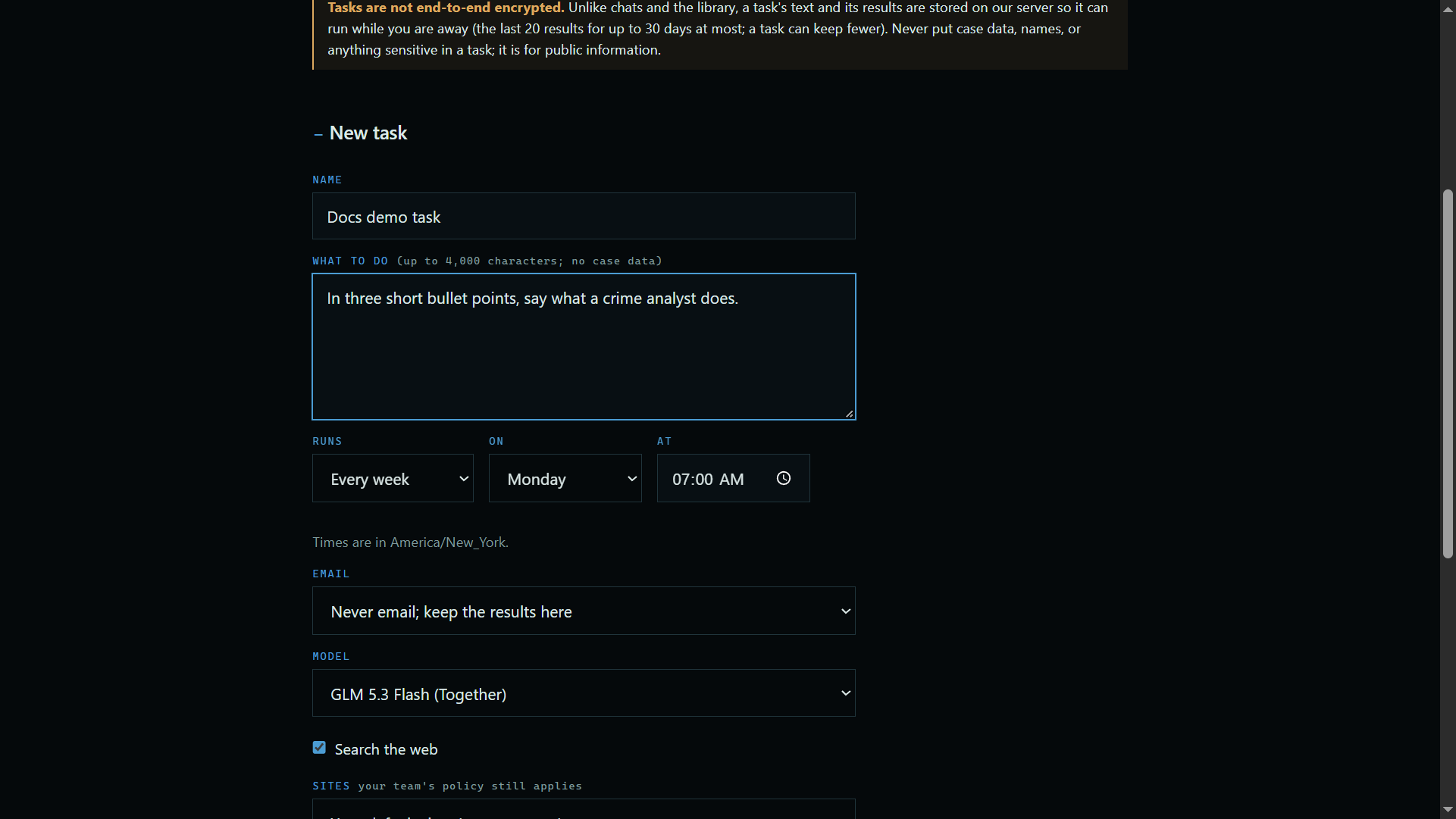
2. Choose when it runs
Runs sets the schedule, in your time zone. Email sets when you hear about it: after every run, when the answer changes, when a condition you describe is met, or never.
 Expand
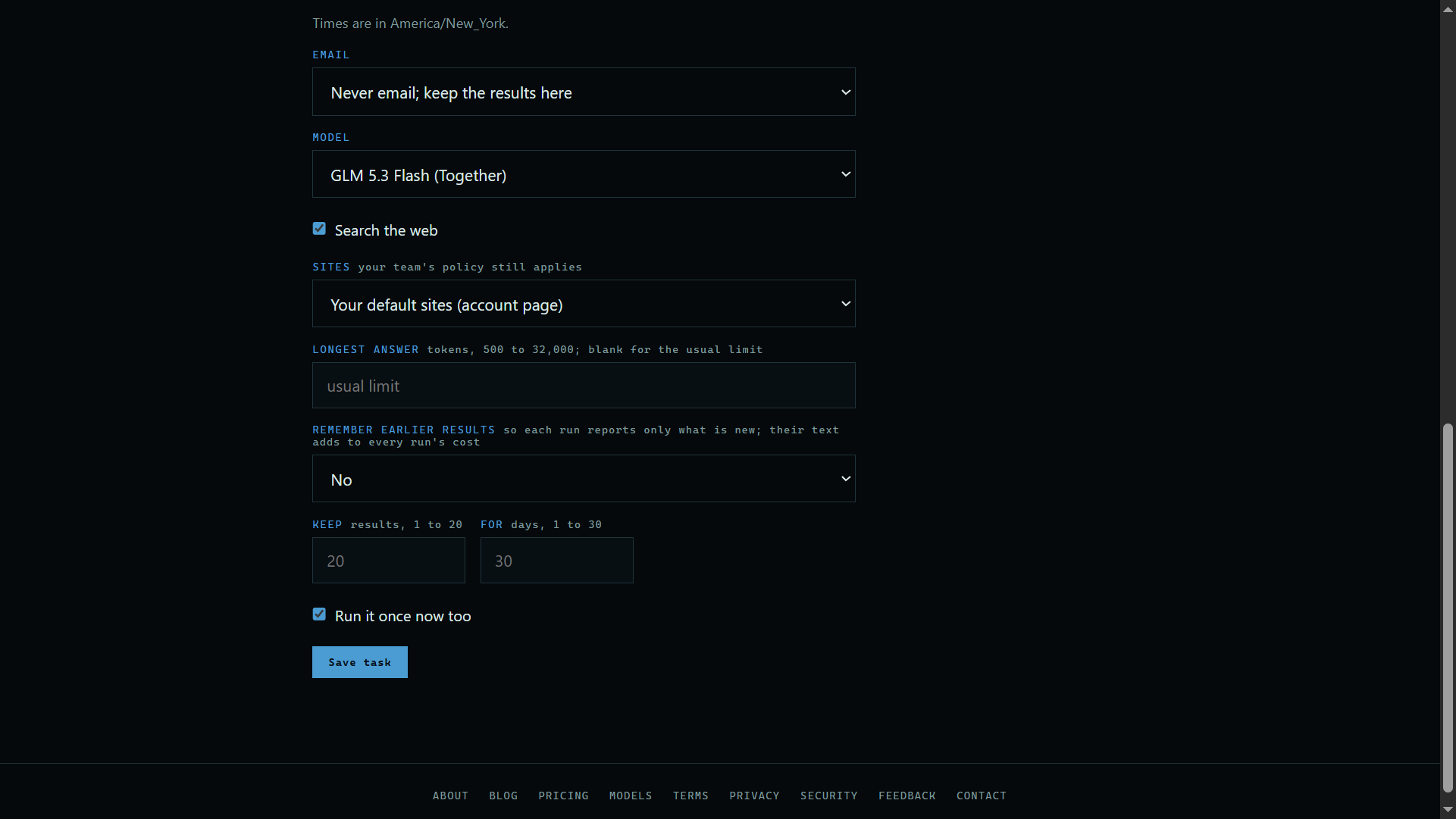
3. Choose how it works
Pick the model and whether it may search the web. Remember earlier results lets each run report only what is new, and Keep sets how many results stay and for how long.
 Expand
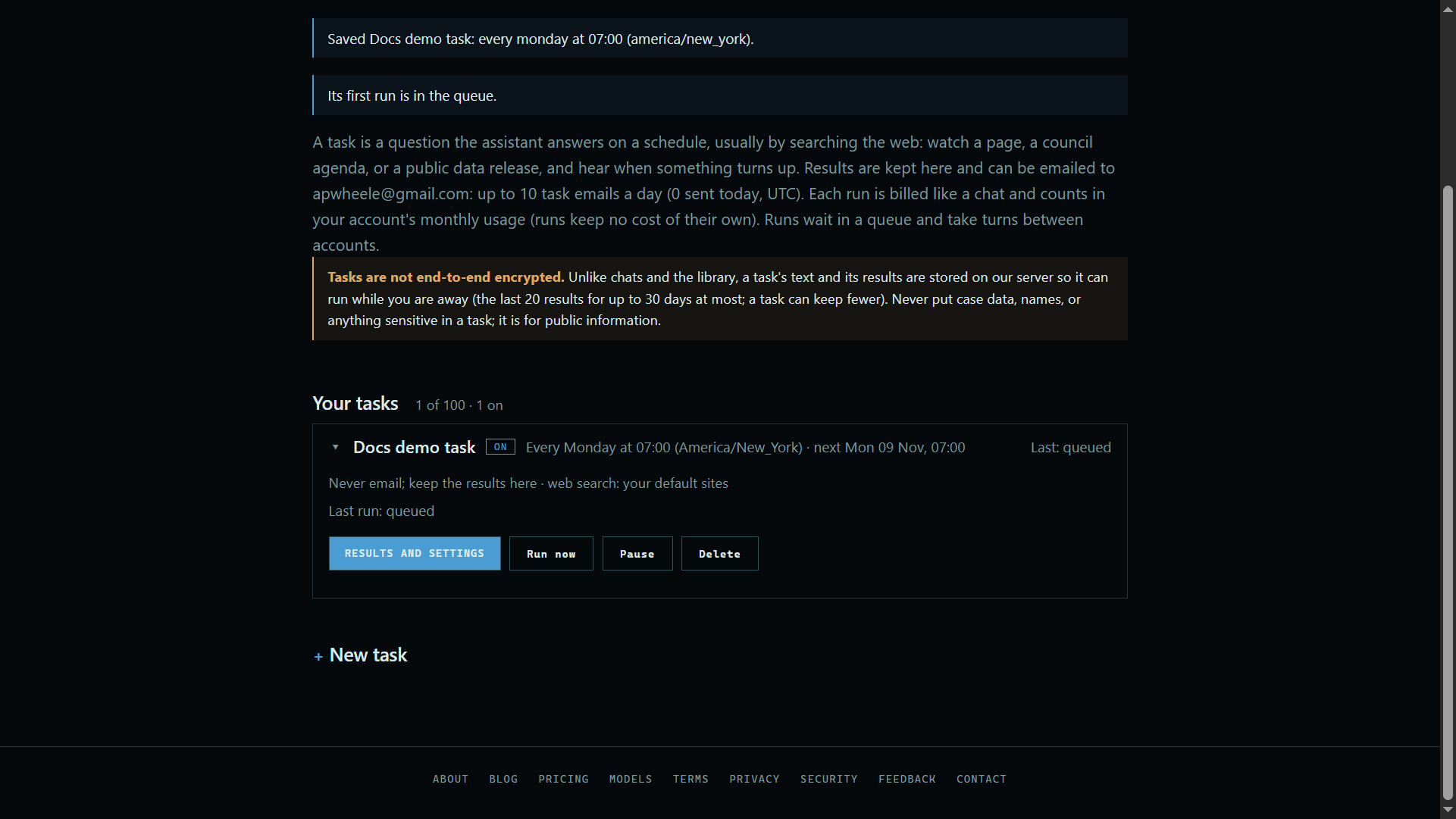
4. Save it
Run it once now too is ticked at the start, so the task tries straight away. Press Save task, and it joins your list.
 Expand
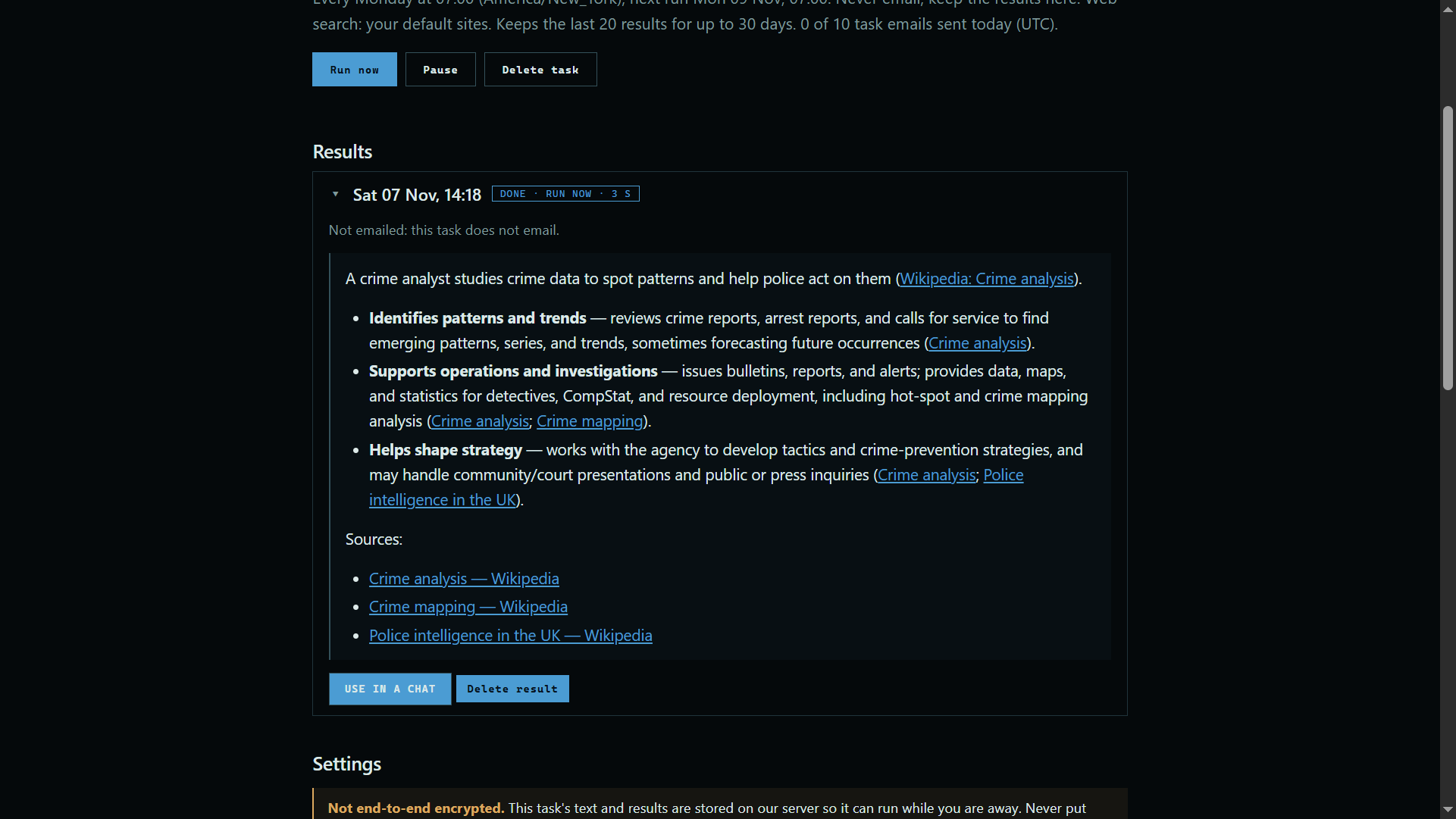
5. Read the results
Press Results and settings to read each run's answer. Runs wait in a queue, so a new one can take a moment.
 Expand
Good to know
- A run is billed like a chat.
- Tasks are stored on our server in plain text, because they run while you are away. Keep them to public information.