Running code and saving results
Code in an answer runs right in your browser, with nothing to install. You can hand a chart back to the assistant to talk about, and download it or the whole chat. The data on this page is made up.
1. Ask for code
Type your request and press Send. Here: "Write Python that makes a made-up DataFrame of monthly burglary counts for one year, and draws a bar chart with matplotlib."
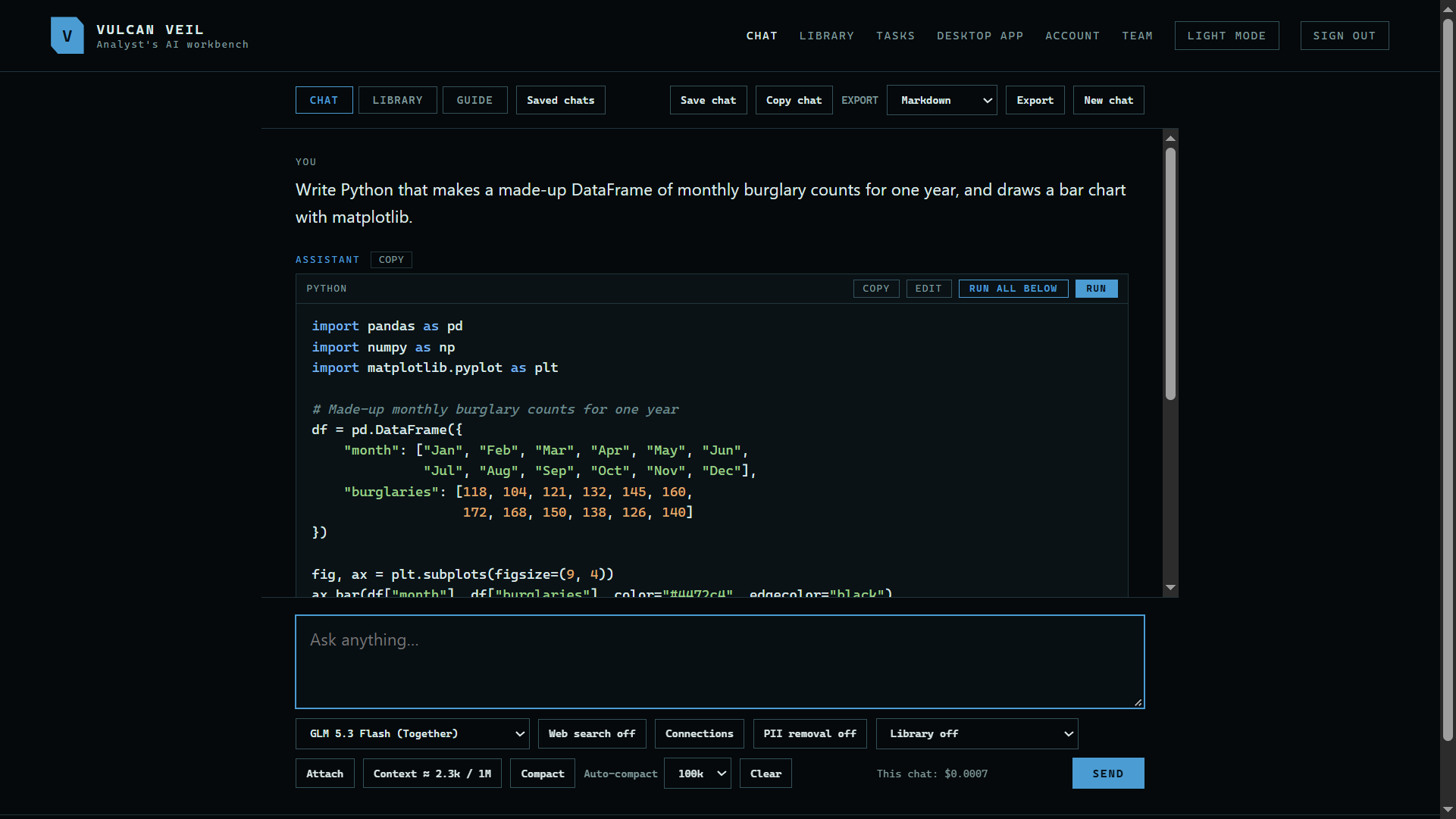 Expand
2. Run it
Press Run, or Run all below when an answer has several blocks. The chart shows under the code, with Download image beside it.
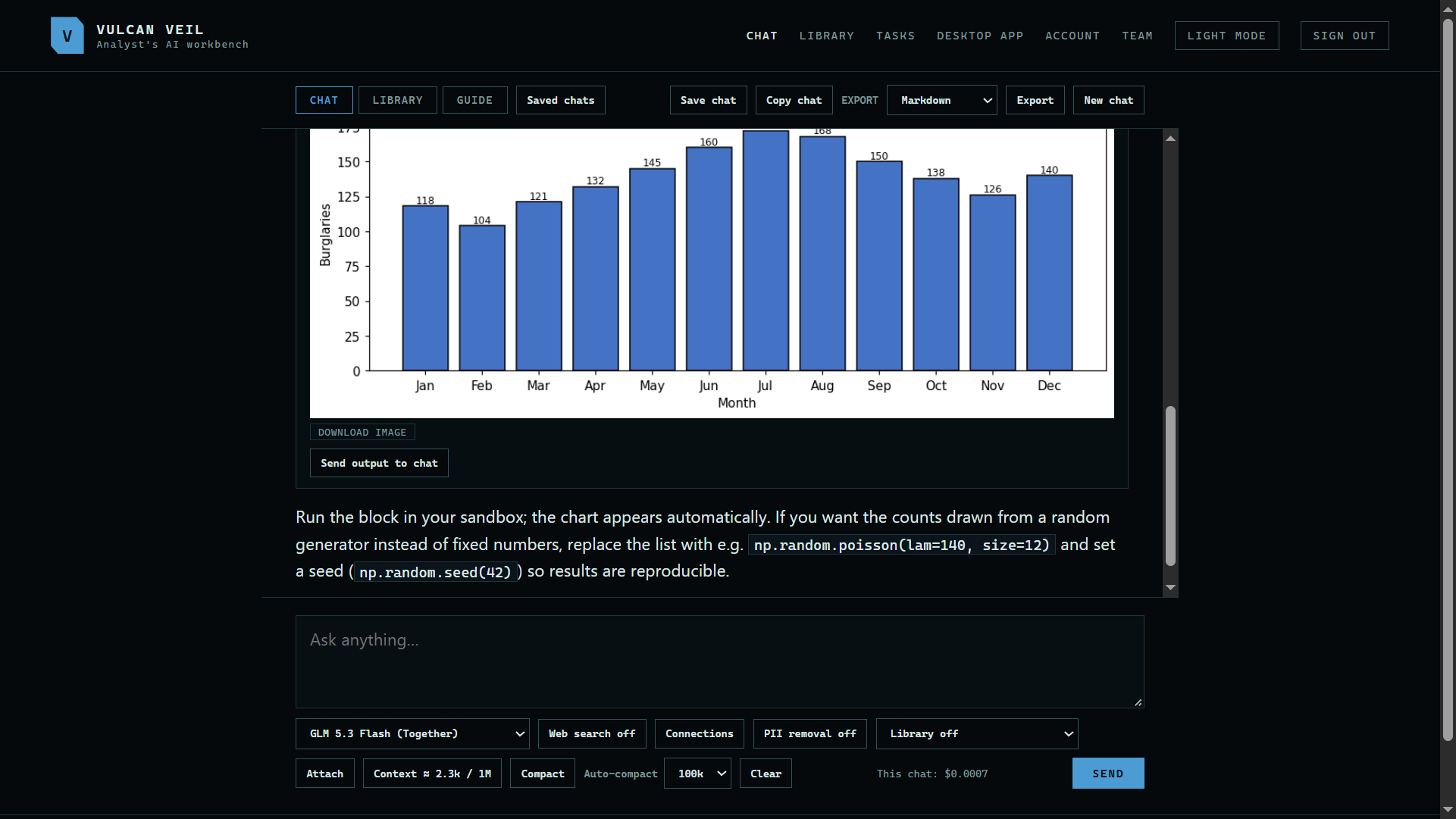 Expand
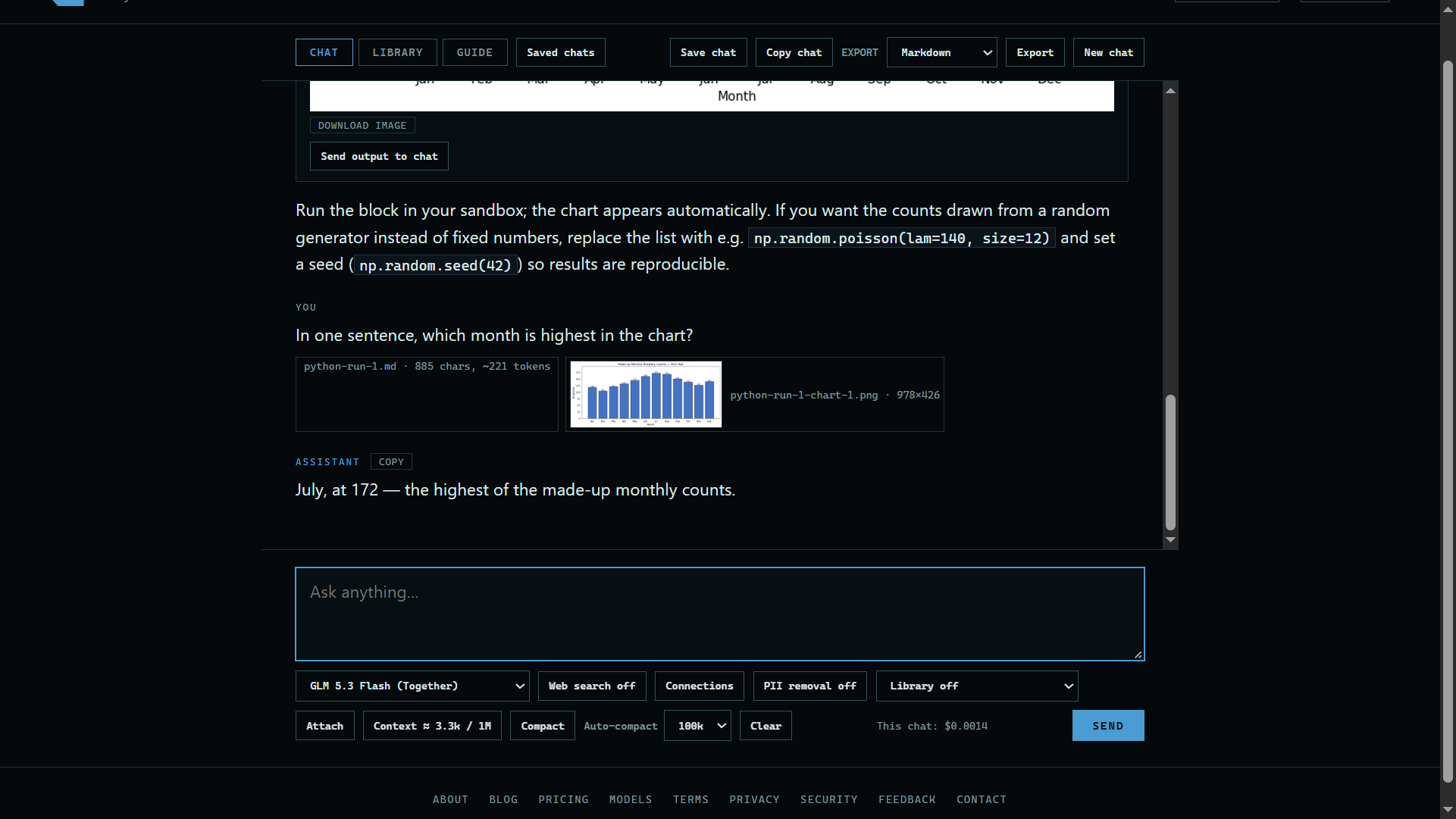
3. Send it back
Press Send output to chat, then ask about it. Here: "In one sentence, which month is highest in the chart?"
 Expand
4. Keep the chat
Choose Markdown, HTML, or PDF at the top of the chat and press Export, or press Save chat to keep it in your encrypted vault.
Good to know
- Nothing is kept unless you save or export it.
- A map from a run has a Download map button in the same way.
- Sending a chart needs a model that reads images.