What the Sandboxed Browser is
Some research means visiting sites you would not trust with your everyday browser. The Sandboxed Browser is a separate copy of Firefox with a throwaway profile. It reaches only the sites you allow, and it has no connection to your files.
1. Open it
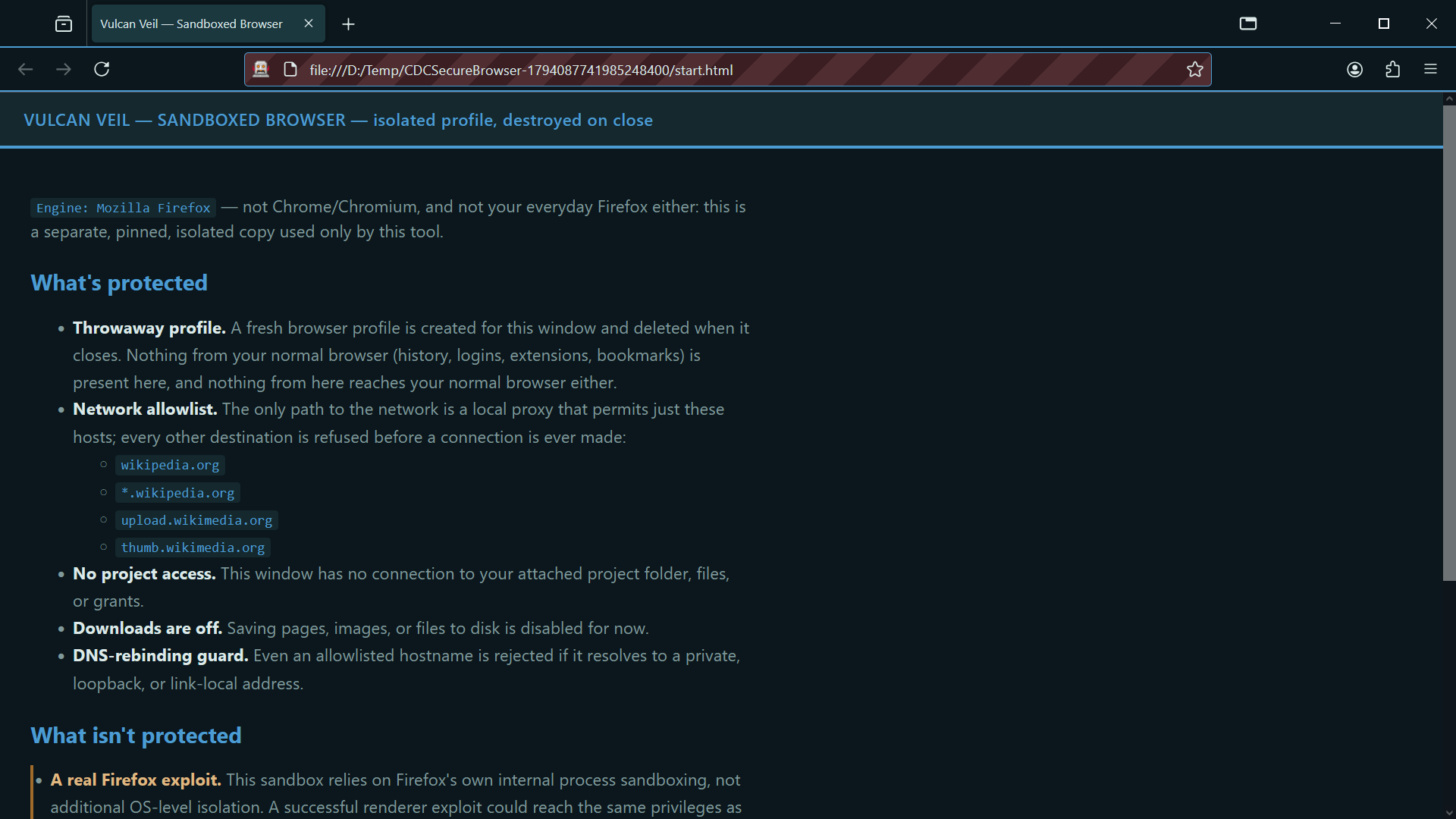
In a project, press Sandboxed Browser at the top of the app. It opens in its own window.
 Expand
2. Browse the sites you allow
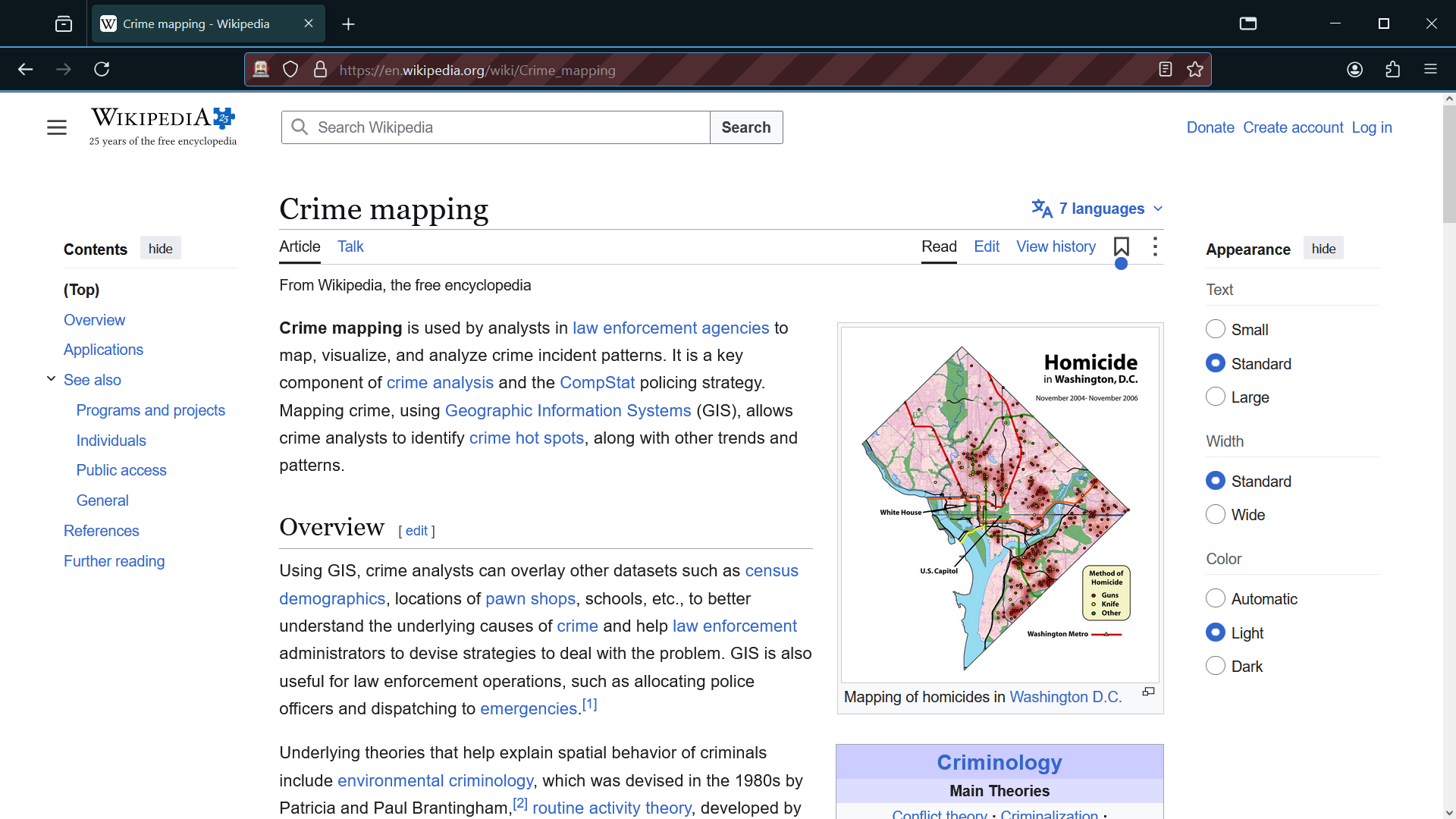
Use it like any browser. Every request goes through a local proxy, which refuses anything that is not on your list.
 Expand
3. Close it when you are done
Its profile is deleted when the window closes, so nothing carries over to the next time. While it is open, Browser Sites and Save Evidence appear as tabs in the project.
Good to know
- Downloads are off, and the window has no access to your project's folder.
- An allowed name is still refused if it points to a private or local address on your network.