Choosing a model
You can choose which model answers. Models differ in speed, price, and what they can read, and each one is billed by what you use. This page asks the same question of three models in one chat.
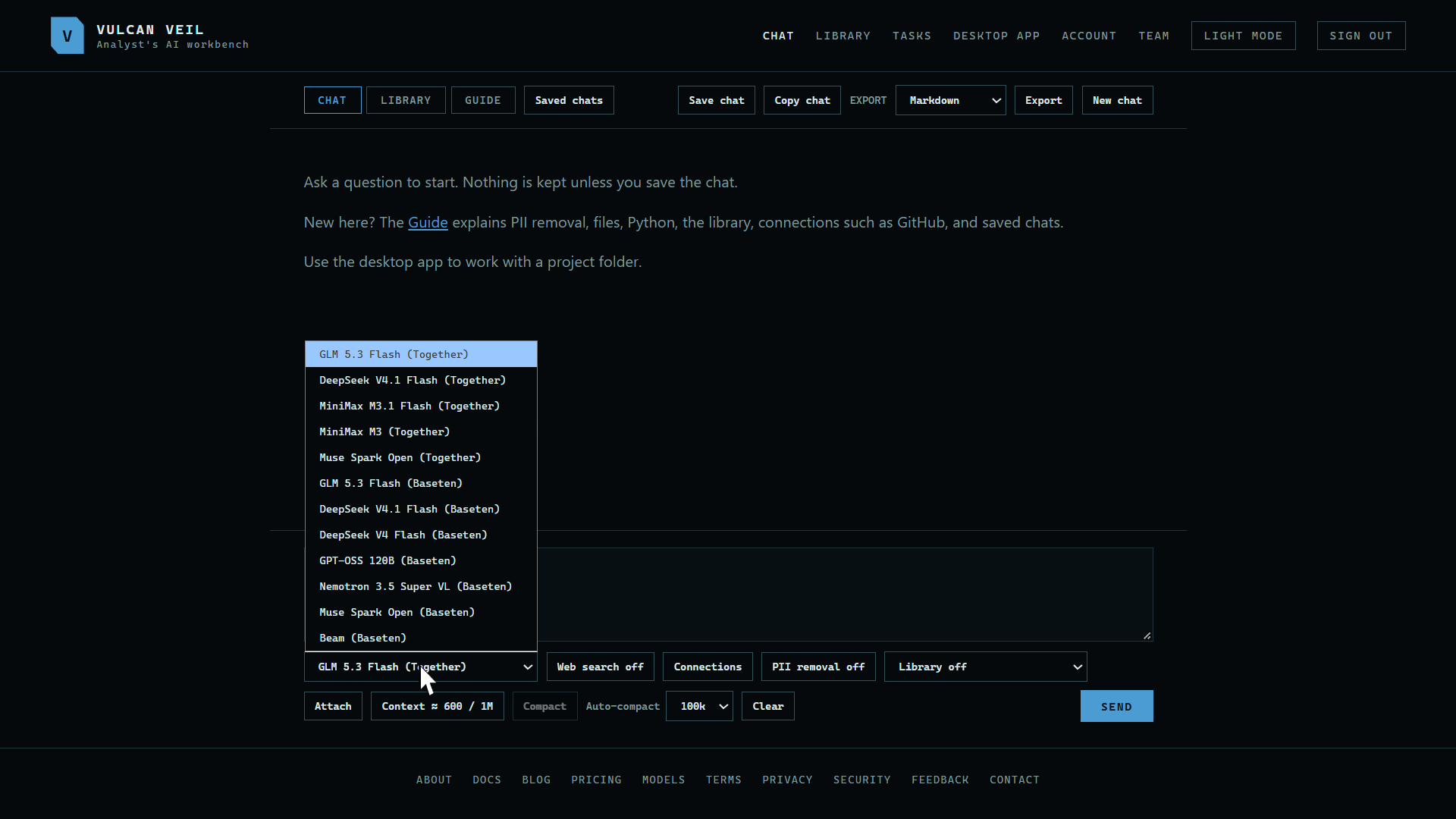
1. Open the model list
The list is under the message box. Each model is named with the company that runs it for us.
 Expand
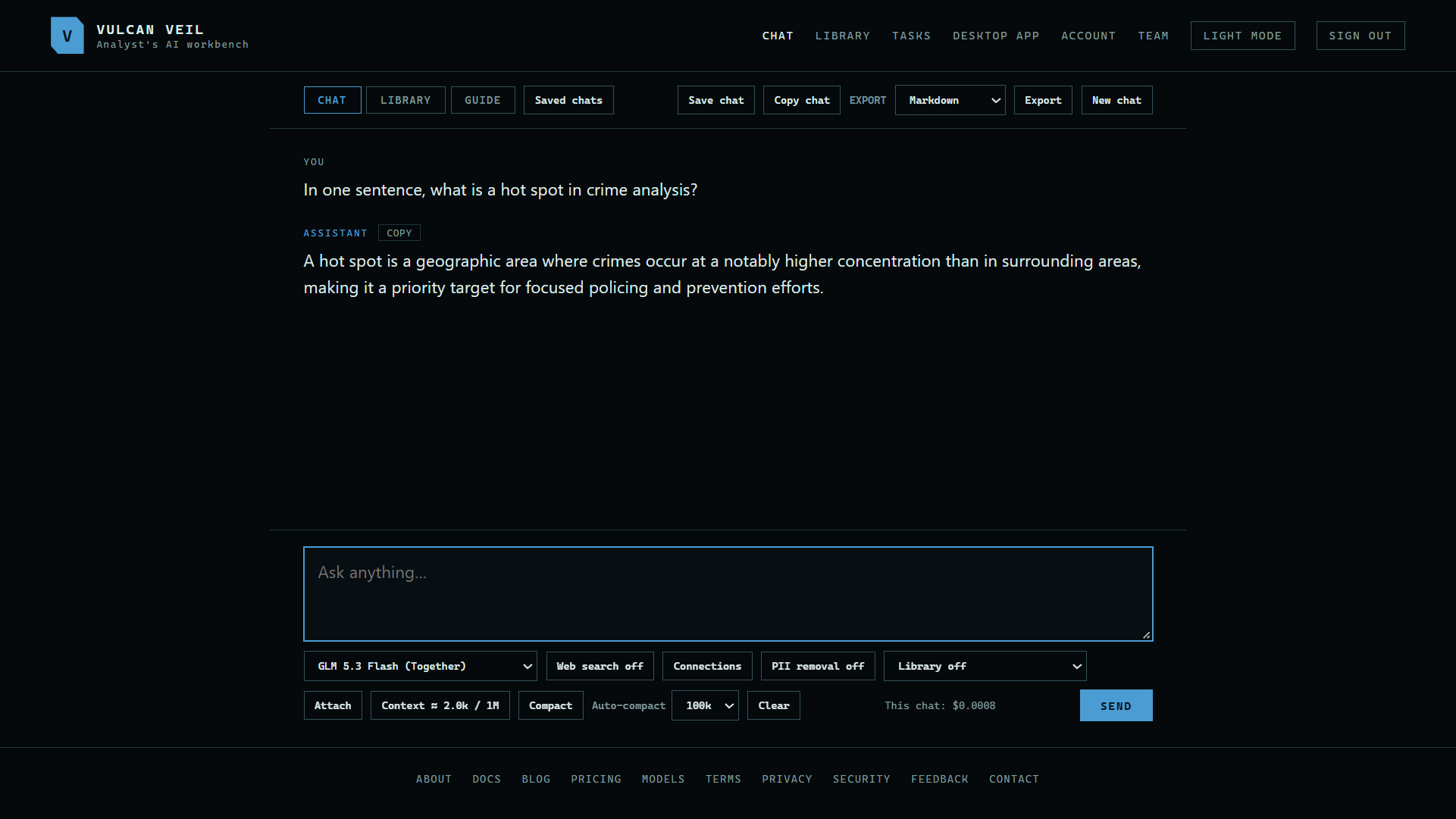
2. Ask something
Type your question and press Send. Here, GLM 5.3 Flash is asked: "In one sentence, what is a hot spot in crime analysis?" The line beside Send shows what this chat has cost so far.
 Expand
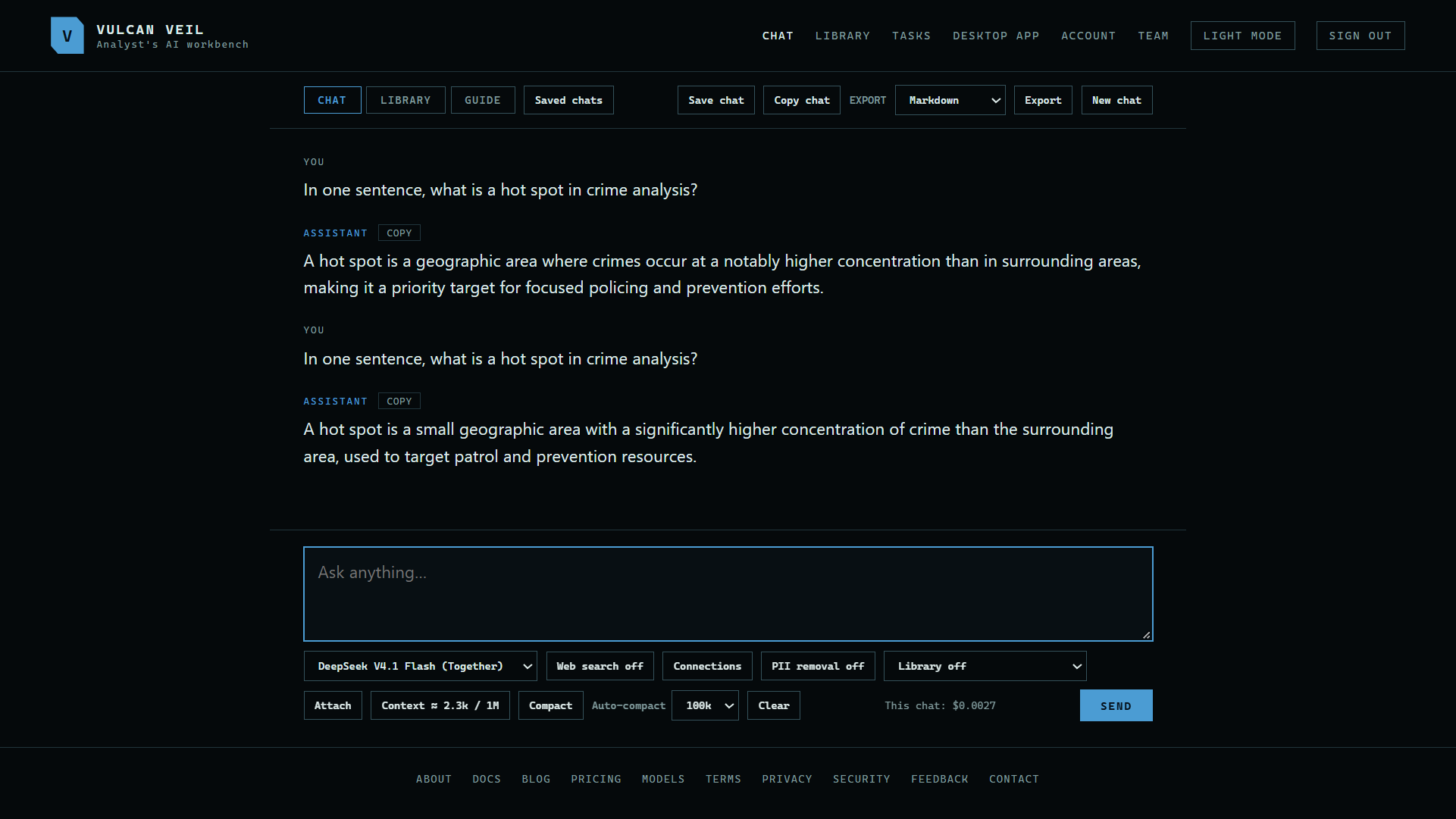
3. Change the model
Pick another model at any point in a chat. Your next message goes to that model, and it sees the chat so far. Here, DeepSeek V4.1 Flash gets the same question.
 Expand
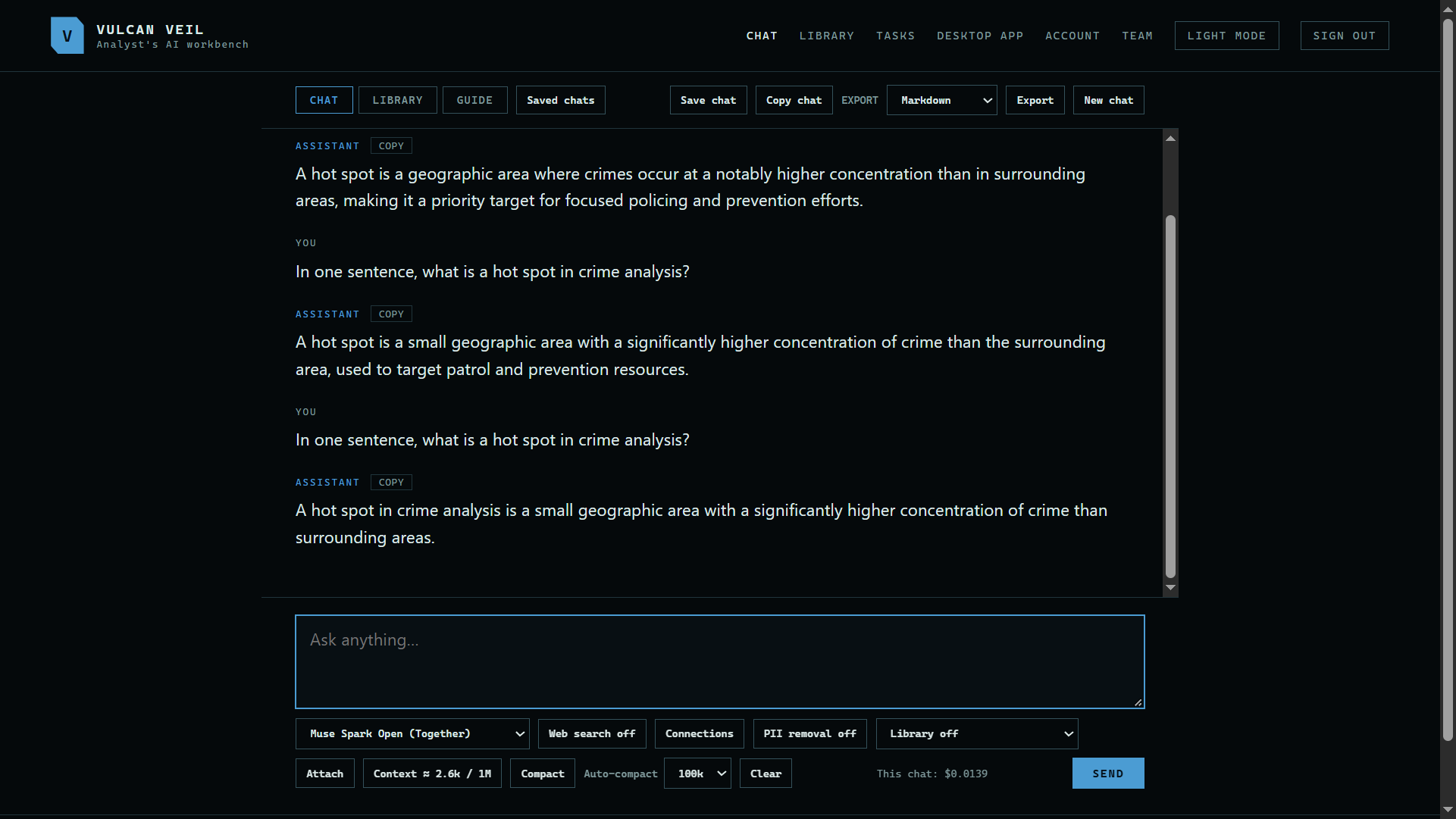
4. Compare another
Here, Muse Spark Open gets the question too. It costs more per word than the other two, so the chat's cost goes up by more.
 Expand
Good to know
- The models page lists each model's price and what it can read.
- Your choice lasts until you close the tab. A saved chat keeps the model it was using.
- Some models read pictures and video, and others do not. See Attaching images and video.
- Your usage shows each model's requests, tokens, and charges for the month.