Downloading open data in Python
Python in the app has no network, so nothing in your folder can leave through it. A few public data sites are the exception: the app makes those downloads for Python and refuses everything else. So osmnx, pygris, and the Census API work as written, in notebooks and in the assistant's runs.
Follow along: download open-data.ipynb (2 KB) and put it in a project folder.
1. Check the switch
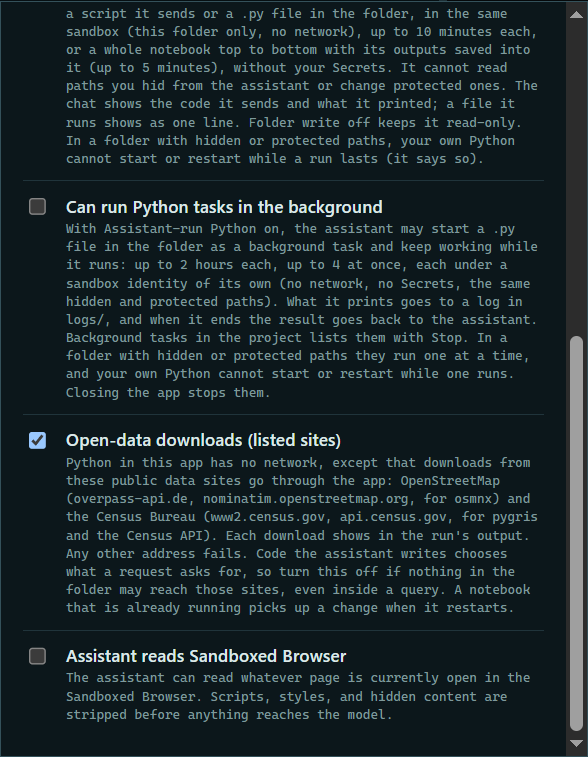
Press Sandbox locked at the top of the project. Open-data downloads (listed sites) is on unless you turn it off, and names the sites.
 Expand
2. Download roads
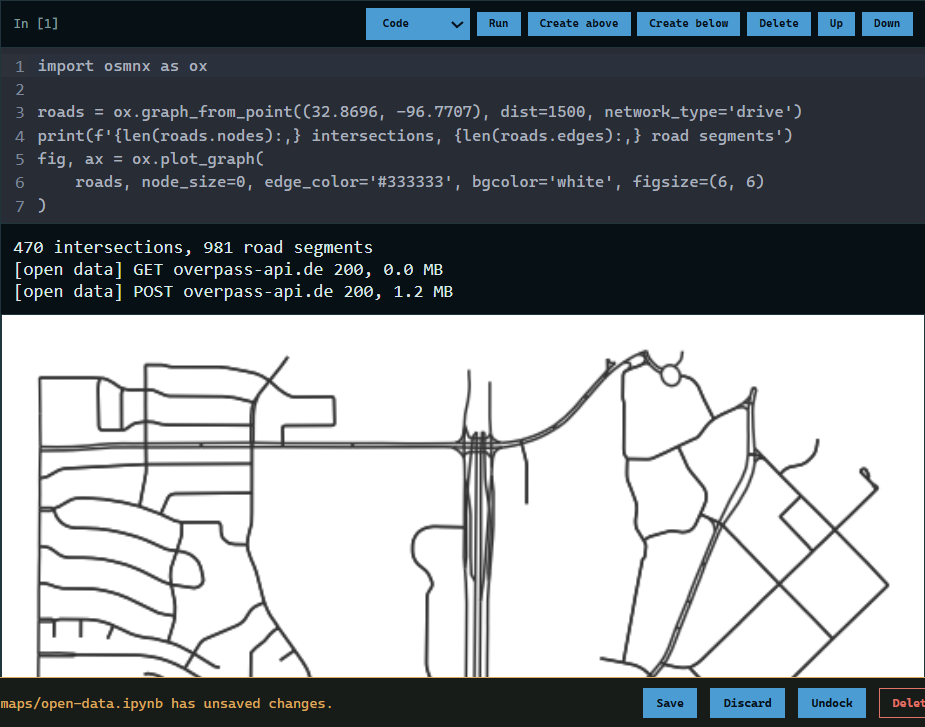
Run a cell that uses osmnx. Each download shows as a line saying the site, the answer, and the size.
 Expand
3. Download Census shapes
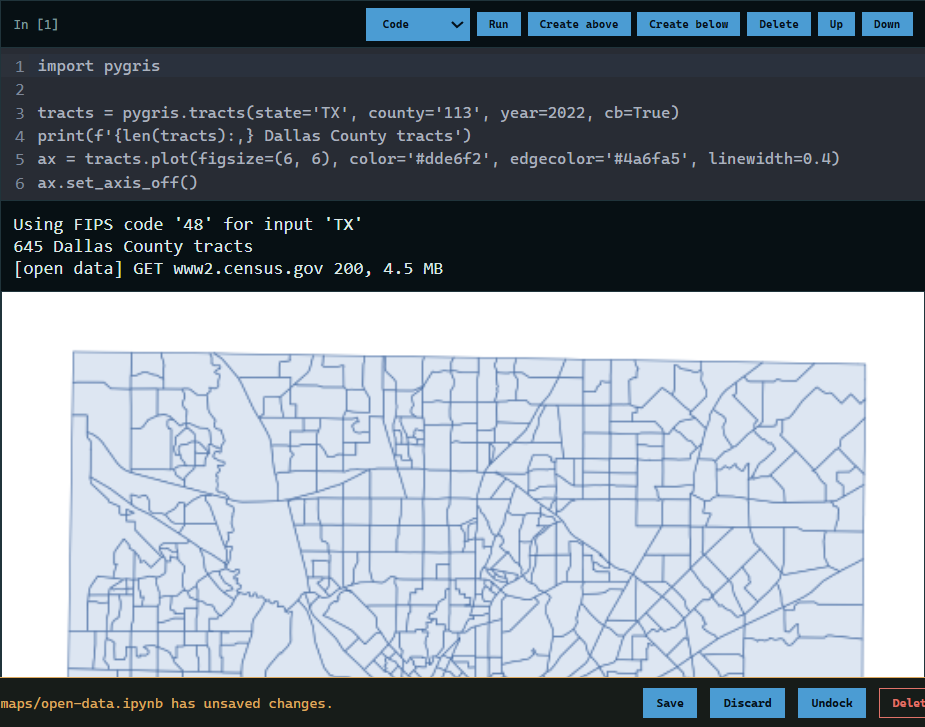
pygris downloads TIGER/Line shapes from the Census Bureau the same way. Here, Dallas County's 645 tracts.
 Expand
4. Everything else is refused
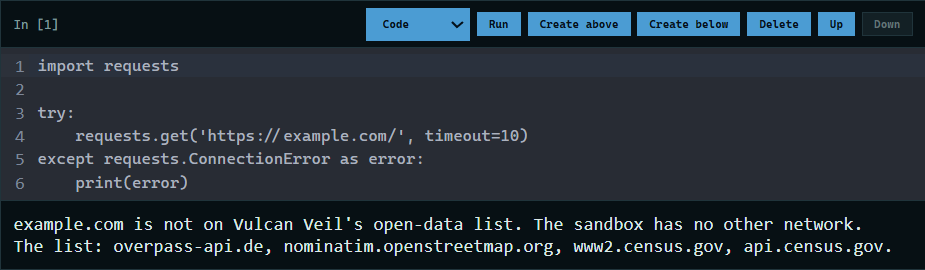
Any other address fails with a message naming the sites on the list.
 Expand
Good to know
- The sites: OpenStreetMap (overpass-api.de and nominatim.openstreetmap.org, for osmnx) and the Census Bureau (www2.census.gov and api.census.gov).
- The app passes on the address and a few plain headers, never cookies or sign-in headers. Its own log keeps each site and size, never the address.
- Code the assistant writes chooses what a request asks for. Turn the switch off if nothing in the folder may reach those sites, even inside a search.
- The Census data API asked for a key when this page was made. The shape files and the ACS files on www2.census.gov did not.