Writing Quarto reports
A Quarto report keeps your words, code, and charts in one file, so a monthly report can be run again on new data. It opens like a notebook here, and it renders to a finished report without any other software. The report on this page is made up.
Follow along: download calls-report.qmd (3 KB) and put it in a project.
1. Open the report
Press a .qmd file. Each Python chunk is a cell you can run, and the text between them is Markdown. Source shows the plain file.
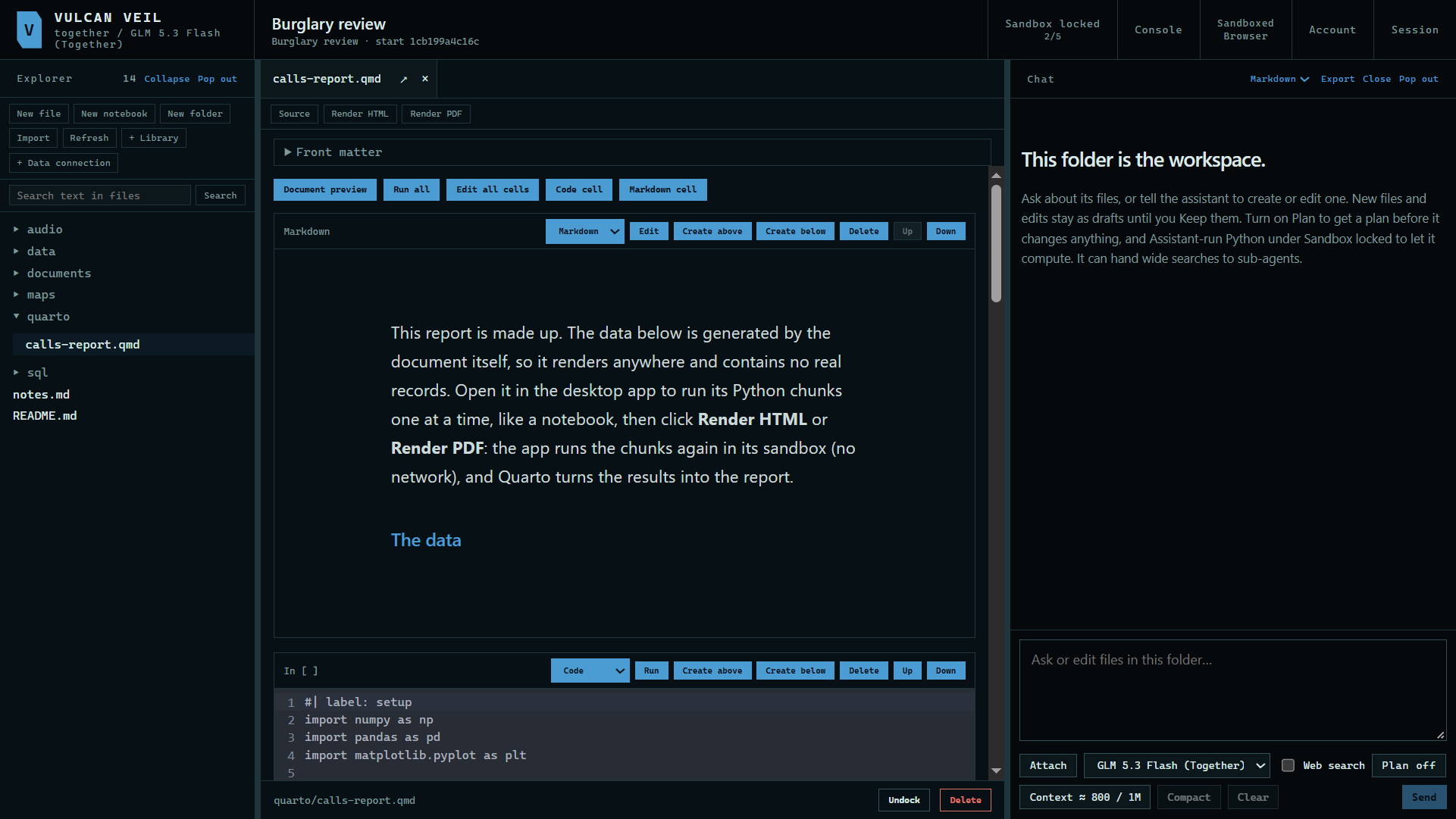 Expand
2. Run it
Press Run all to see each chunk's tables and charts.
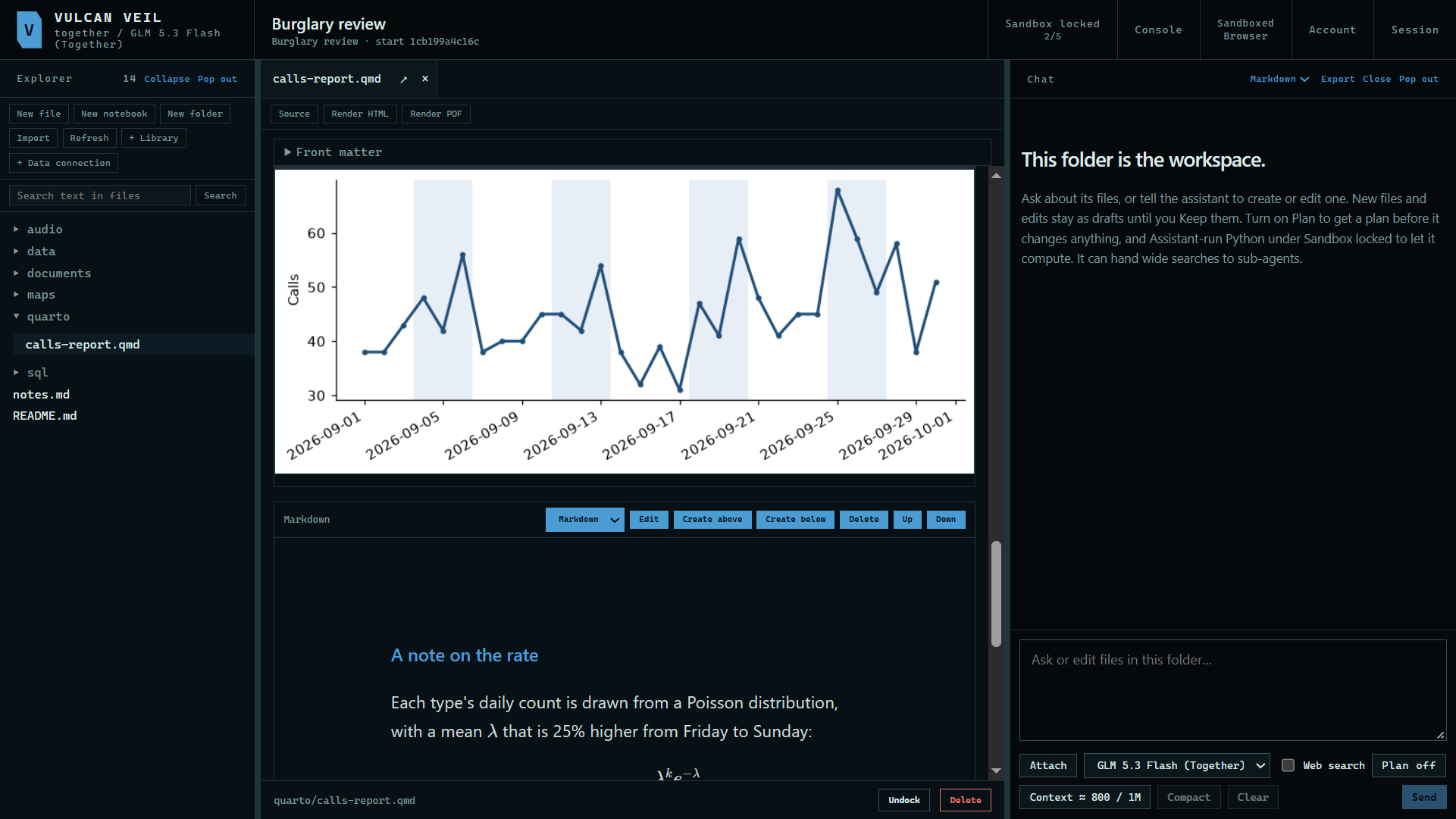 Expand
3. Render it
Press Render HTML or Render PDF. The finished report is saved beside the .qmd.
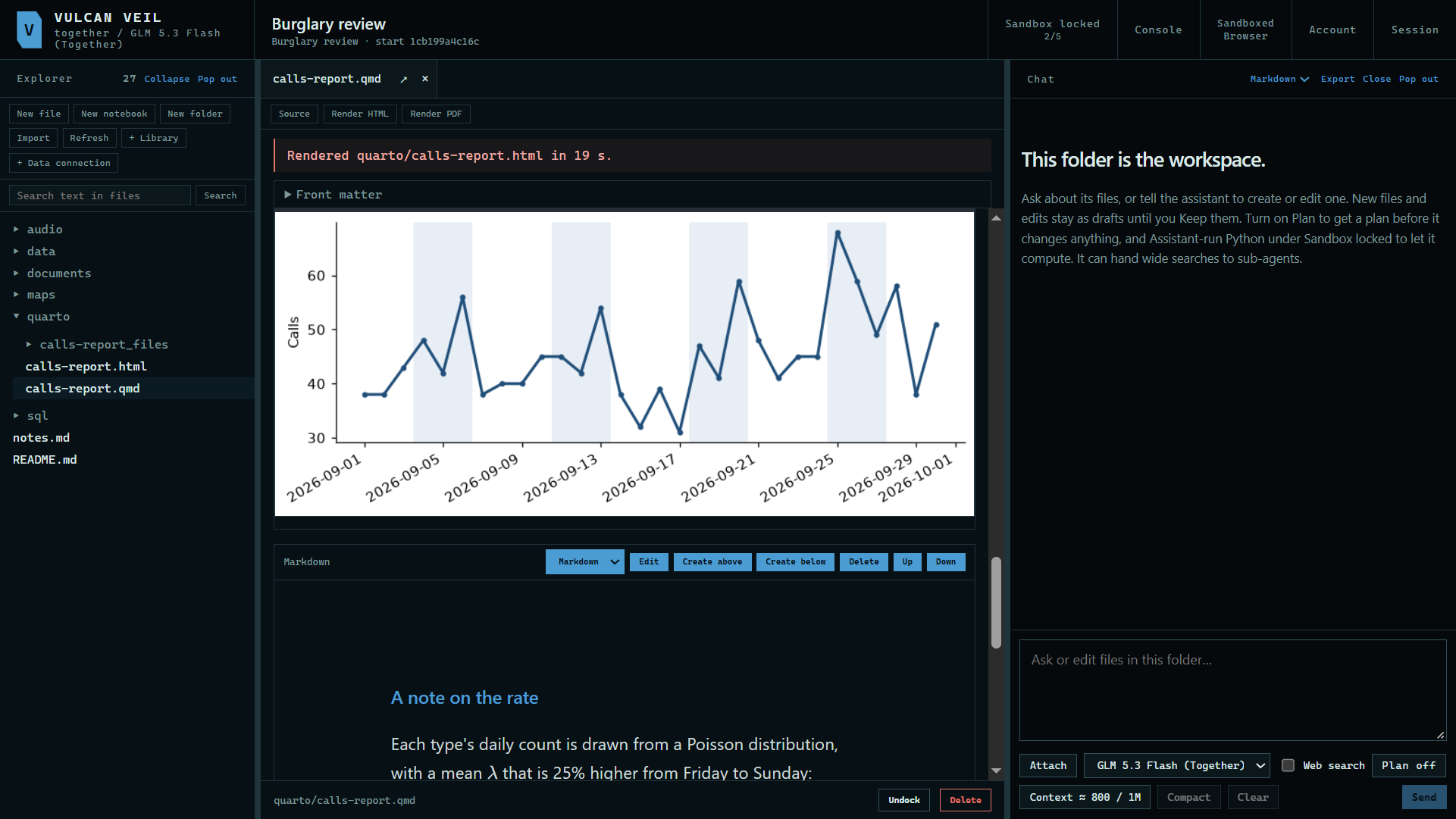 Expand
4. Read the PDF
A rendered PDF opens in a tab.
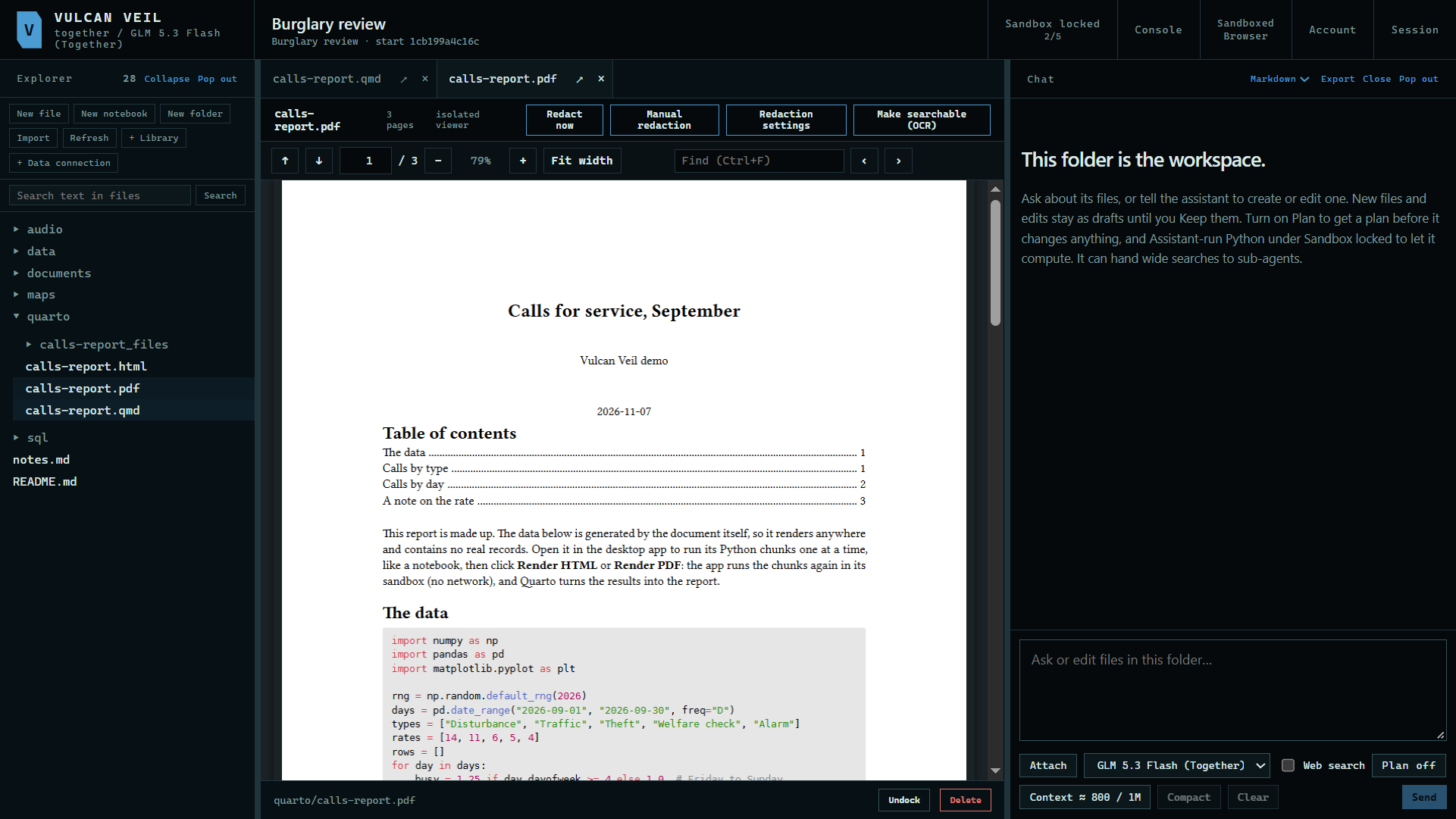 Expand
Good to know
- Quarto comes with the app, so there is nothing else to install.
- The Python chunks run in the app's sandbox, with no network.
- The assistant can write and edit
.qmdfiles, and render them too when Assistant-run Python is on.