Leaving or closing a team
Anyone but the owner can leave a team at any time. The owner can close the whole team, and everyone goes back to their own account. Closing is meant to be final, so this video only shows where it is.
1. Leave a team
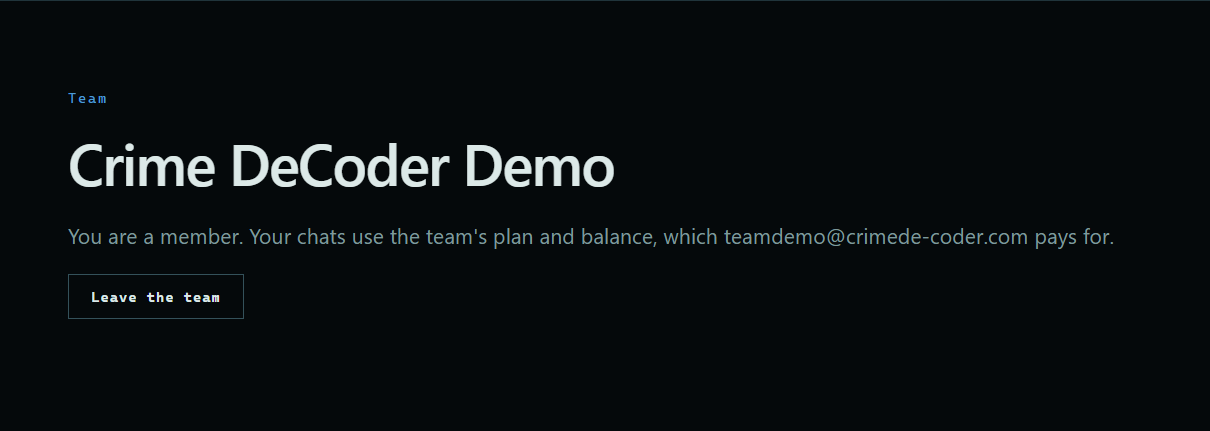
At the bottom of the Team page, press Leave the team.
 Expand
2. Back to your own account
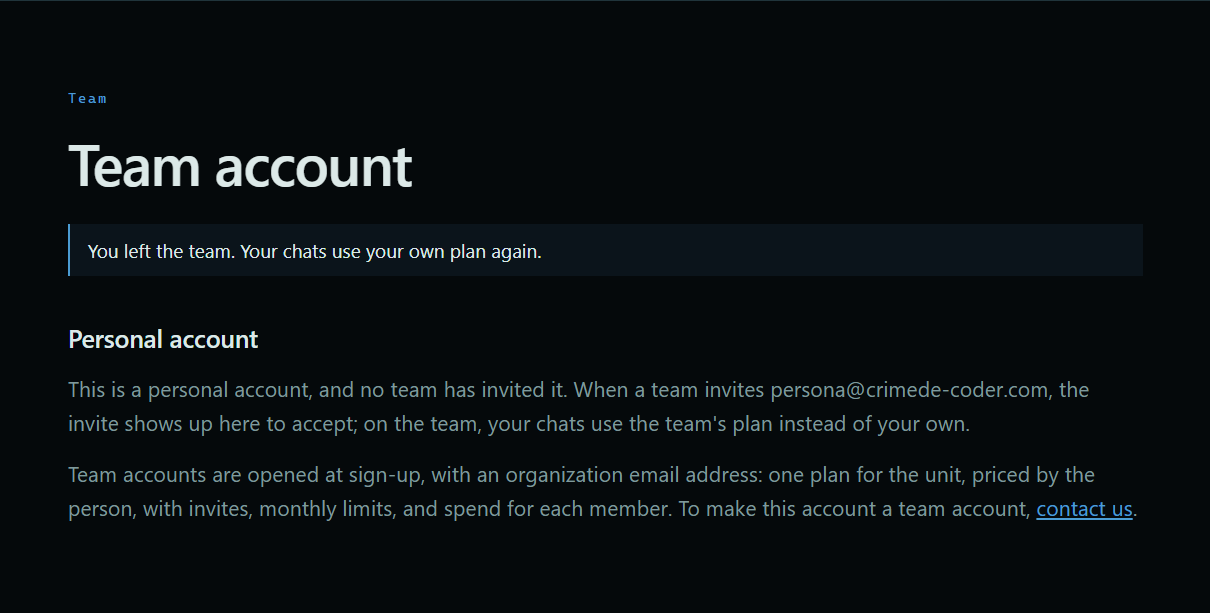
Your chats use your own plan and balance again. The Team page says you are on a personal account, and any new invite shows up there.
 Expand
3. Close a team
The owner scrolls to Close the team at the bottom of the Team page, ticks the box to confirm, and presses Close team. Everyone goes back to their own plan, and the owner's account becomes a personal account.
 Expand
Good to know
- The owner can't leave. Close the team instead.
- Usage so far stays on the account's history.
- To open a team again after closing one, contact us.
- A monthly plan isn't changed by leaving or closing. To cancel it, see Changing or canceling a plan.