Adding transforms
A transform turns the tables you copied into the ones you want to query: a lookup joined in, a summary, a trend. It runs after every update, so its tables stay as current as the copy. All the data on this page is made up.
1. Start from a template
On the Lakehouse tab, under Transforms, press NIBRS categories. It makes a table that groups offense codes as violent, property, or society, with a starting harm weight. Press Save transform.
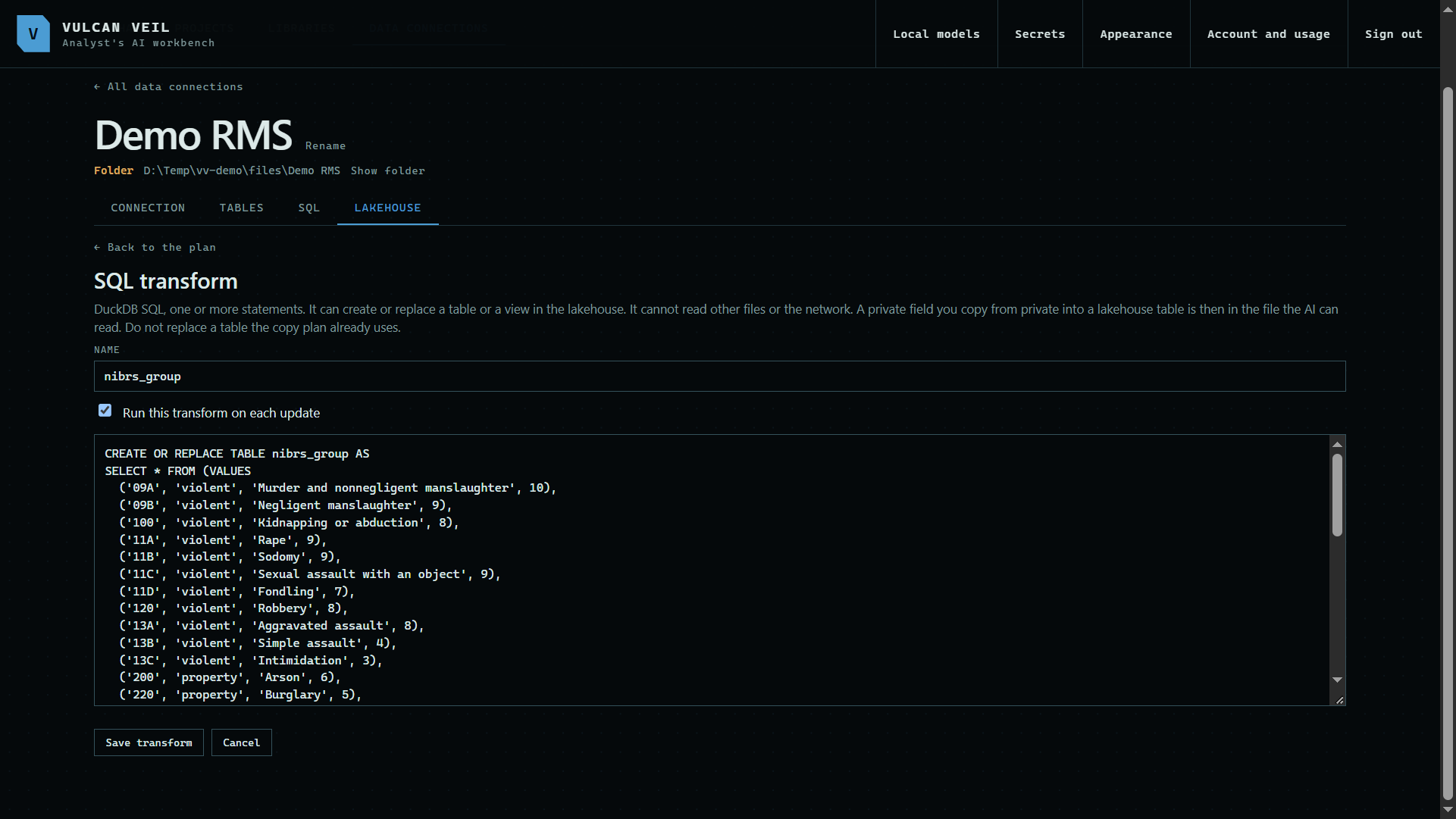 Expand
2. Write a SQL transform
Press Add a SQL transform, give it a name, and write DuckDB SQL that creates a table or a view. Here, charges_harm joins each charge to its NIBRS group.
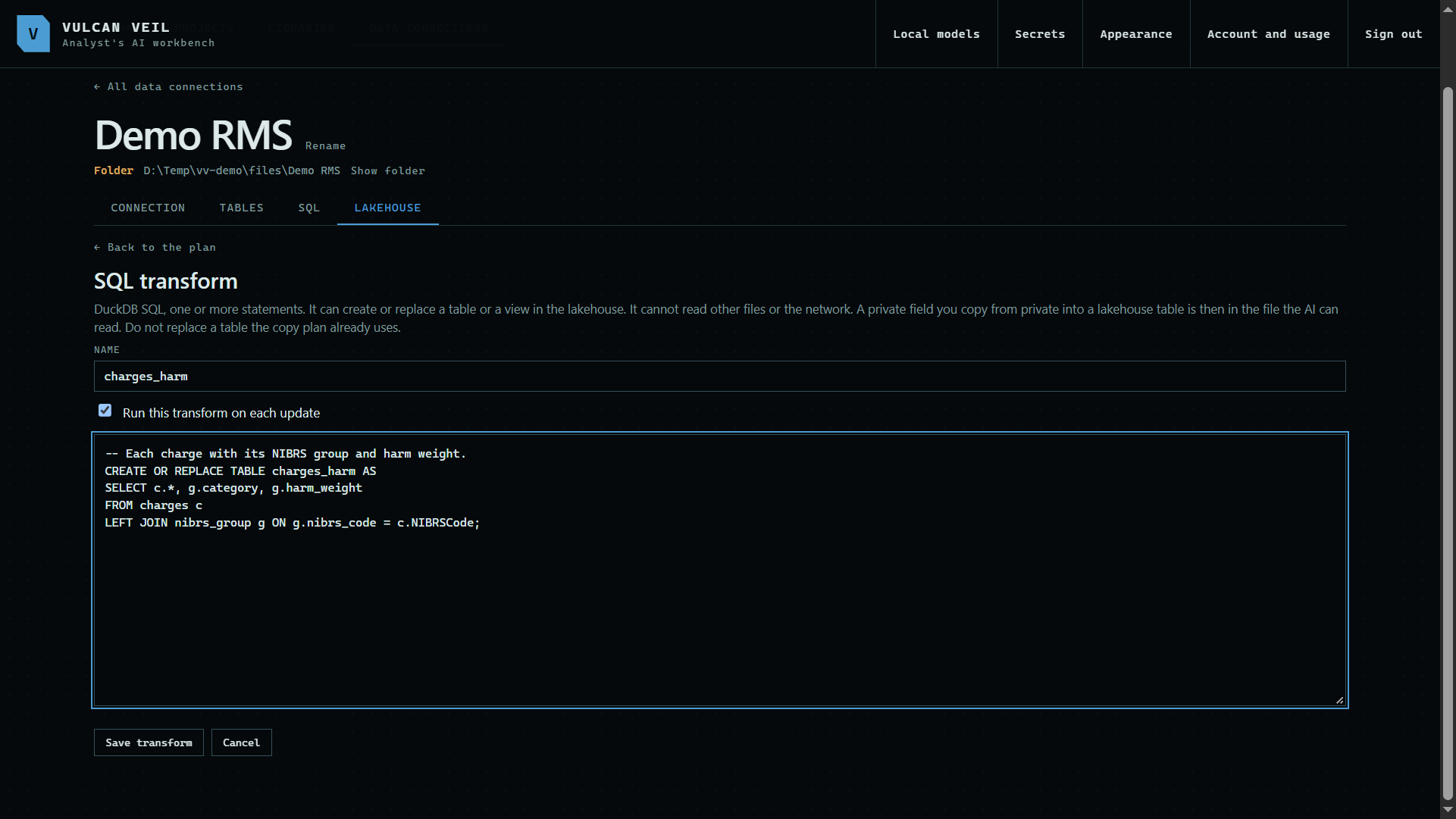 Expand
3. Write a Python transform
For a step SQL cannot do, press Add a Python transform and write def transform(con). It gets the lakehouse connection and returns the names of the tables it built. Here it adds a four-week average to weekly counts.
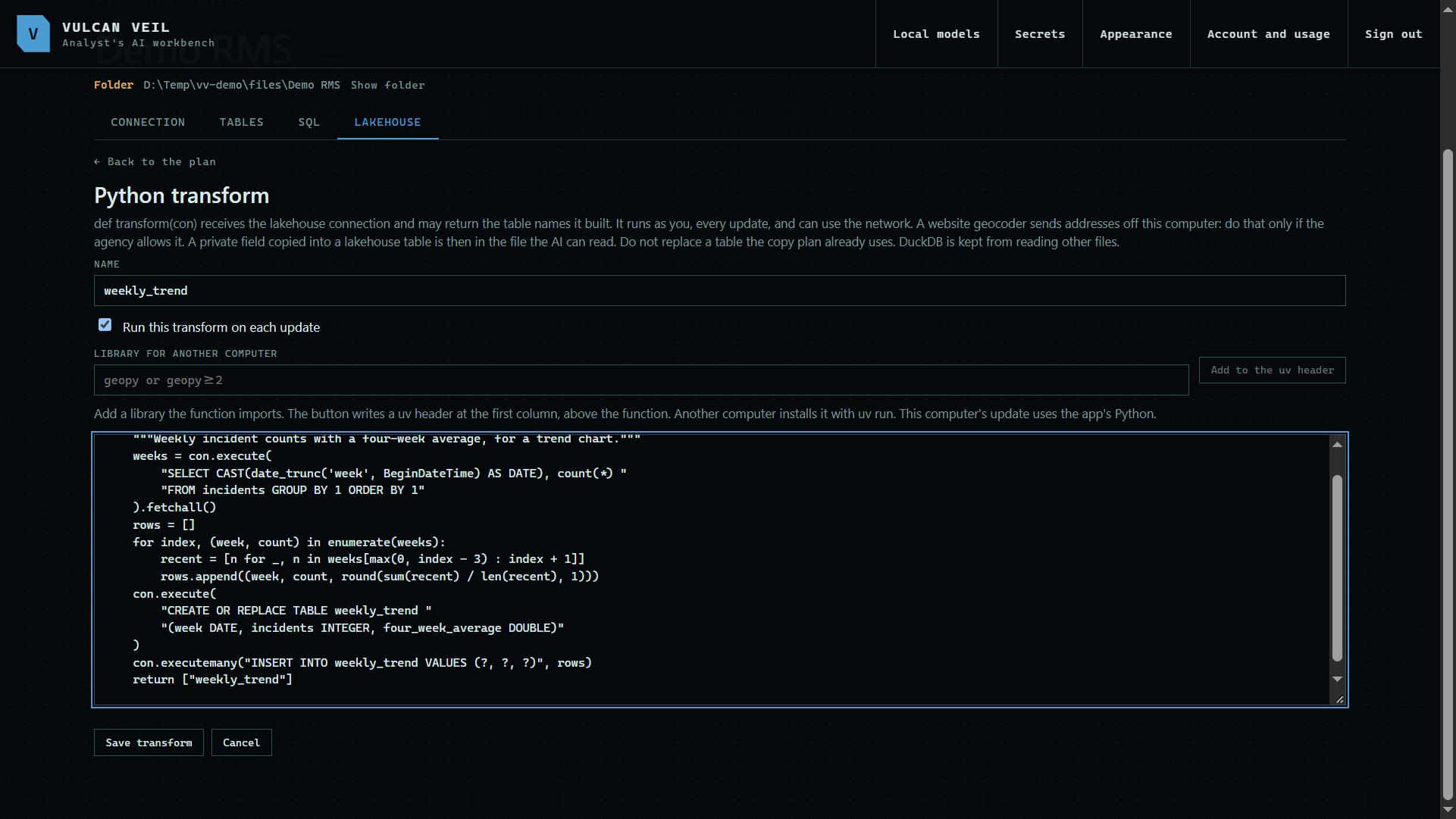 Expand
4. Run them
Transforms run in order at the end of every Update now and every scheduled update. Run transforms runs them on their own. Each one says which table its last run built.
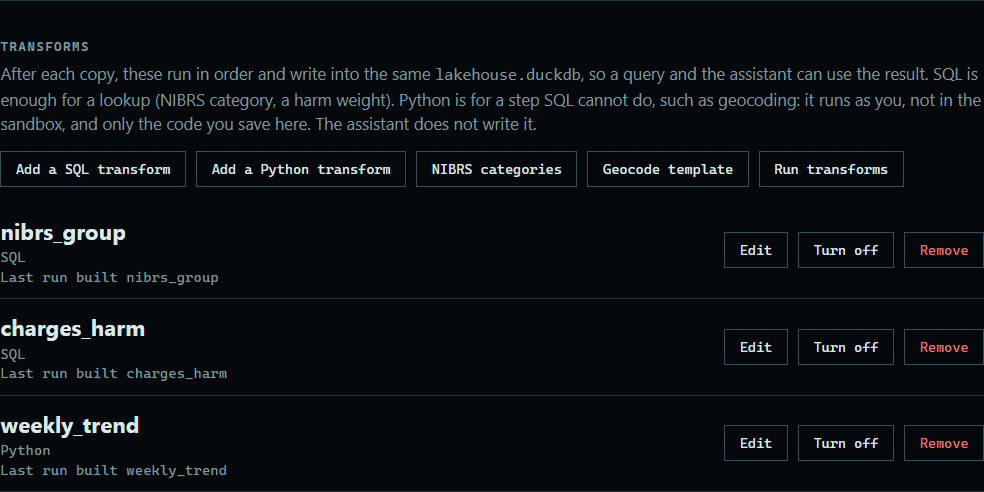 Expand
5. Query the result
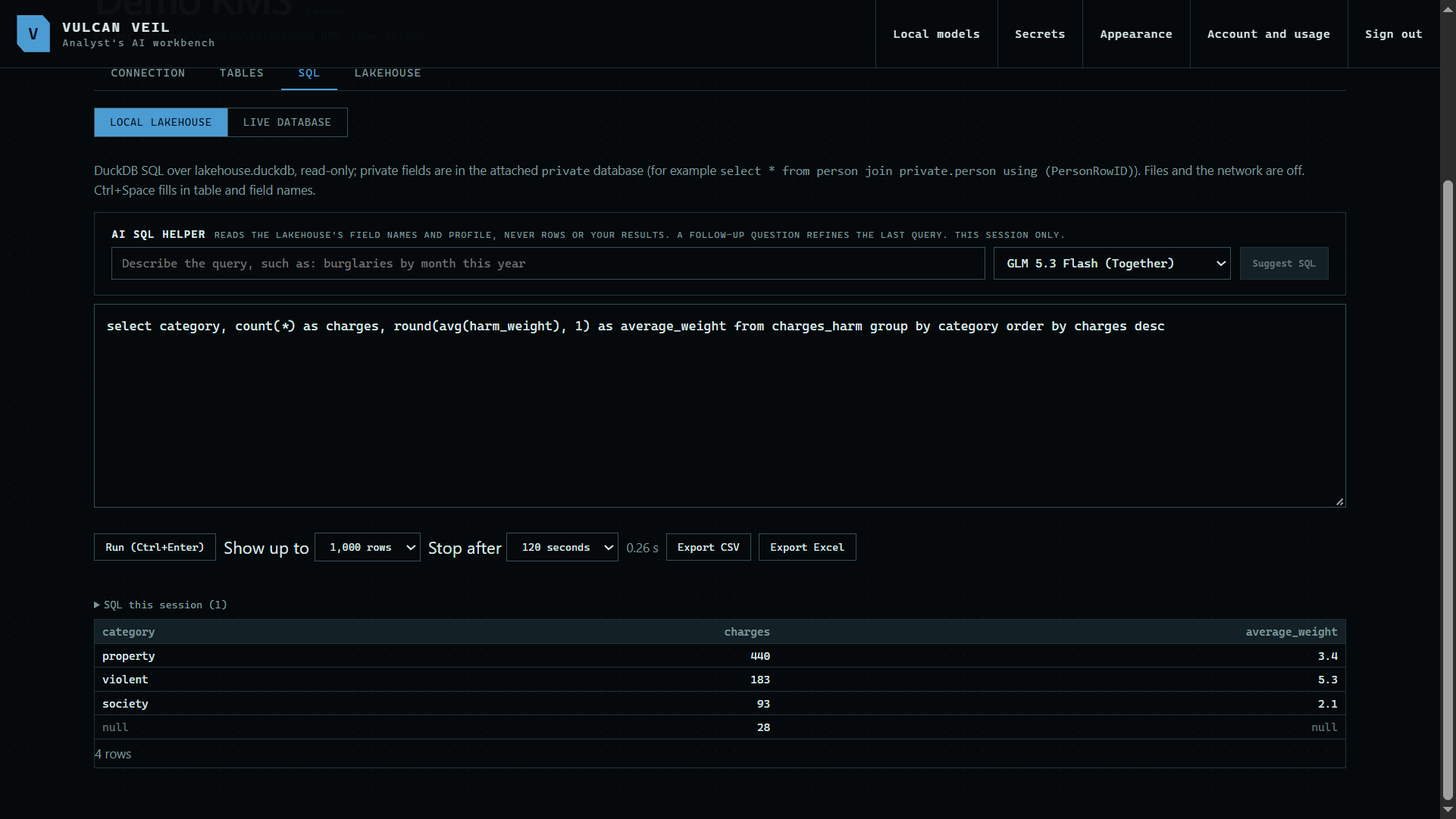
The new tables are in the same lakehouse, so the SQL tab, a chat, and a project can use them like any copied table. Charges whose code the template does not list have no category, so add those codes to the lookup if you need them.
 Expand
Good to know
- The assistant never writes or runs a transform. Only the code you save here runs.
- Python transforms run as you, outside the sandbox, and can reach the network. A geocoder that calls a website sends addresses off this computer, so check your agency's policy first. Geocode template is a starting point for one.
- A transform cannot replace a table the copy plan uses, so give each new table its own name.
- Turn off keeps a transform without running it. Tables it already built stay in the lakehouse until you drop them.
- A field you hid from the AI stays hidden unless a transform copies it from the private file into a lakehouse table, which the AI can read.