Sending output back to the chat
When you press Run, the assistant does not see the result. Send output to chat attaches it to your next message, so you can ask about a chart or a table, or ask for a fix.
1. Run some code
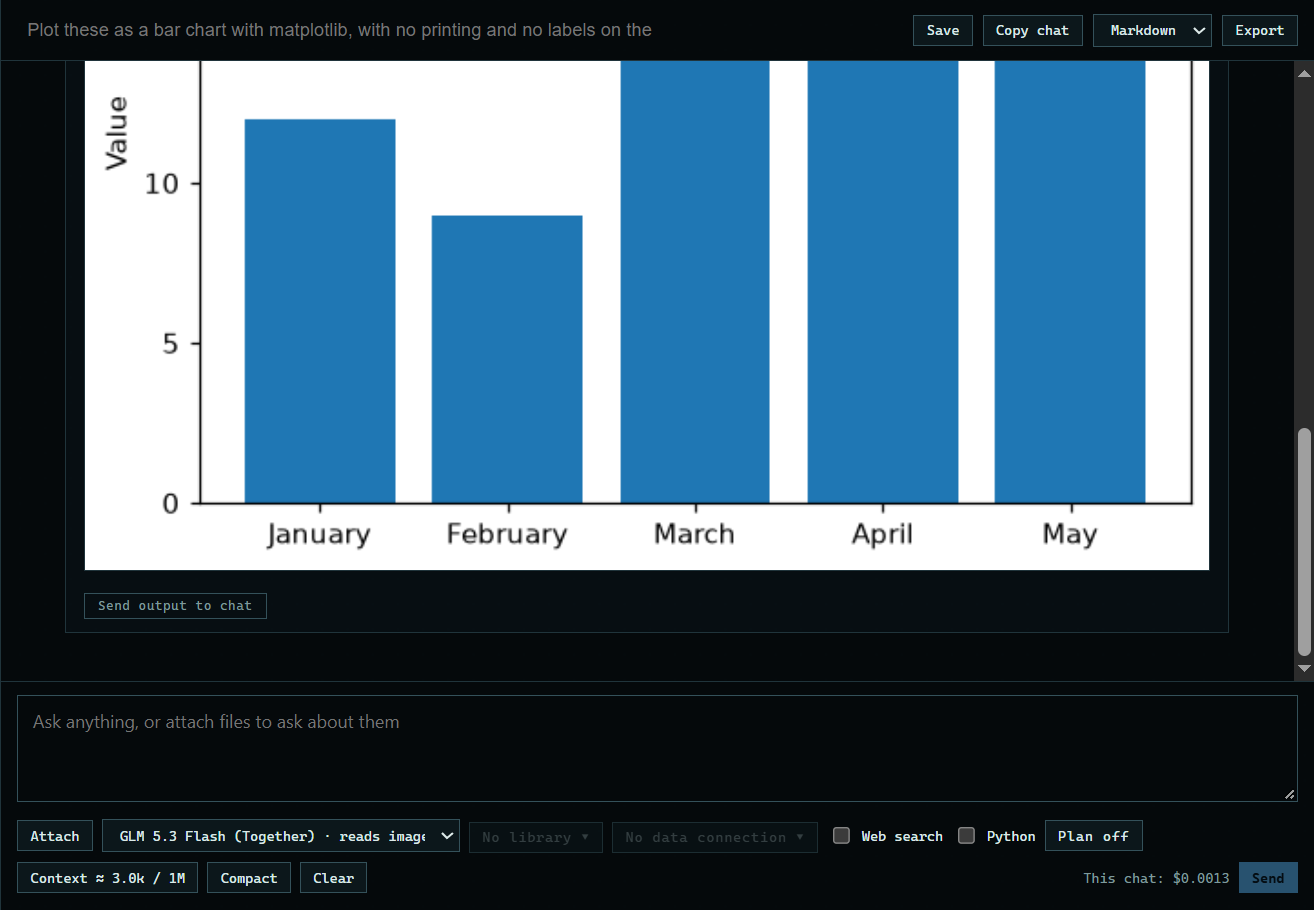
Here the assistant writes code for a chart, and Run draws it: "Plot these as a bar chart with matplotlib, with no printing and no labels on the bars: January 12, February 9, March 15, April 22, May 18. Use one Python block."
 Expand
2. Press Send output to chat
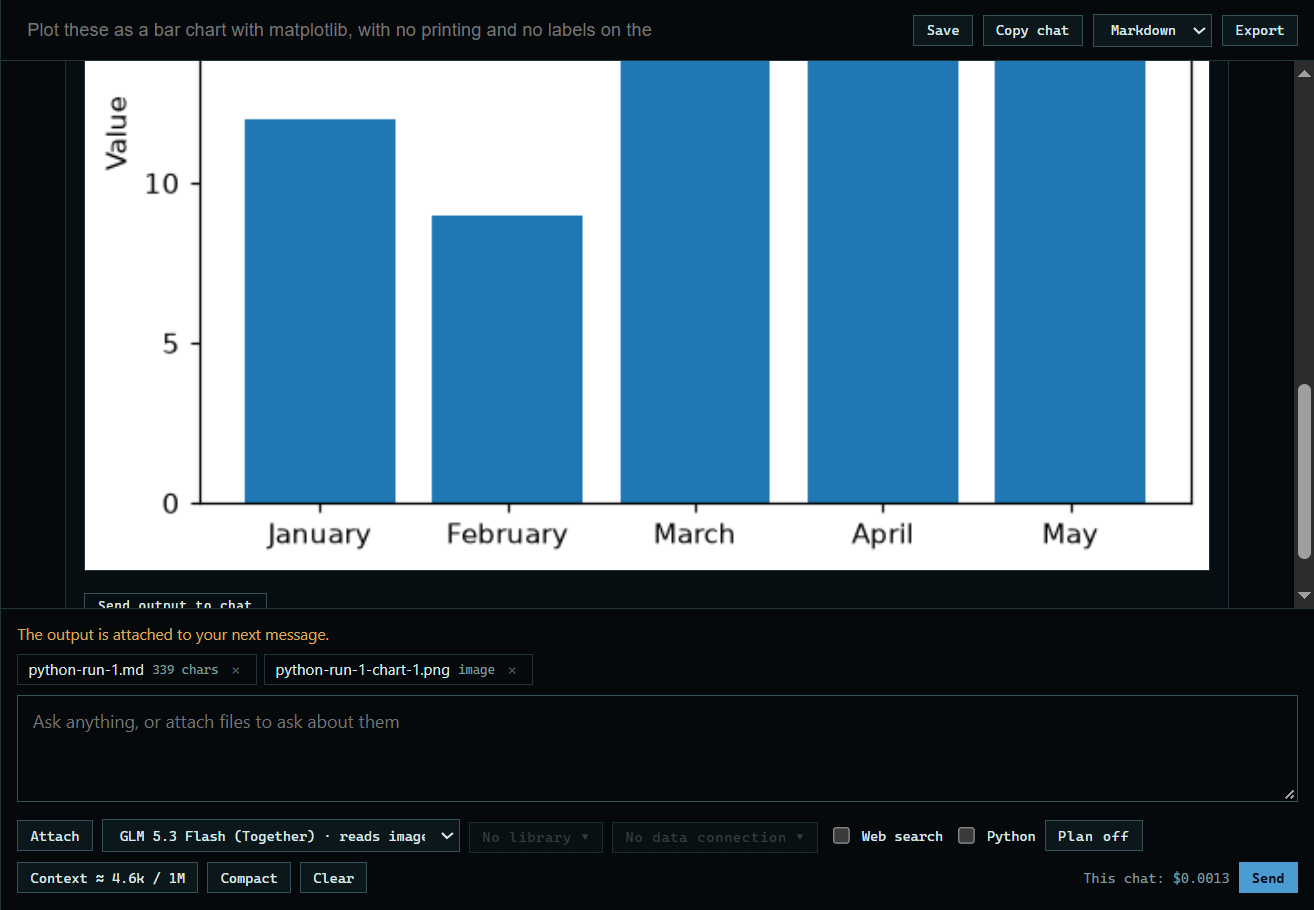
The button is under the output. The code, what it printed, and a picture of the chart are attached to your next message.
 Expand
3. Ask about it
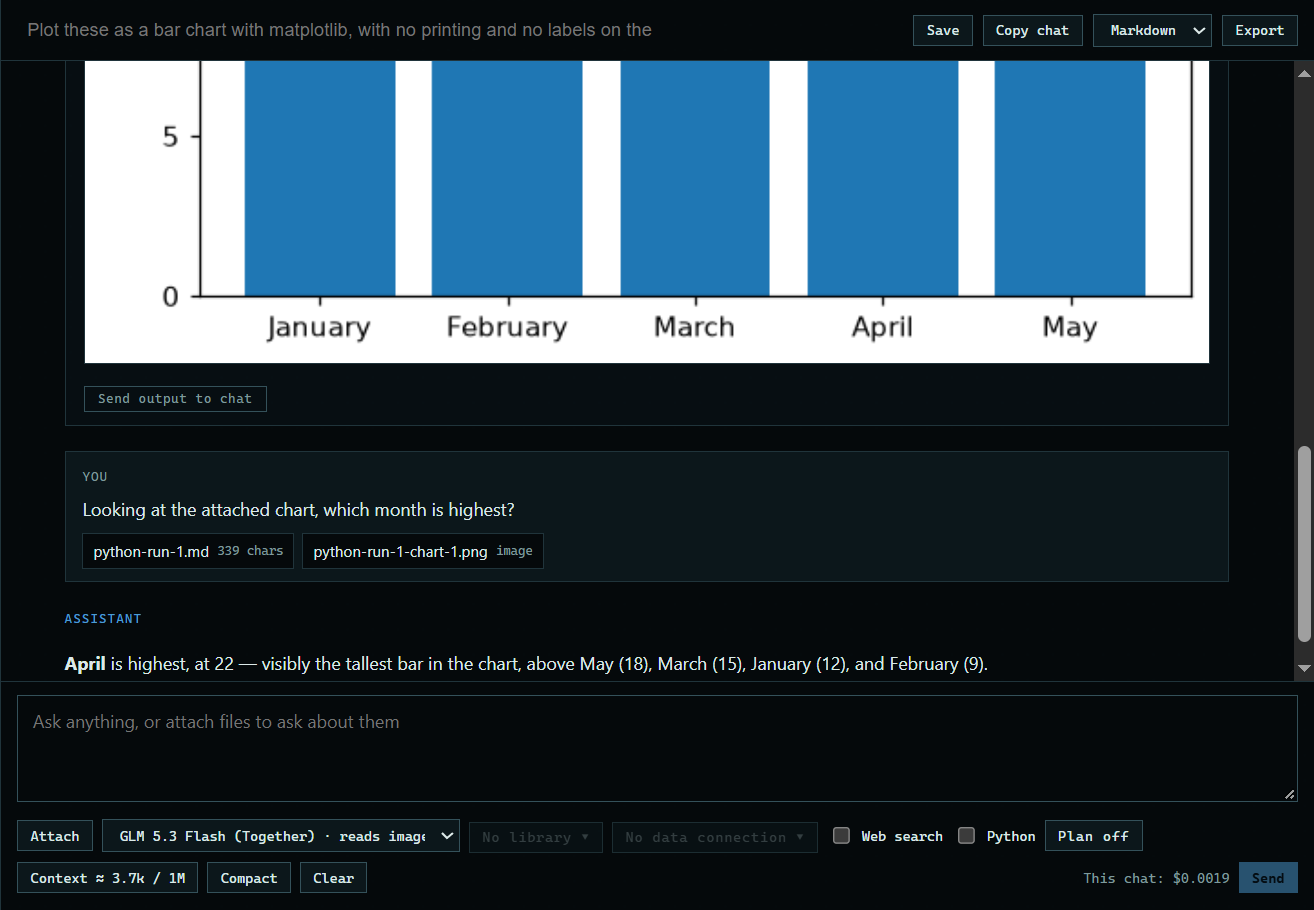
Type your question and press Send. Here: "Looking at the attached chart, which month is highest?" The assistant reads the picture of the chart.
 Expand
Good to know
- Reading a chart needs a model that reads images. The model menu marks those with "reads images".