Transcribing audio
Interviews and calls become searchable text. The app transcribes a recording on your computer and tells the speakers apart, so the sound never has to leave it. The interview on this page is made up, with computer voices.
Follow along: download witness-interview.mp3 (417 KB) and add it to a library.
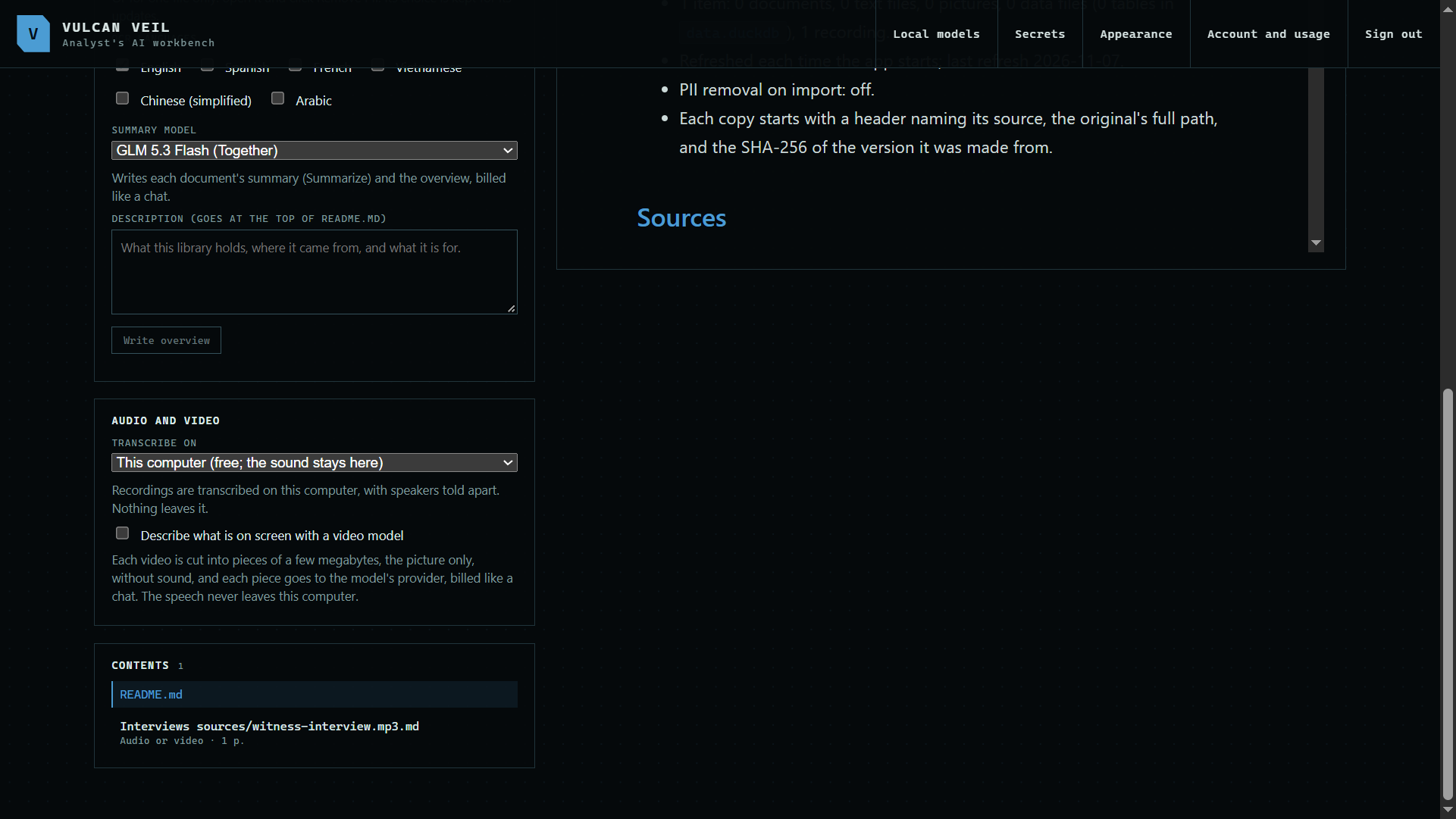
1. Add the recording
Add an audio file under Sources like any other file. It is transcribed on your computer, which can take a while for a long recording.
 Expand
2. Read the transcript
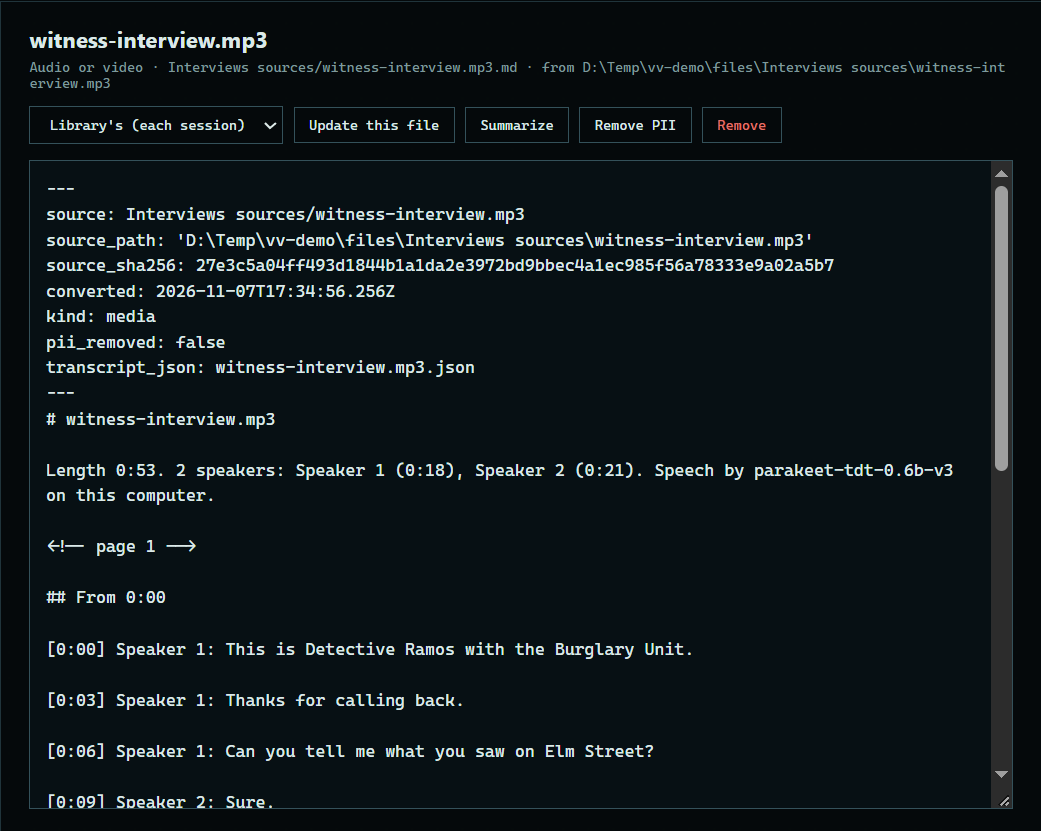
Press it under Contents. Each turn shows its time and speaker, so you can see who said what.
 Expand
Good to know
- The speech models download once, from Local models. Until then a library offers to get them.
- Under Settings, a library can use Whisper on Together instead. The sound alone goes to its US servers, and it is billed by the hour.
- Speakers are numbered, not named. Edit the copy to put names in, and the edit stays through updates.