Adding data files
A data file in a library becomes a table in one DuckDB file, and the app writes a profile of it. The assistant reads the profile, not your rows, and Python can query the table. For a live database, use a [data connection](/docs/desktop/data/overview) instead.
Follow along: download NearbyPark1500ft.csv (413 KB) and NearbyPark1500ft.parquet (46 KB) and add them to a library. It is a trimmed copy of public police incident records from the Dallas open data site.
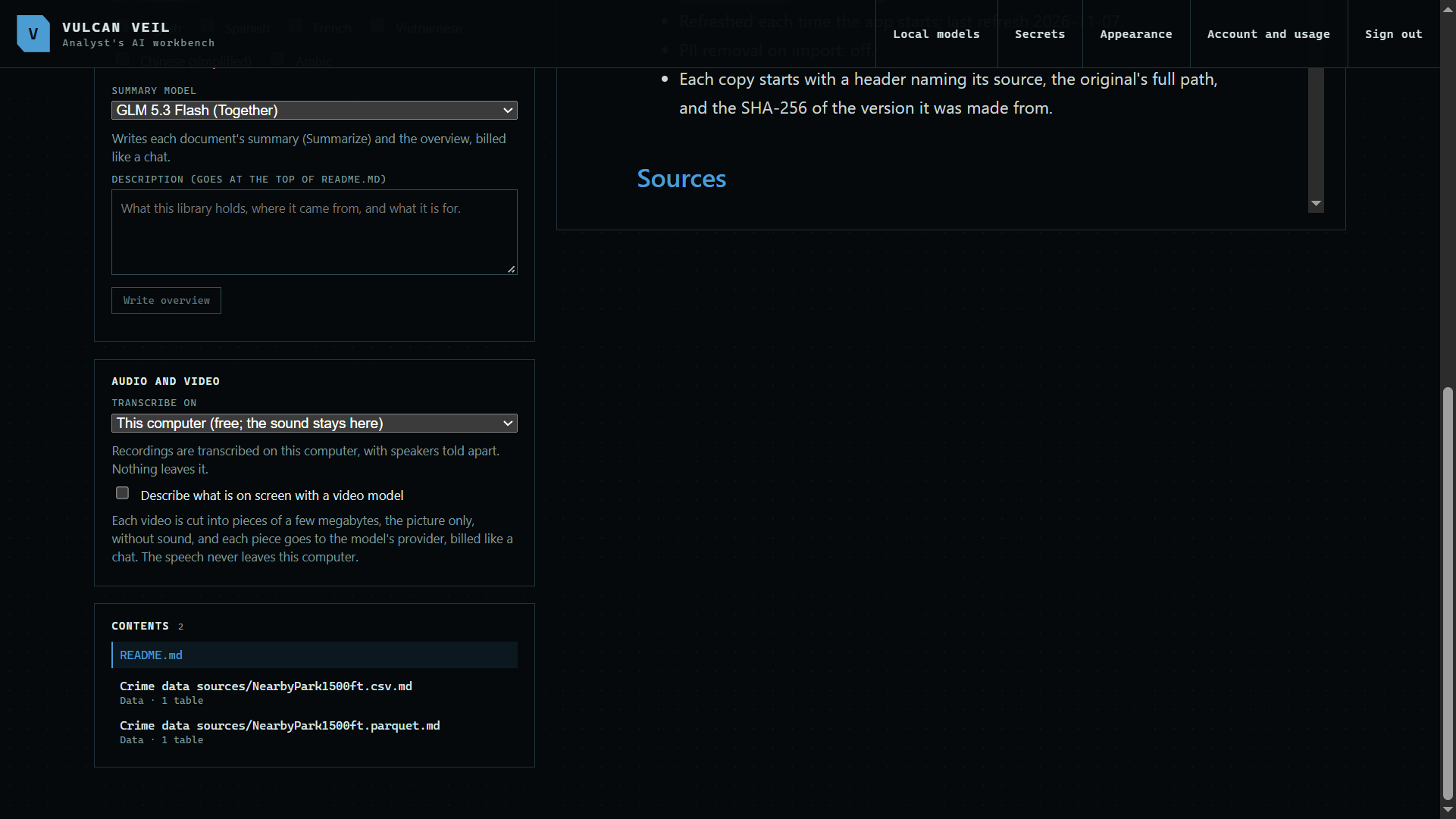
1. Add your data files
Add them under Sources like any other file. CSV, Excel, Parquet, Feather, SQLite, Stata, and SAS files all work.
 Expand
2. Read the profile
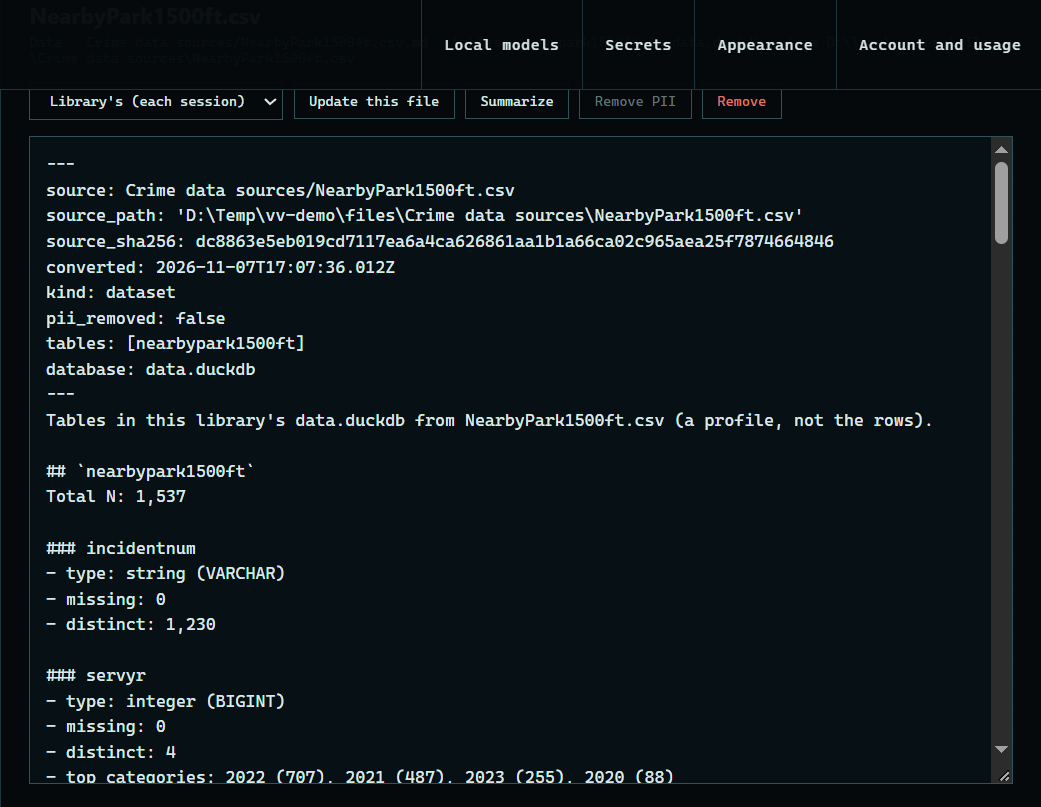
Press a file under Contents. The profile lists each field, its type, how much is missing, and its common values or range.
 Expand
Good to know
- The tables are all in
data.duckdbin the library's folder. A chat or project that includes the library can open it read-only from Python. - PII removal cannot look inside a data file, so check what you add.