What the web library is
The web library holds documents for your chats, converted in your browser and stored encrypted, so our server never reads them. A document stays as you added it, so the web library suits documents that do not change, such as policies and published reports. For files that keep changing, a desktop library updates its copies for you. The document on this page is made up.
Follow along: download burglary-series.docx (1 KB) and add it to a folder.
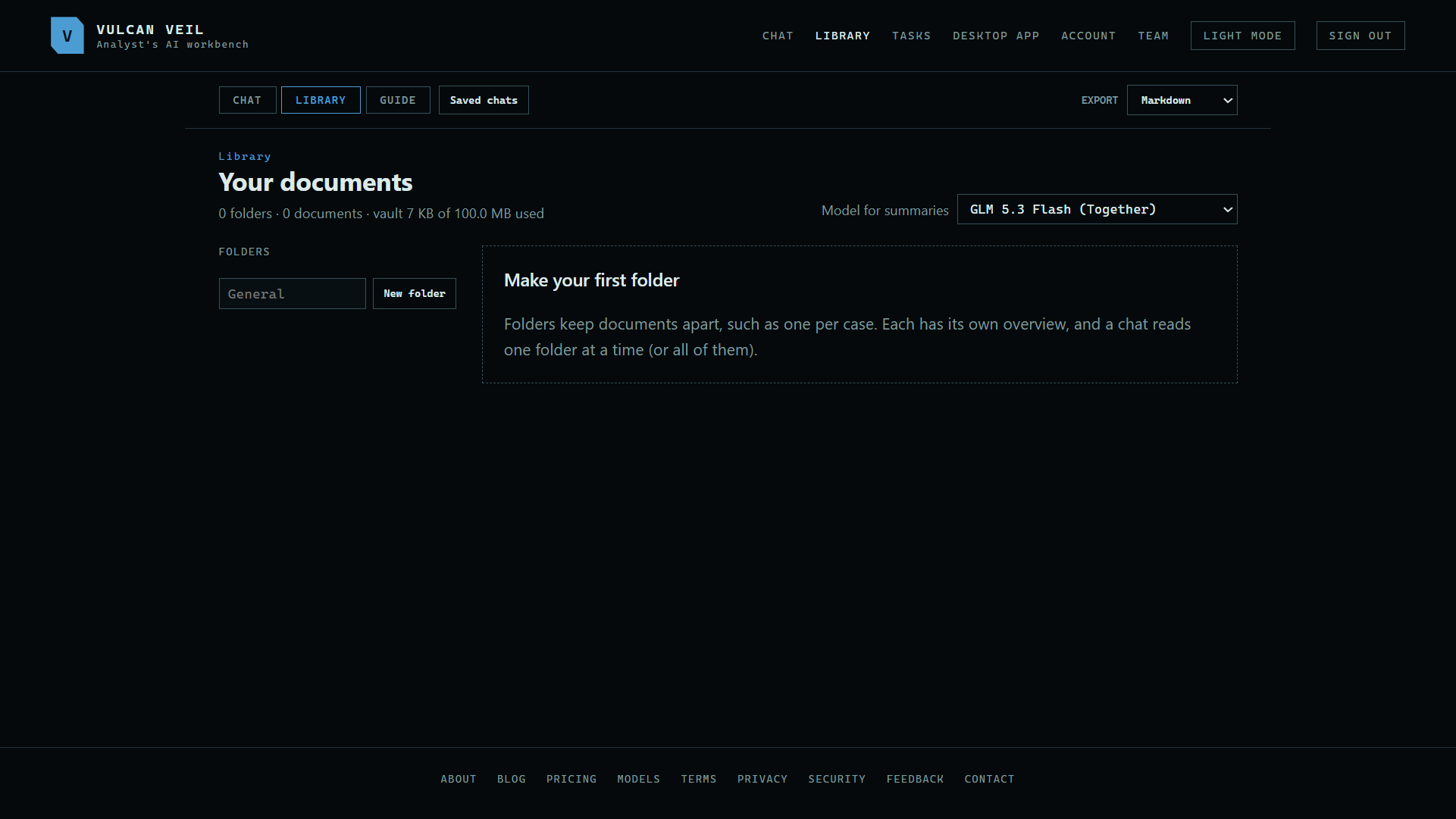
1. Open the Library
Press Library at the top of the site and unlock your vault.
 Expand
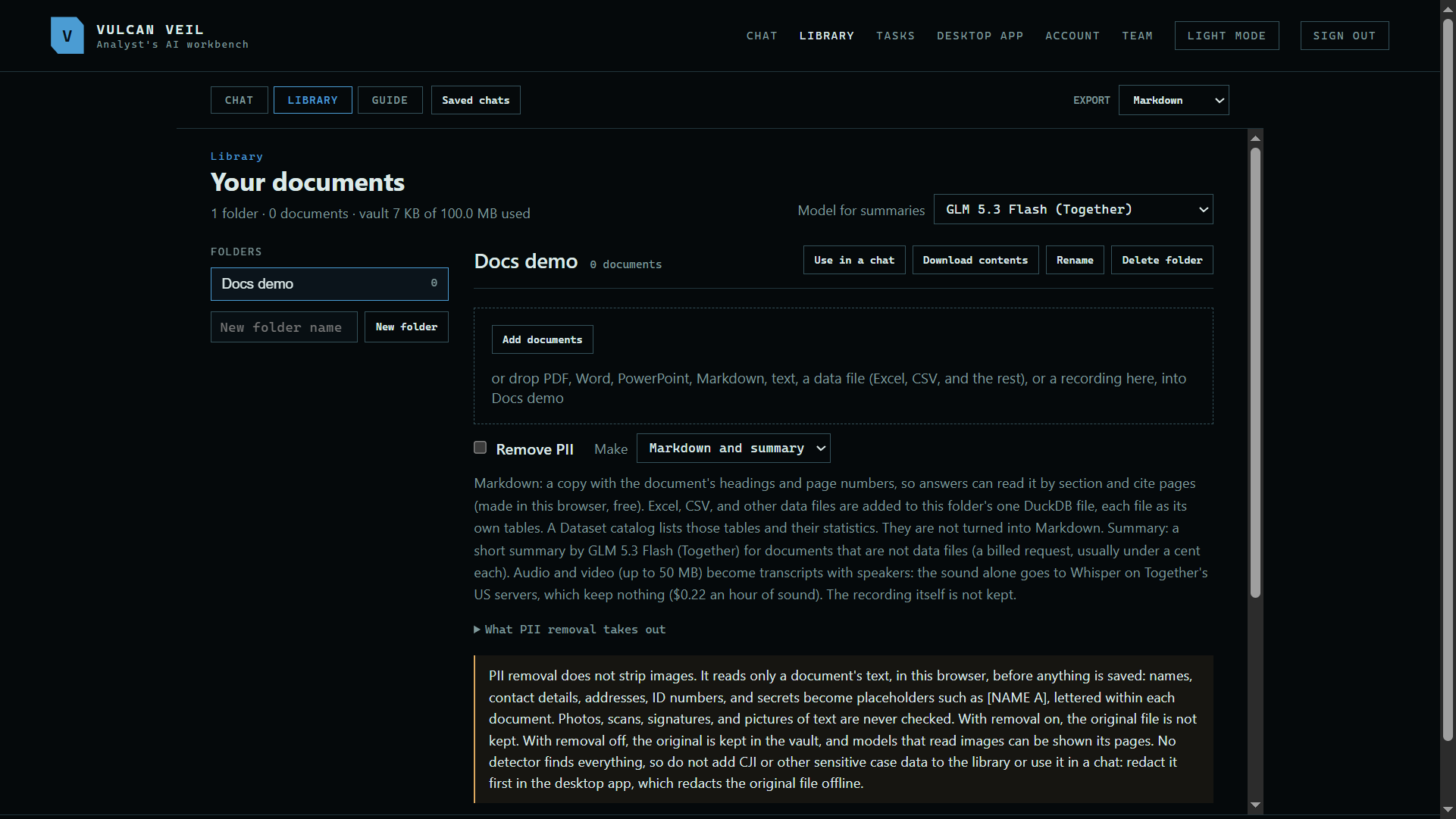
2. Make a folder
Type a name under Folders and press New folder. Folders keep documents apart, such as one per case.
 Expand
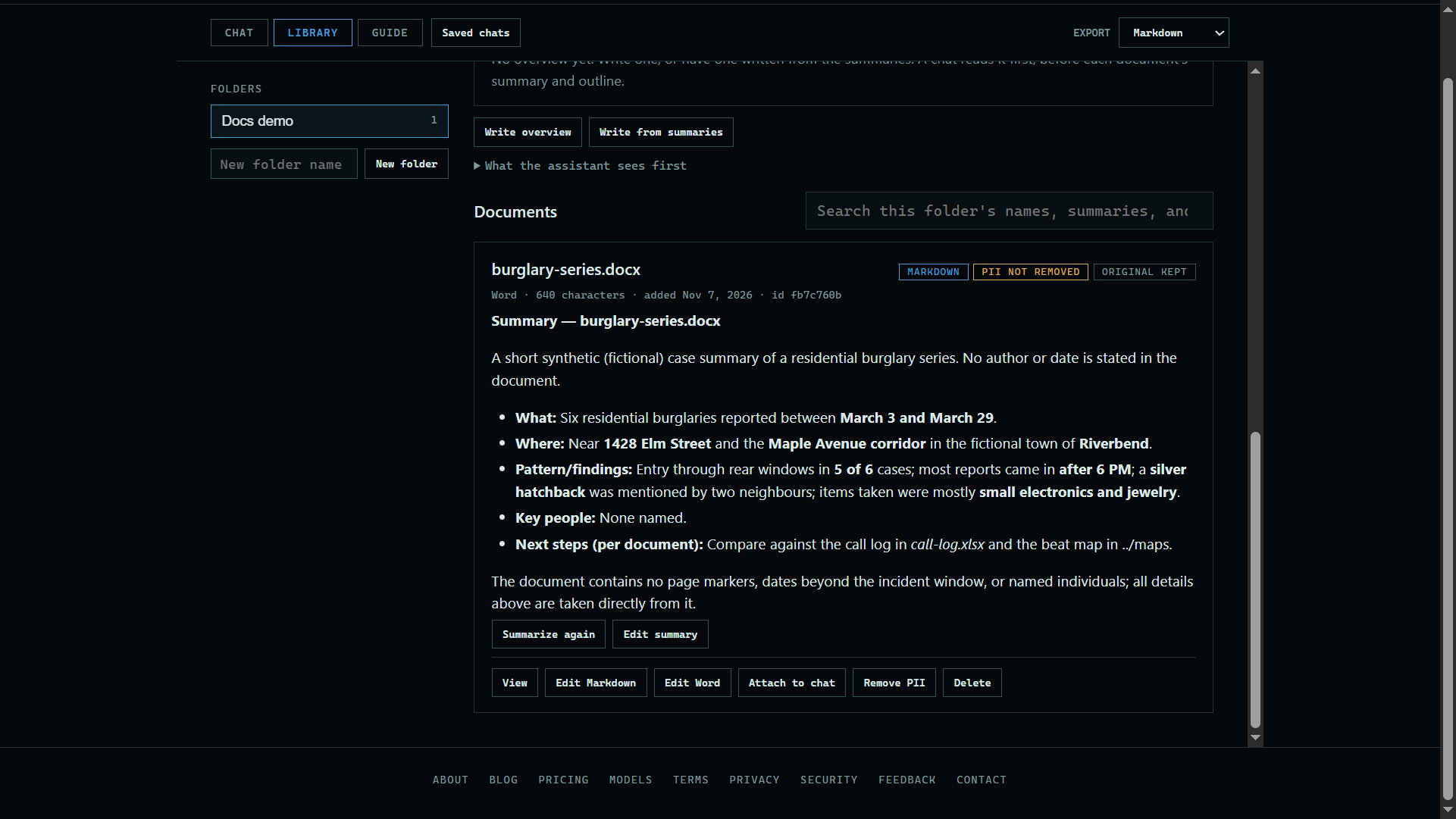
3. Add a document
Press Add documents, or drop a file here. It is read in your browser and stored in your vault.
 Expand
Good to know
- A chat reads one folder at a time, or all of them.
- Everything here counts toward your vault's size, shown at the top of the page.