Folders, overviews, and summaries
Folders keep documents apart, such as one per case. Each one has an overview, the first thing a chat reads, so the assistant knows what is in there before it starts. The files on this page are made up.
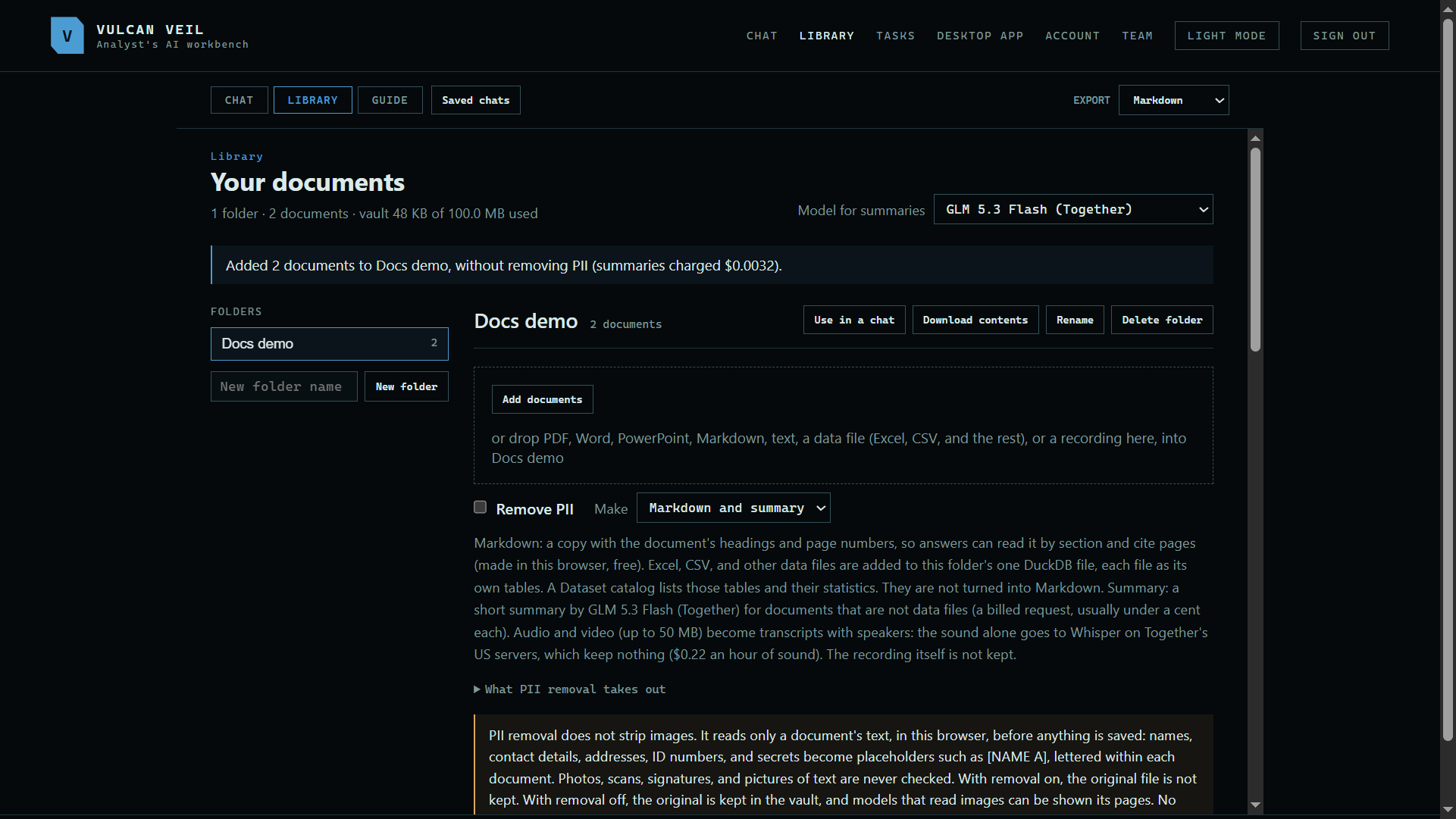
1. Choose the model for summaries
Model for summaries, at the top of the Library, writes each document's summary and the folder's overview.
 Expand
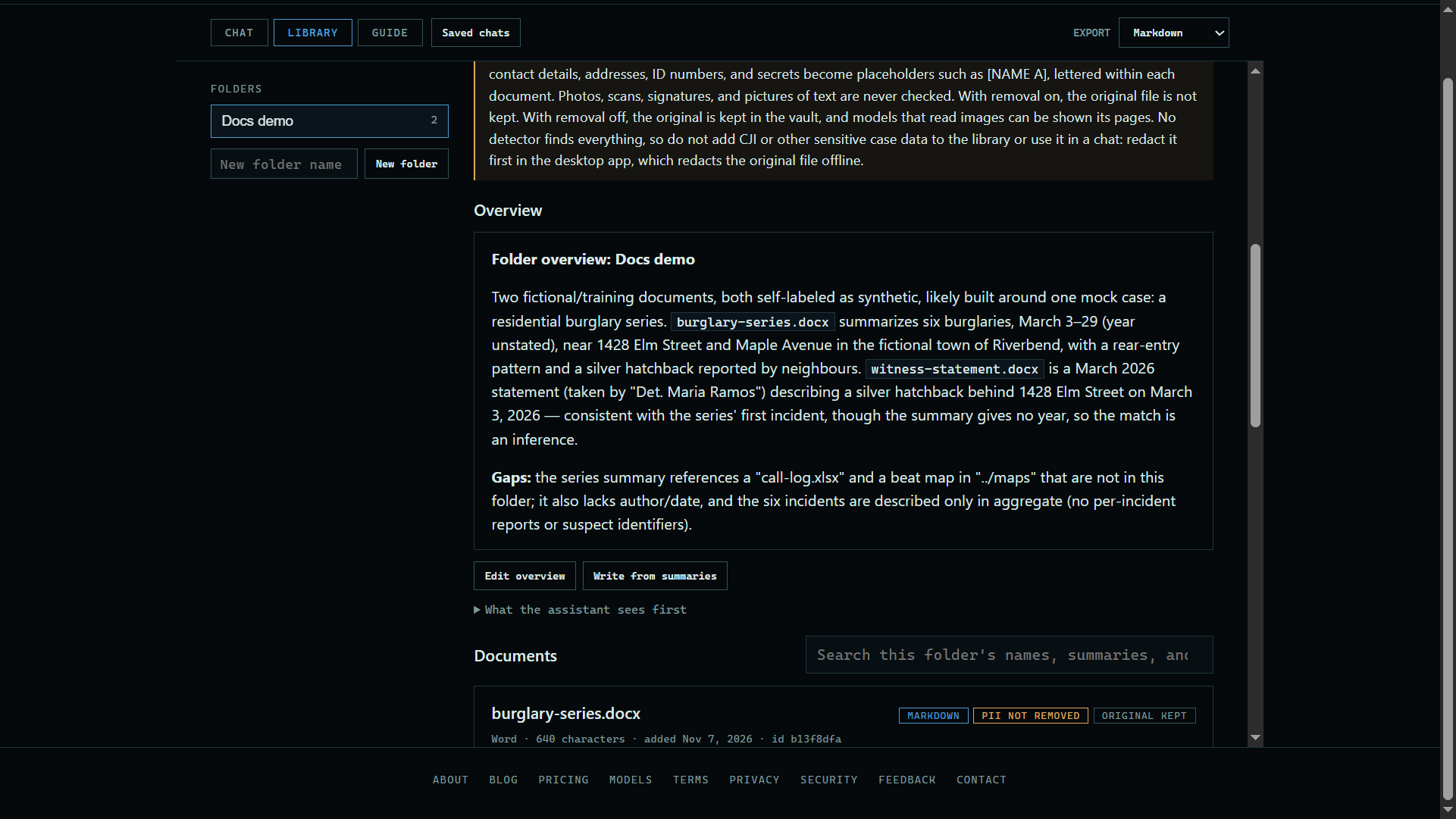
2. Write the overview
Press Write from summaries to have the model write one, or Write overview to type your own. What the assistant sees first shows exactly what a chat gets.
 Expand
Good to know
- A chat reads one folder at a time, or all of them.
- Rename and Delete folder are at the top of the folder. Delete folder asks twice, and it deletes everything in the folder.