Changing or canceling a plan
Your subscription is handled on Stripe's secure pages, so we never see your card. From there you can change your plan, update your card, see invoices, or cancel.
1. Open your subscription
Open Account at the top of the site, then press Manage subscription and invoices.
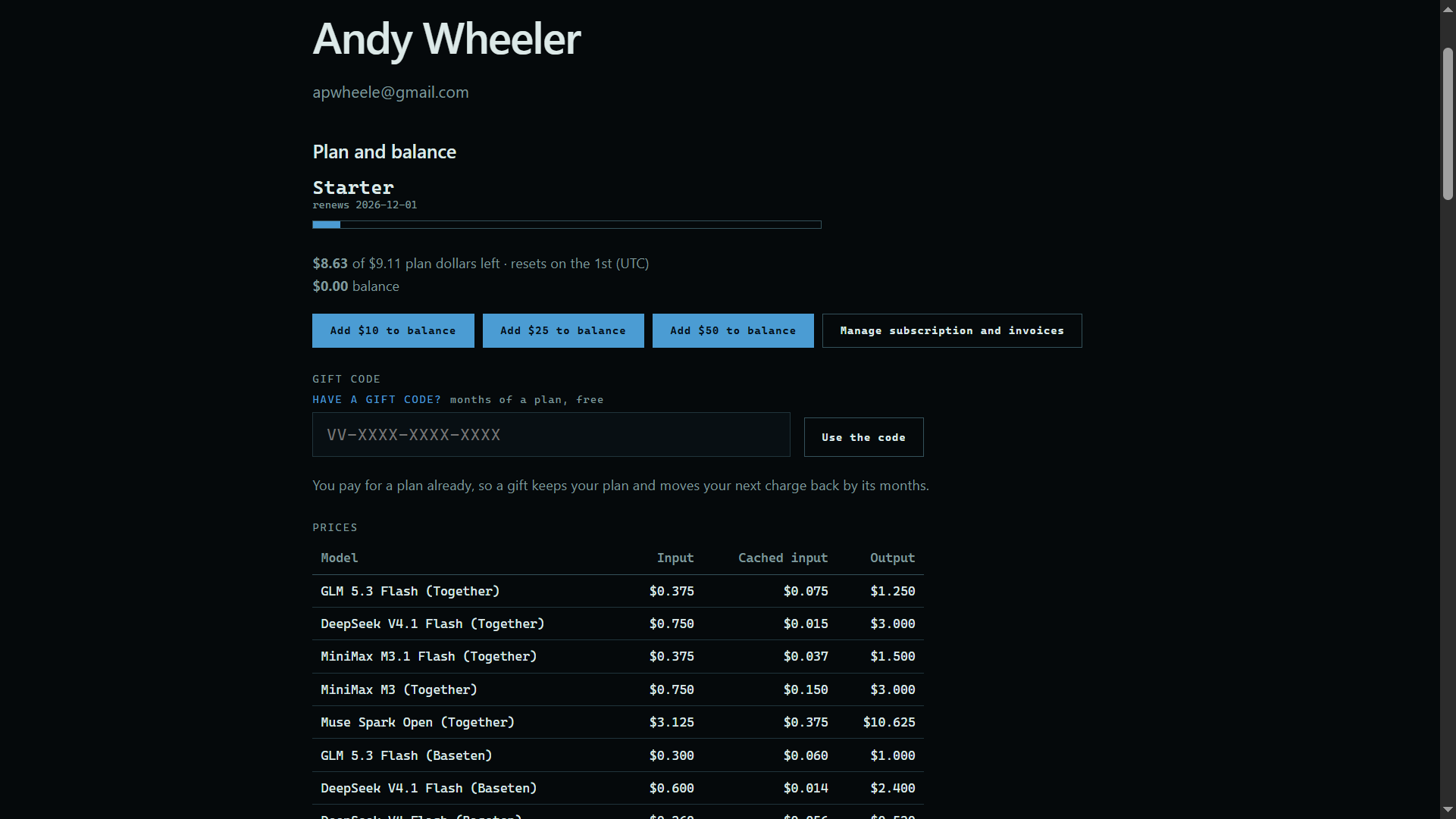 Expand
2. Make your change
Change your plan, update your card, read past invoices, or cancel, then return to the site.
Good to know
- Cancel account, at the bottom of the Account page, deletes the account and its saved data. You can sign up again later with the same email. A paid plan is not charged again after the month already paid, and that month is not refunded.