Getting around a project
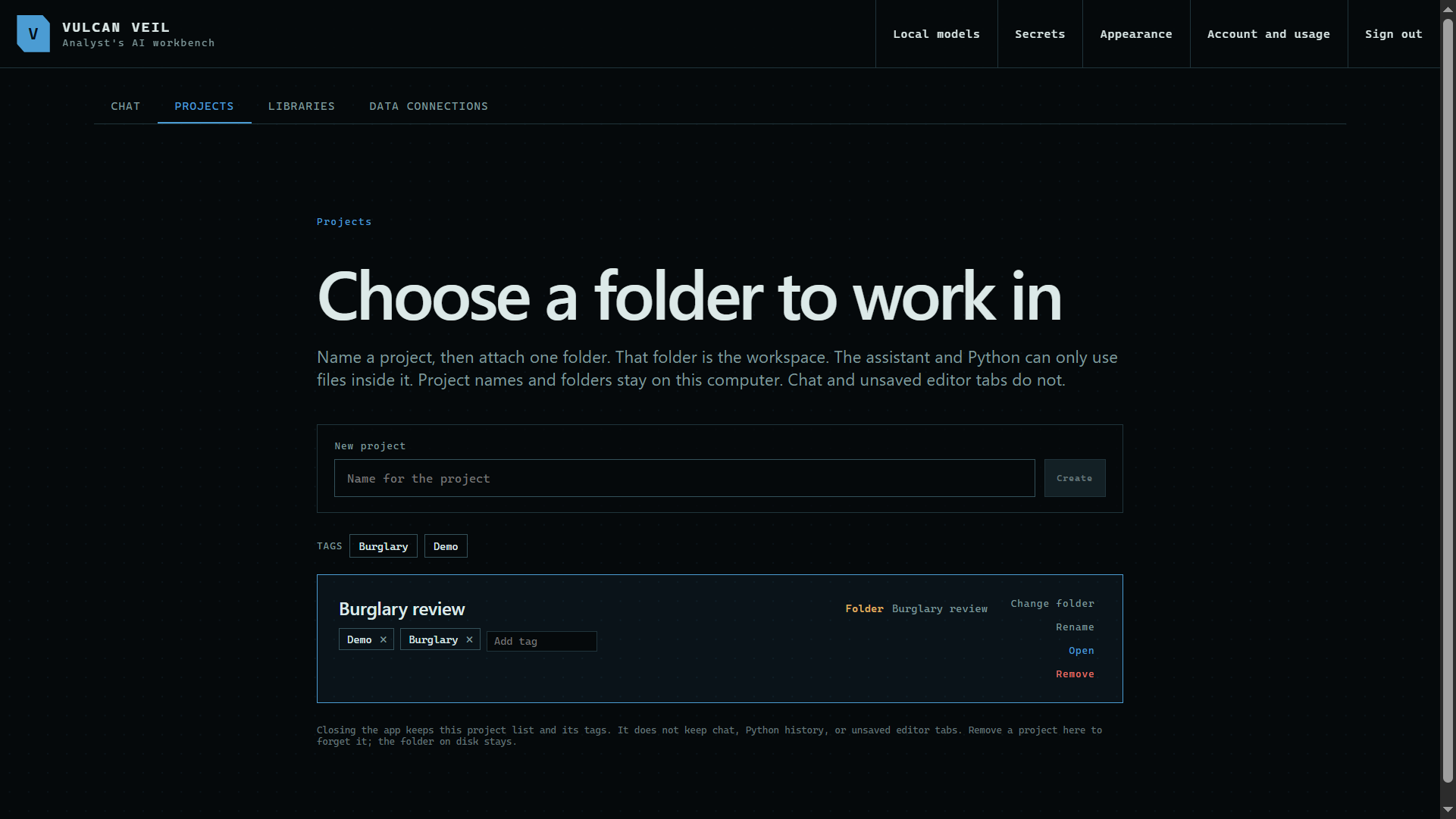
A few small tools make a project easier to live in. Tags keep a long project list in order, and search finds text across every file in the folder.
1. Tag a project
On the Projects tab, type in Add tag on a project and press Enter. Tags let you filter a long list.
 Expand
2. Search the files
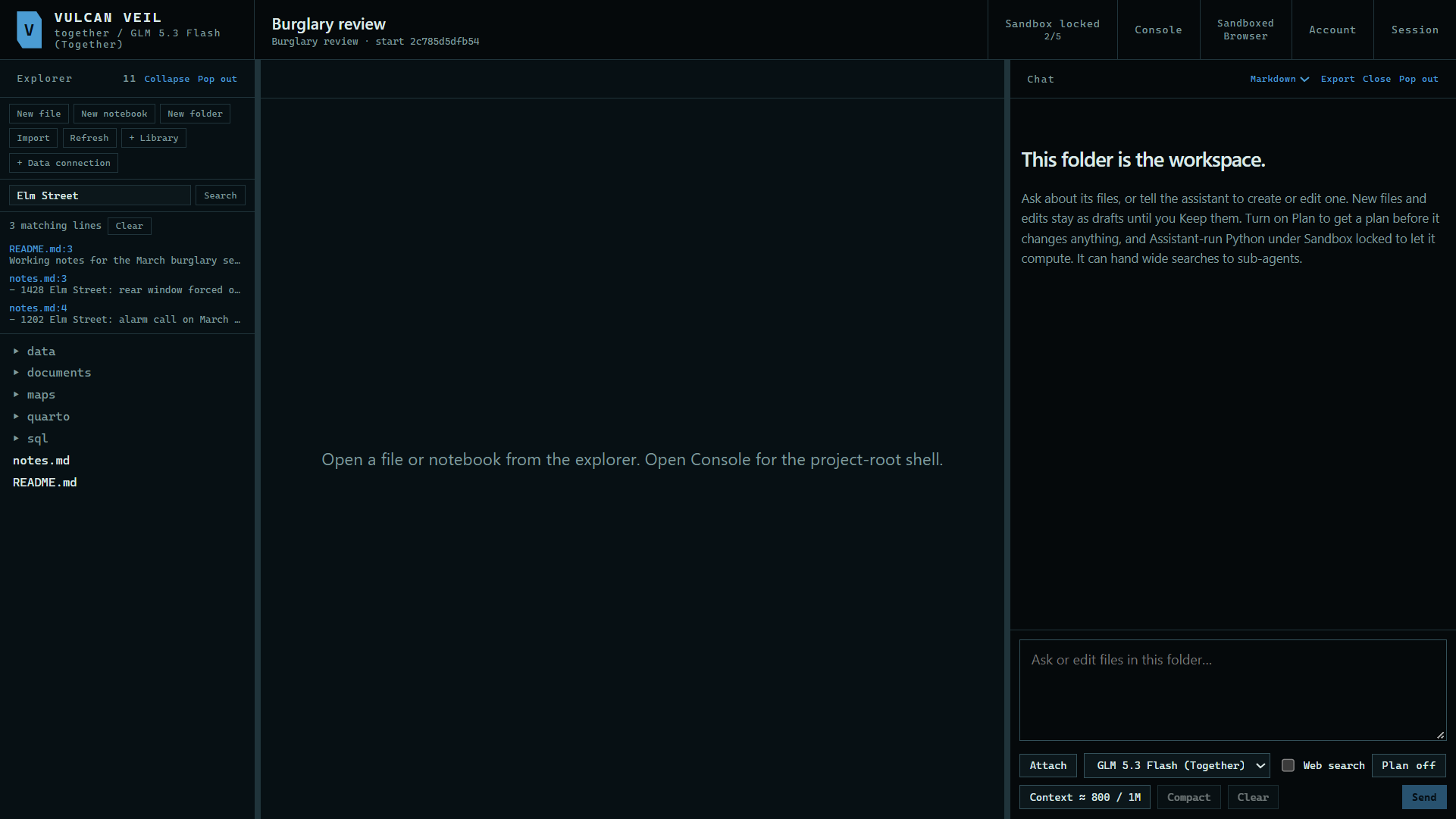
Type in Search text in files and press Search. Each result shows the file and the line.
 Expand
3. Open a result
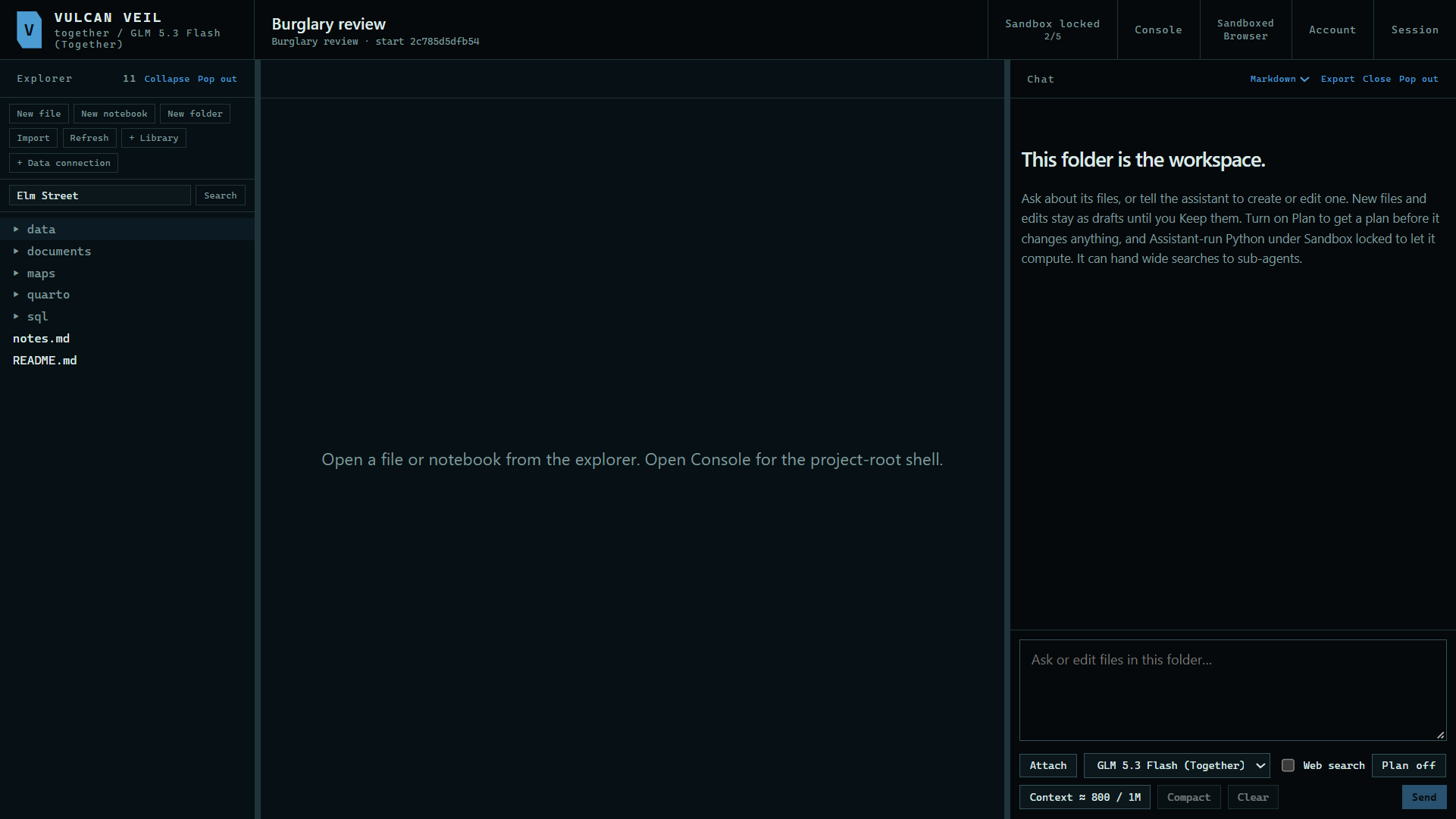
Press a result to open that file.
 Expand
4. Make room
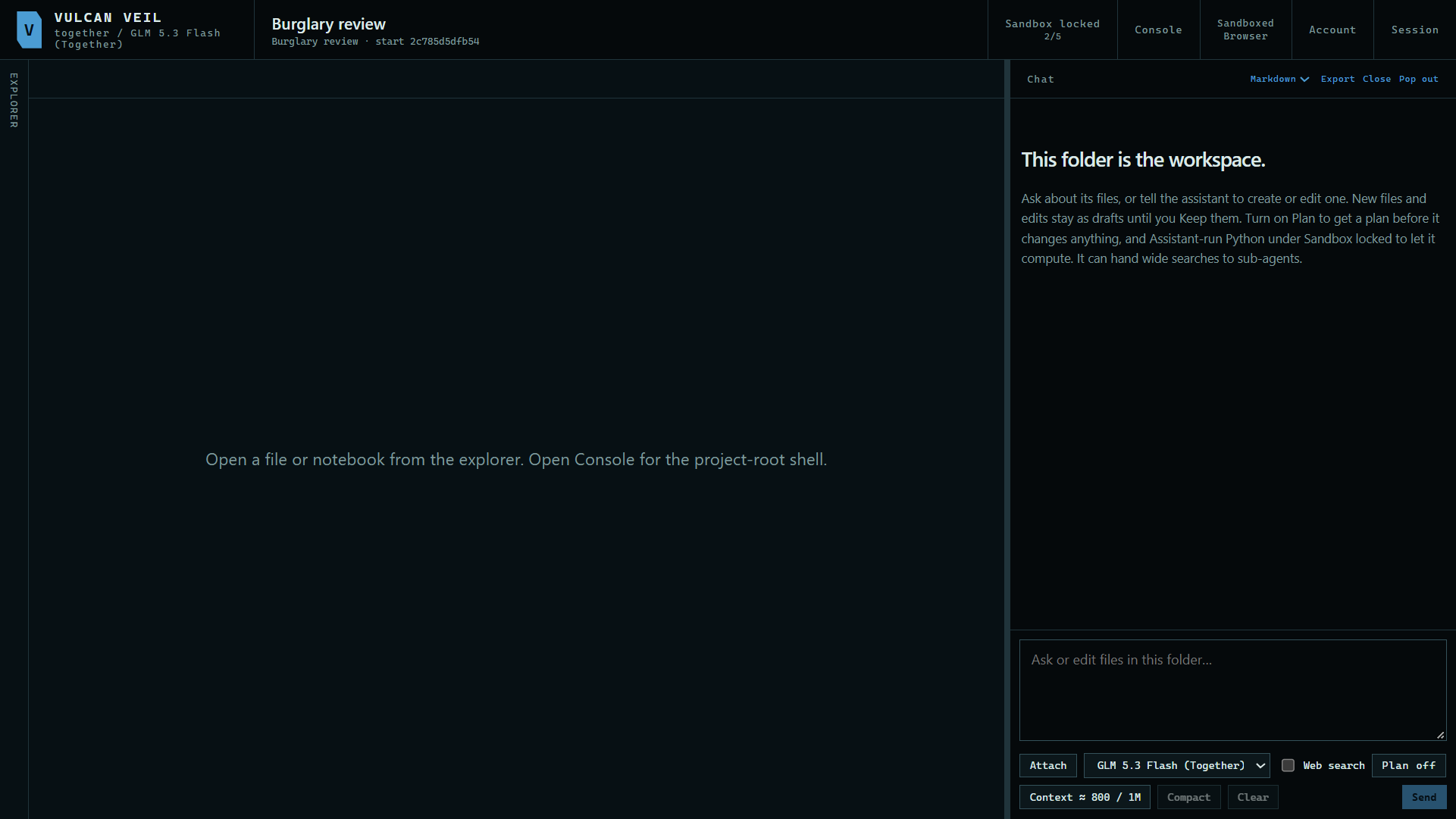
Press Collapse to fold the Explorer away. Pop out moves it to a window of its own, which helps on a second monitor.
 Expand
Good to know
- The chat panel has its own Pop out too, and you can dock it back when you are done.