Skills
A skill is a guide on how to do one kind of work, such as crime analysis or making graphs. The assistant sees each skill's name and when to use it, and reads the whole skill only when your request fits. You do not pick them. The app comes with its own, and you can write yours.
1. See the skills
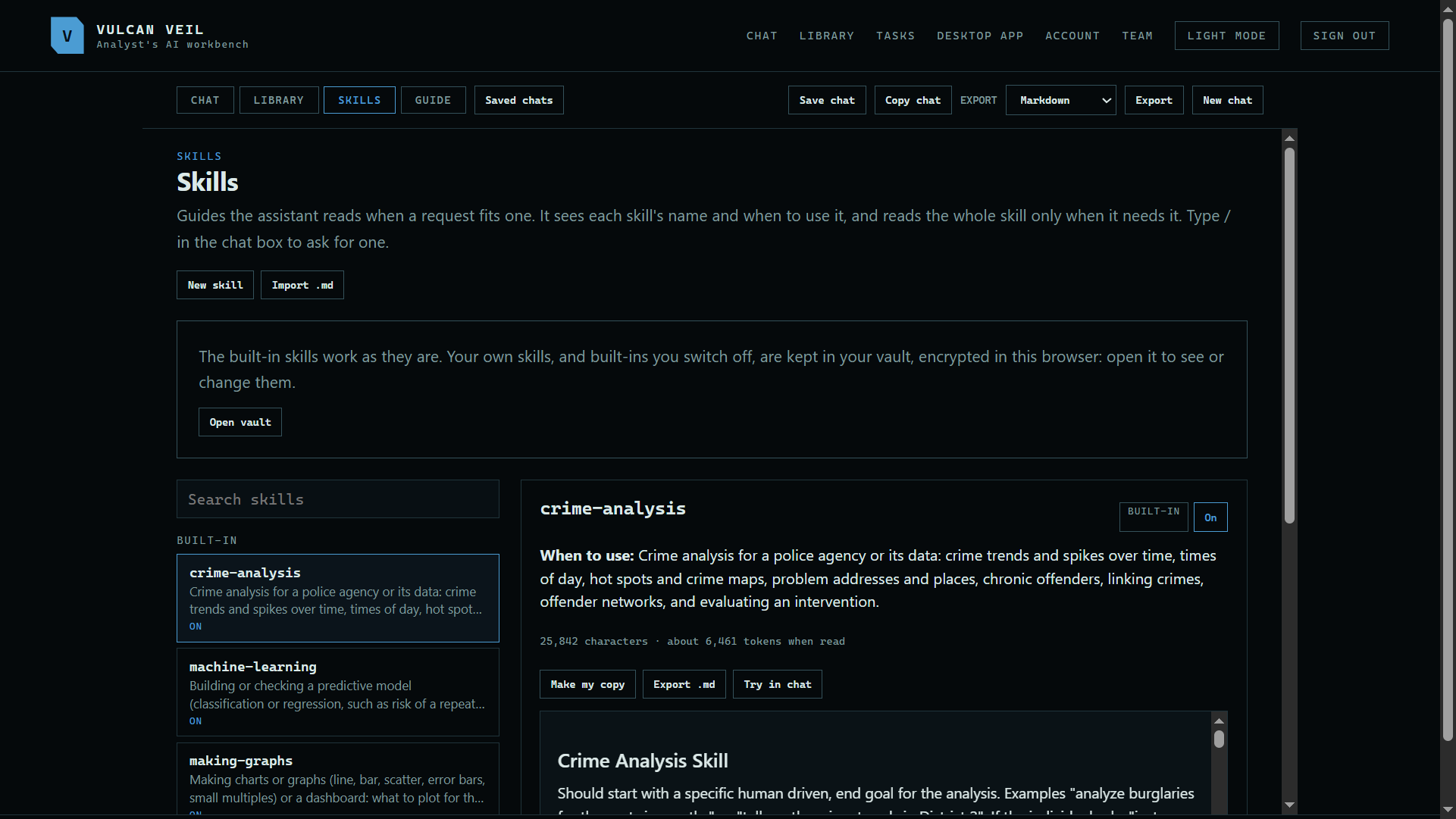
Open the Skills tab above the chat. Each skill says when to use it, and its whole text is below. Switch one off and the assistant is not told about it.
 Expand
2. Ask as you would
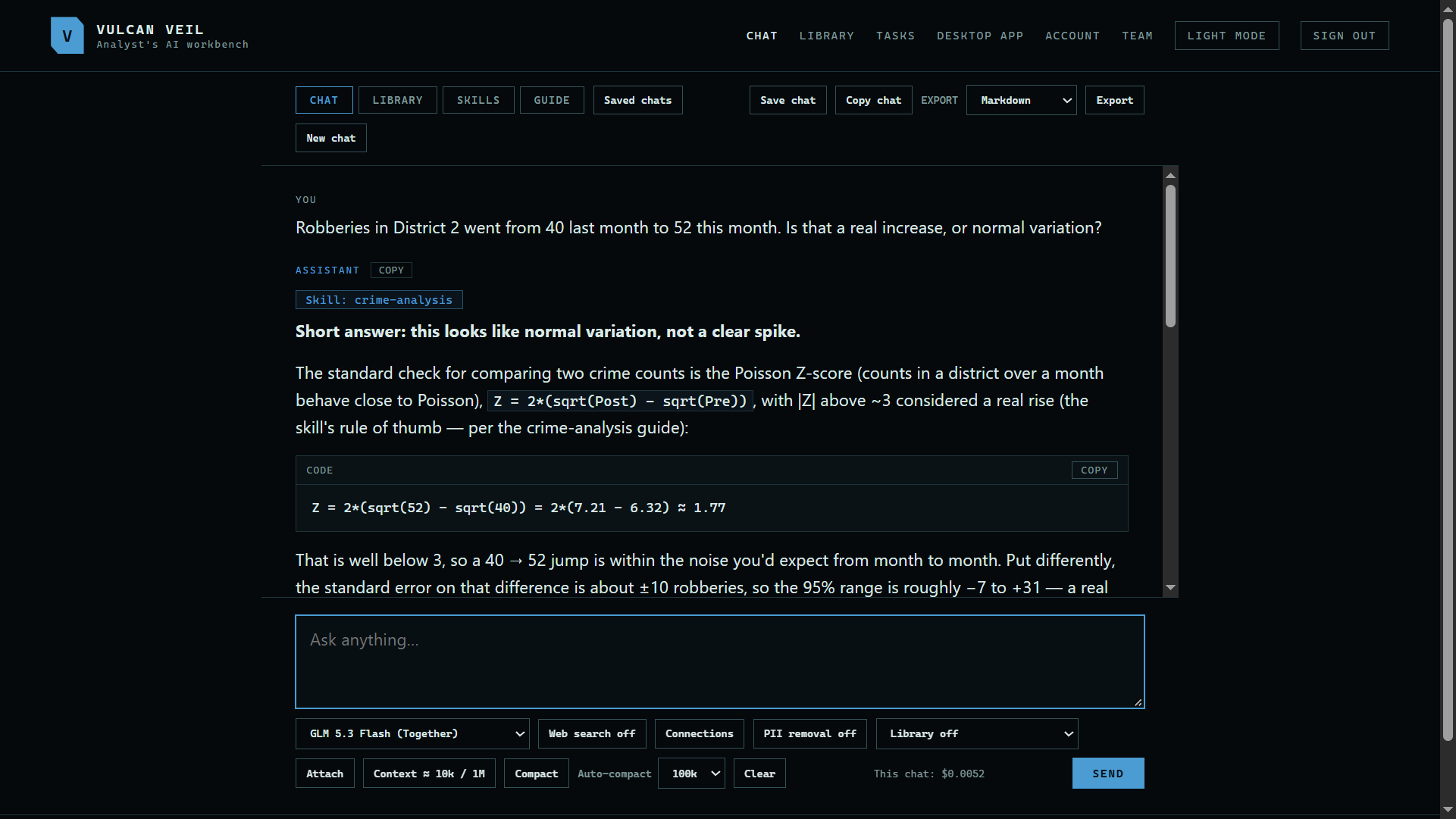
Here the question is: "Robberies in District 2 went from 40 last month to 52 this month. Is that a real increase, or normal variation?" It fits the crime analysis skill, so the assistant reads it first. The answer shows a chip for each skill it read; click one to open the skill. This one follows the skill's Poisson test for two counts.
 Expand
3. Ask for one by name
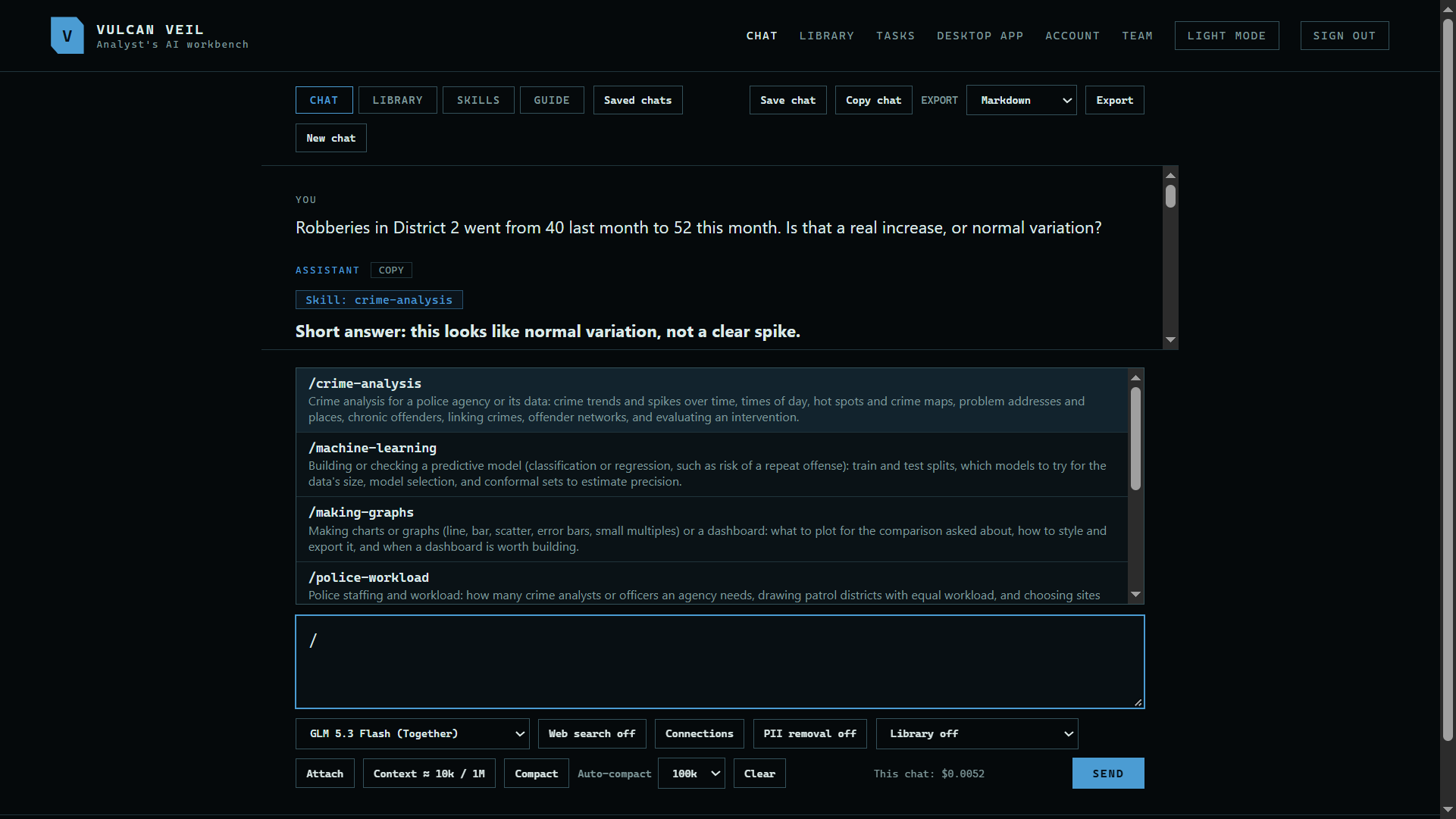
Type / at the start of the message box to list the skills, and choose one. A message that starts with /crime-analysis asks the assistant to read that skill.
 Expand
4. Write your own
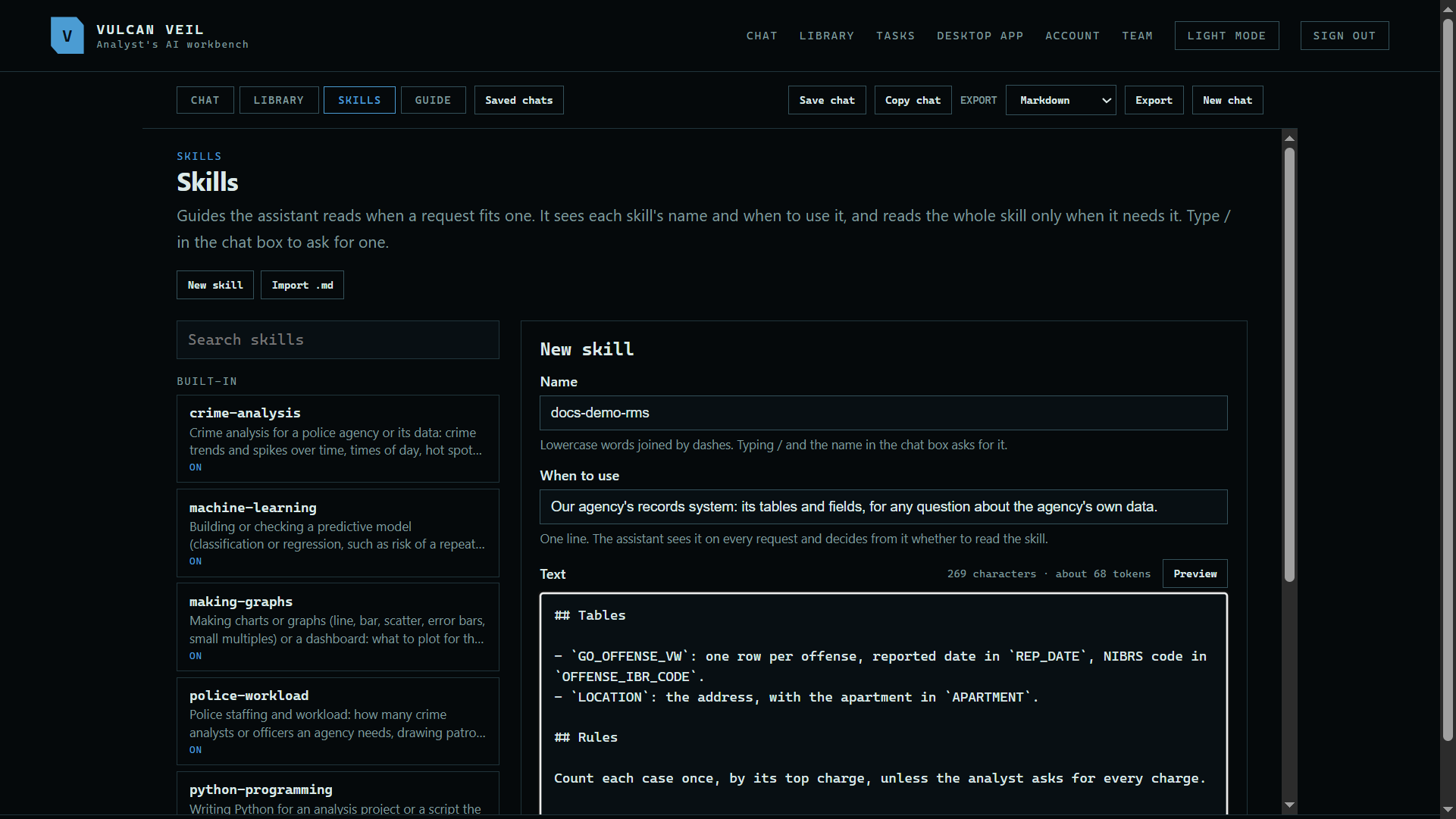
Press New skill on the Skills tab. Give it a name, one line on when to use it, and the text. Your skills are kept in your vault, so the tab asks for your vault passphrase first. Make my copy on a built-in skill makes one of yours from it, to change.
 Expand
Good to know
- The assistant reads a skill's text only when it uses it, so having many skills costs little: each adds one line to every message.
- Export .md saves a skill as a file. Import .md adds one, from the website or the desktop app, and shows its text before you save it.
- Your own skills are sent with your messages for the assistant to read, and are not kept on our server. They are saved only in your encrypted vault.
- The vault page explains the passphrase.