Watching public accounts
Some accounts are worth a look every day. The watch list checks public accounts for new posts without signing in, keeps each check as a protected record in the project, and can hand the new posts to the assistant with what you want it to look for.
1. Open the watch list
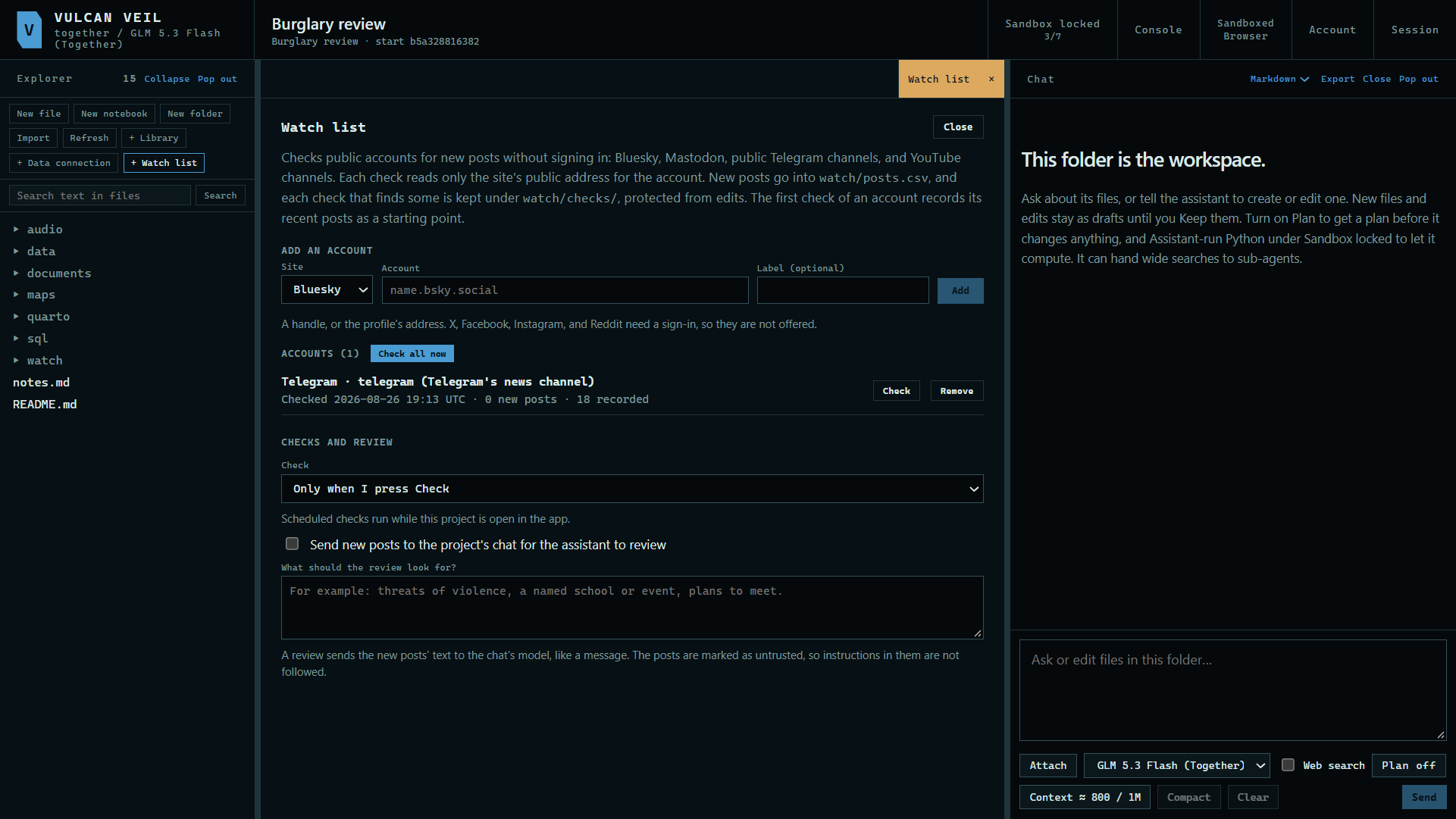
In the project's Explorer, press + Watch list. It shows the accounts the project watches and when each was last checked.
 Expand
2. Add an account
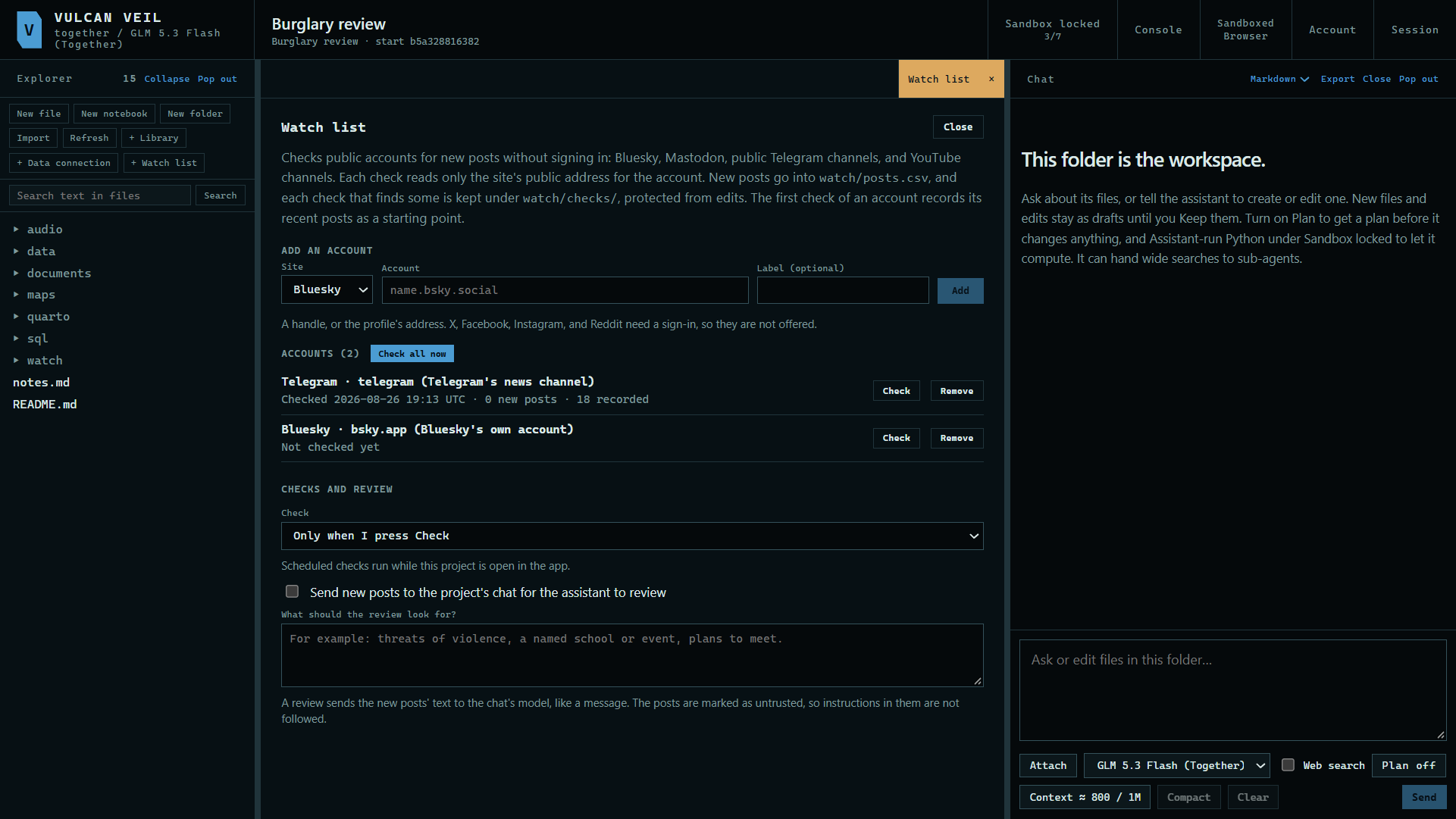
Choose the site and type the account: a Bluesky handle, @name@server for Mastodon, a public Telegram channel's name, or a YouTube @handle. A profile's address works too. Press Add.
 Expand
3. Say what the review looks for
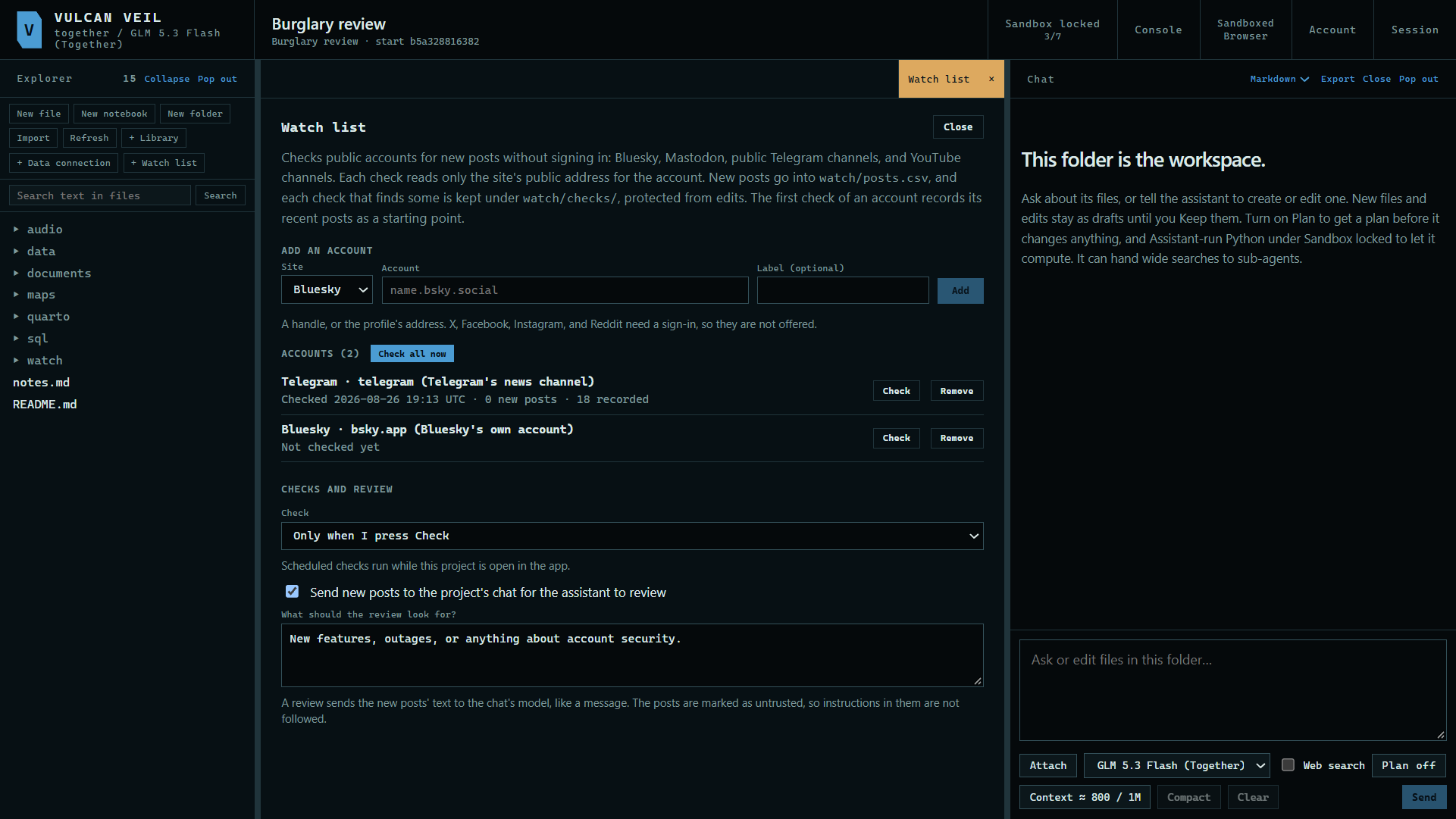
Under Checks and review, choose how often to check, tick Send new posts to the project's chat, and write what the assistant should look for.
 Expand
4. Check
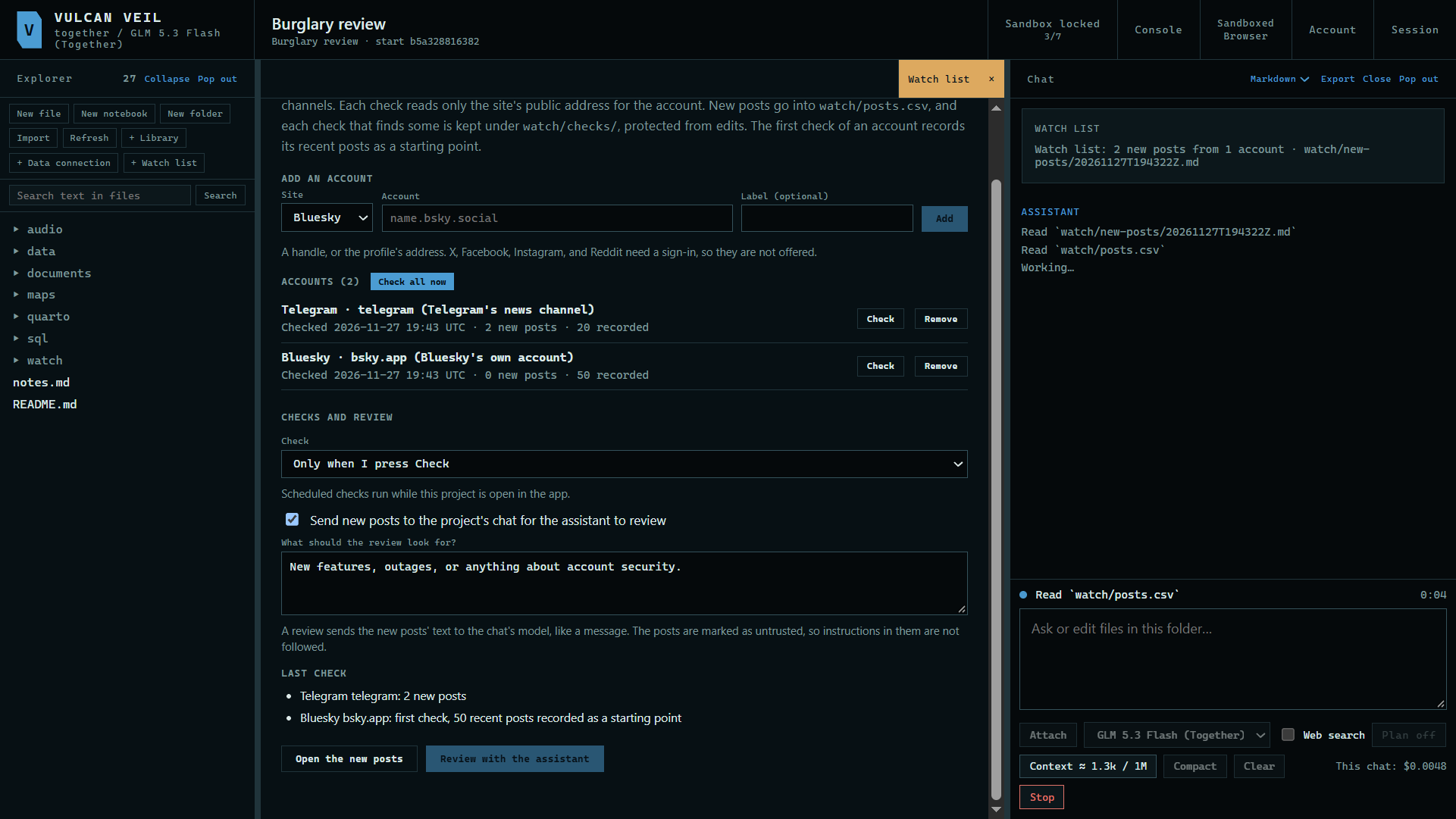
Press Check all now, or Check beside one account. The first check of an account records its recent posts as a starting point; later checks name only what is new.
 Expand
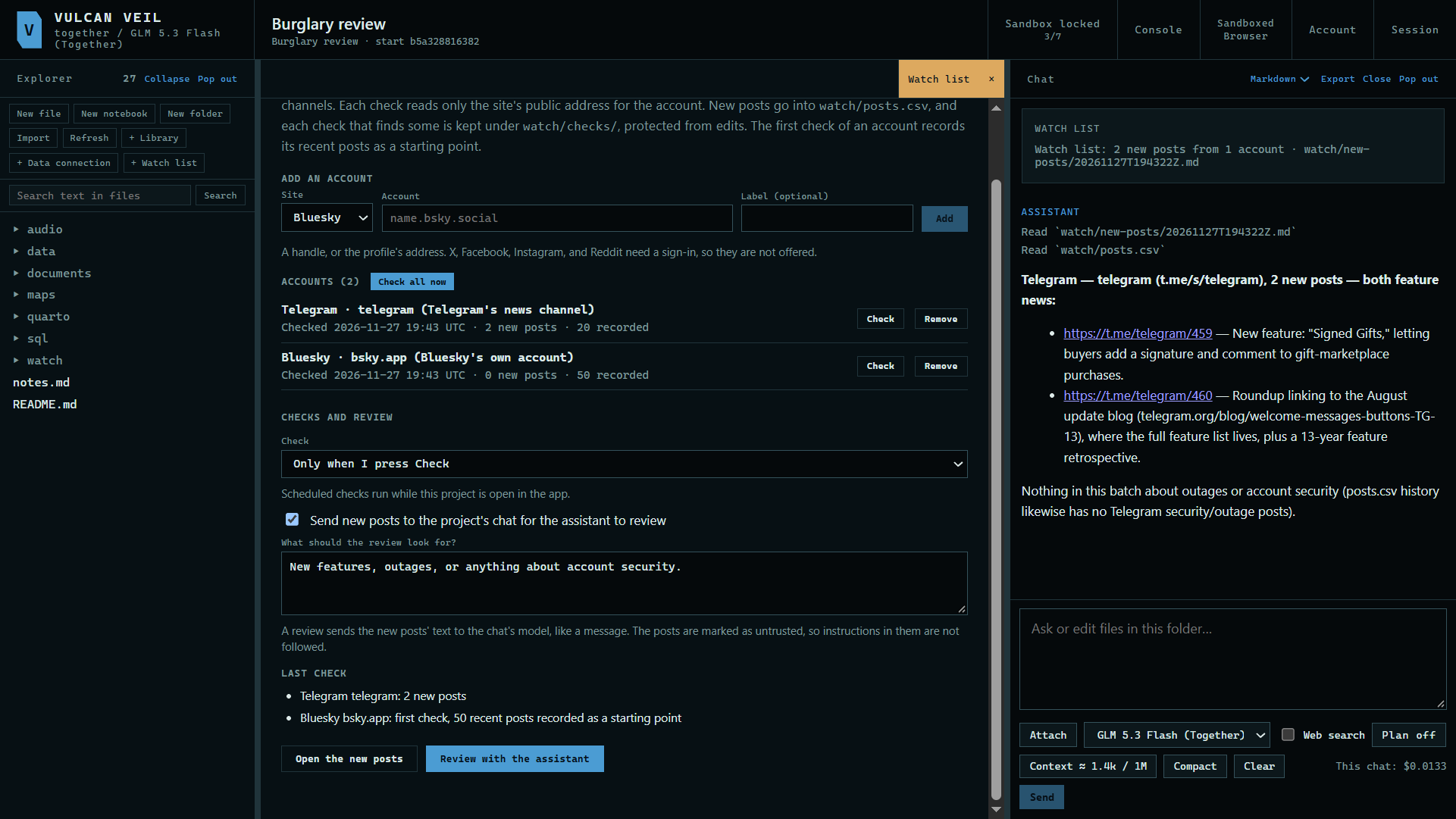
5. Read the review
The new posts go to the project's chat as one message, and the assistant says which match what you asked for, with each post's link.
 Expand
Good to know
- A check reads the site's public address for the account and nothing else: no sign-in, cookies, or browser. X, Facebook, Instagram, and Reddit need a sign-in, so they are not offered.
- Every post goes into
watch/posts.csv. Each check that finds posts is kept underwatch/checks/with the site's answer,posts.json, a manifest, and SHA-256 sums, protected from edits. - Scheduled checks run while the project is open in the app.
- A review sends the new posts' text to the chat's model, marked as untrusted, so instructions in a post are not followed.